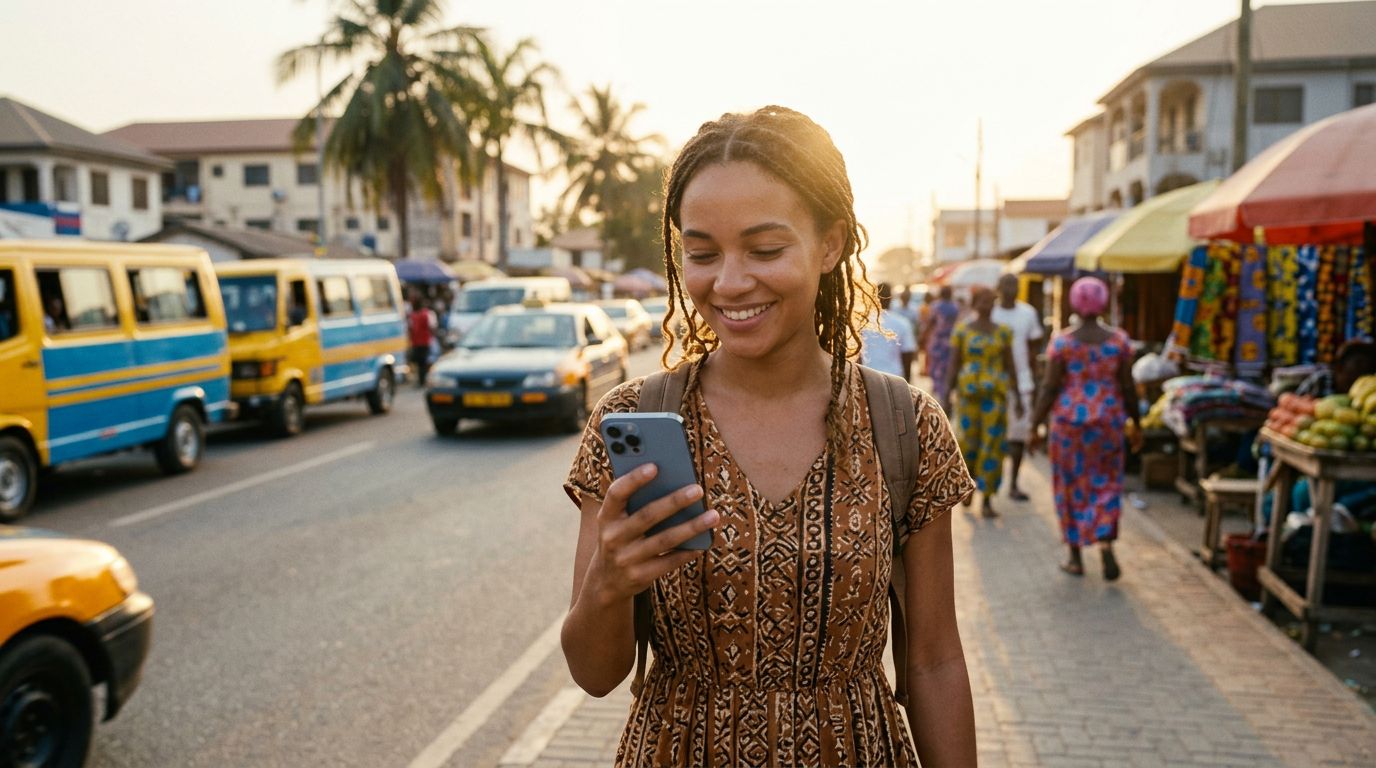
The Evolution of Connectivity in Ghana
Ghana is rapidly becoming a premier destination for travelers looking to experience the vibrant culture of West Africa. From the bustling markets of Accra to the historic coastal forts of Cape Coast and the lush canopy walkways of Kakum National Park, the country offers a unique blend of history and natural beauty. As tourism and business travel to the region increase, the demand for reliable mobile data has grown alongside it.
For many years, travelers relied on physical SIM cards, which often meant standing in long queues at airport kiosks, fumbling with tiny plastic chips, and worrying about losing their original home SIM card. Fortunately, the landscape of mobile technology has shifted. The introduction of eSIM technology has simplified how international visitors stay connected. If you are planning a trip to this part of the world, you might find yourself asking: does eSIM work in Ghana?
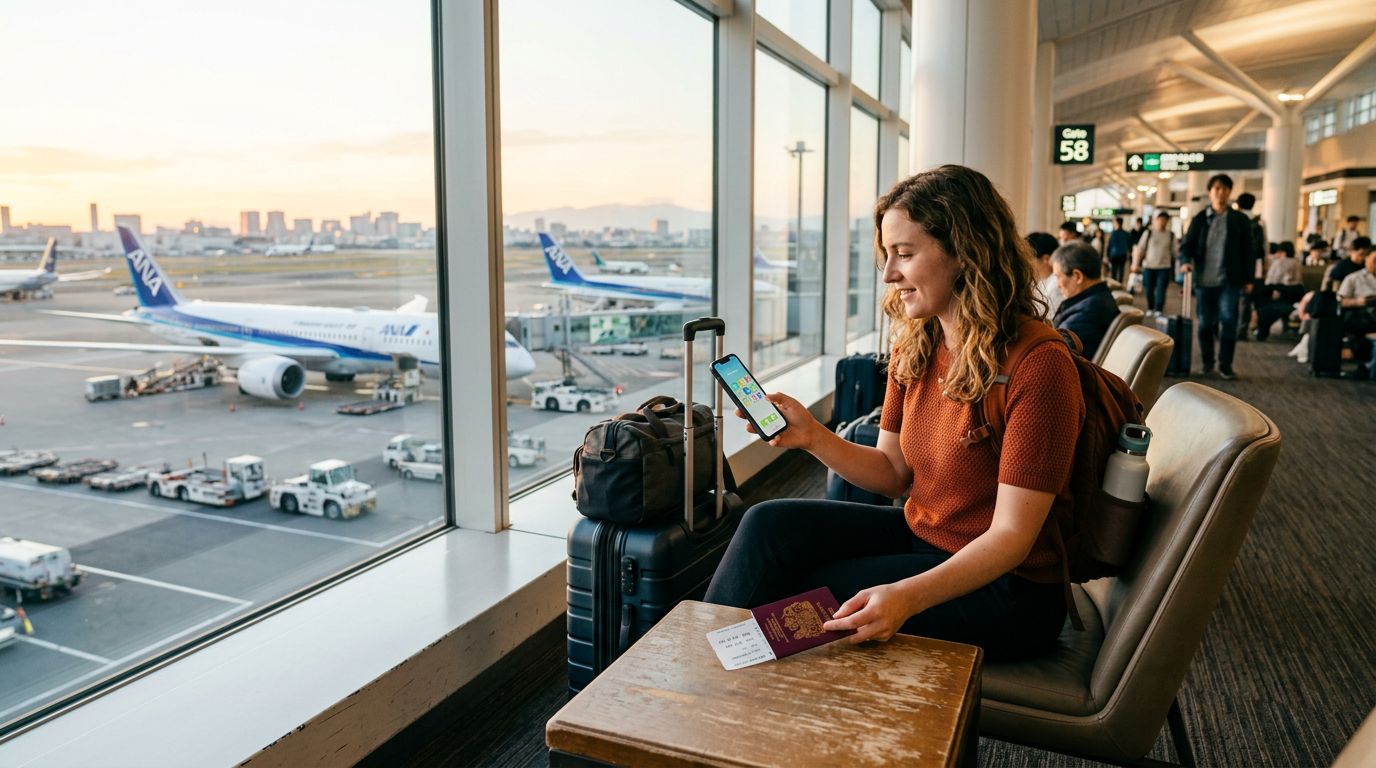
The answer is a resounding yes. eSIM technology is fully supported in Ghana, and the major local telecommunications providers have integrated this standard into their networks. By opting for an eSIM, you can bypass the traditional logistical headaches of arriving in a new country. Instead of hunting for a shop, you can activate your data plan before your plane even touches down at Kotoka International Airport. OneTapSIM offers a seamless way to manage this process, ensuring that your phone is ready to navigate, translate, and share your journey from the moment you arrive.
Why Choose an eSIM for Your Ghanaian Adventure
The primary advantage of using an eSIM in Ghana is the sheer convenience of digital activation. Unlike physical SIM cards, which require a mechanical swap, an eSIM is a virtual profile downloaded directly to your device’s internal chip. This means you do not need to open your phone’s SIM tray or risk dropping a tiny card in the back of a taxi.
Furthermore, an eSIM allows you to maintain your home phone number for essential SMS messages or calls while using a separate data plan for your internet needs. Most modern smartphones support "Dual SIM" functionality, where the eSIM acts as your data source while your physical SIM remains active for incoming calls from home. This is particularly useful for travelers who need to stay reachable by their bank or family while navigating the streets of Kumasi or searching for the best local restaurants.
Security is another significant factor. Physical cards can be lost, stolen, or damaged. Because an eSIM is embedded in your phone's hardware, it cannot be physically misplaced. If your phone is lost, your connection remains tied to your device, and managing your plan via a digital interface like the one provided by OneTapSIM is significantly more secure than dealing with third-party vendors on the street.
Additionally, the environmental impact of physical plastic cards is non-negligible. By choosing a digital-only solution, you are reducing the demand for plastic manufacturing and shipping, making your travel habits slightly more sustainable. Whether you are a solo backpacker or a business professional, the efficiency of a digital eSIM ensures you spend less time managing your device and more time enjoying the hospitality for which Ghana is world-renowned.
How to Get Started with Your eSIM
Before you embark on your trip, there are a few technical requirements to verify. First, ensure that your smartphone is carrier-unlocked. If you purchased your phone through a mobile carrier on a long-term contract, it may be locked to that specific network. You can usually check this in your phone's settings or by contacting your home carrier. If the device is locked, it will not be able to accept an eSIM from a different provider.
Second, verify that your specific device model supports eSIM technology. Most flagship smartphones released in the last few years are compatible. You can verify your device's compatibility by checking the official support pages for your manufacturer, such as the resources provided by Apple or Google.
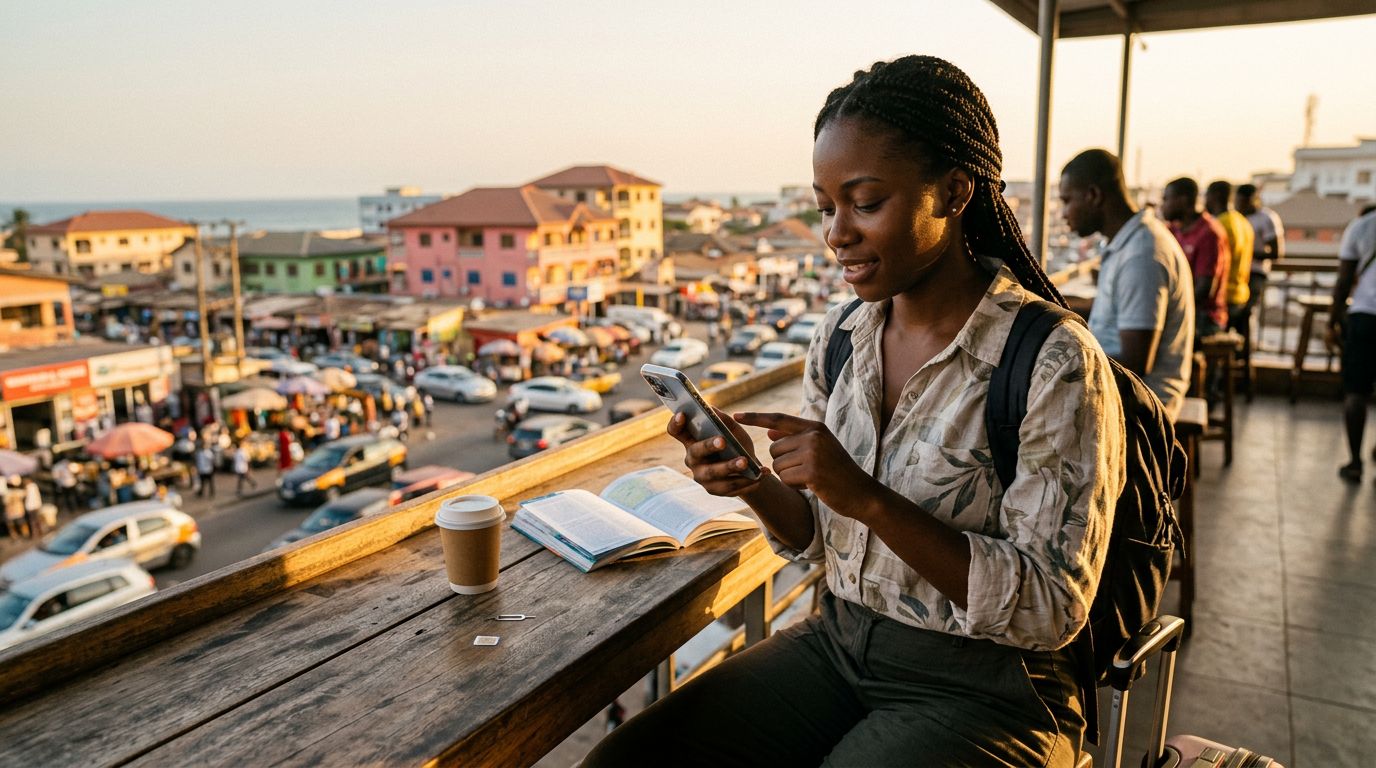
Once you have confirmed that your device is ready, the process of setting up your connection is straightforward. With OneTapSIM, you typically receive a QR code or an activation link after selecting your plan. You simply navigate to your phone’s cellular settings, select the option to add an eSIM, and scan the provided code. The profile will download, and you will be able to toggle your data roaming on for that specific line.
It is highly recommended to complete the installation process while you are still in your home country or in a location with a stable Wi-Fi connection. This ensures that the initial handshake between your phone and the network occurs without interruption. Once you land in Ghana, your phone will automatically detect the local network partners, and you will have immediate access to data.
If you encounter any issues during the setup, the digital nature of the service allows for quick troubleshooting. Because there is no physical hardware to diagnose, support teams can often identify configuration errors remotely. This reliability is essential when you are in a foreign country where you might not speak the local language fluently or know where to find a service center.
By preparing your digital connectivity in advance, you remove one of the most stressful variables of international travel. You can use your maps to find your hotel, use ride-sharing apps to move around safely, and stay in touch with your travel companions without ever needing to worry about finding a local store or managing physical currency for a SIM card. Embracing this technology allows you to focus on the sights, sounds, and experiences that make Ghana such a remarkable destination.
Get an eSIM for
Plans for the destinations covered in this guide, with instant QR delivery.