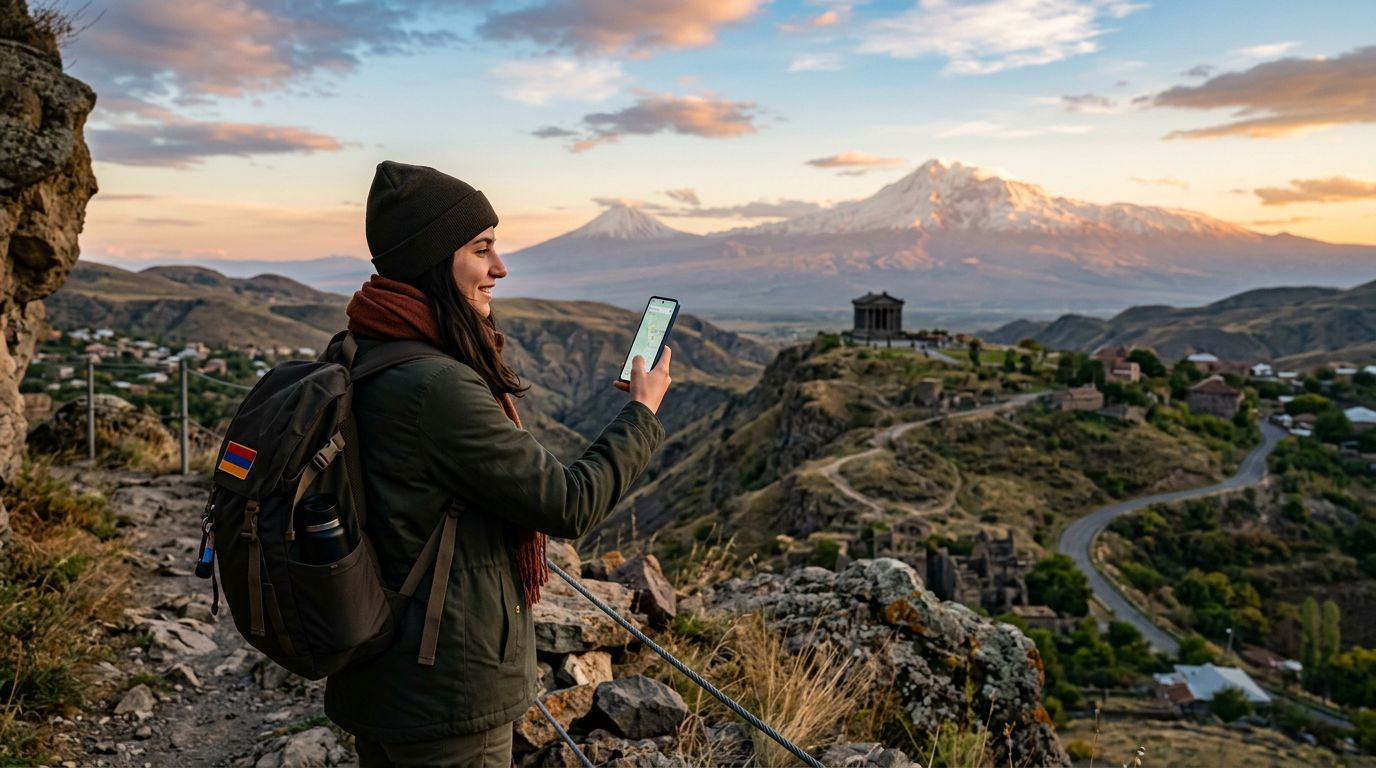
Connectivity in Armenia: The eSIM Advantage
Armenia is a land of stunning mountain landscapes, ancient monasteries, and a vibrant capital city, Yerevan. As you plan your trip to this historic destination, ensuring you have reliable internet access is essential. Whether you are using GPS to find your way through the winding streets of the Dilijan National Park or uploading photos of the Garni Temple, staying connected is a priority for most modern travelers.
Many visitors ask: does eSIM work in Armenia? The answer is a resounding yes. eSIM technology has become the standard for international travelers, replacing the need for physical plastic cards that are easily lost or damaged. By using an eSIM, you can activate a local data plan directly on your device before you even step off the plane at Zvartnots International Airport.
OneTapSIM provides a seamless way to handle this transition. Instead of hunting for a local kiosk or dealing with language barriers at a mobile provider’s office, you can manage your connectivity digitally. This approach allows you to keep your primary phone number active for calls or texts from home while dedicating your eSIM to high-speed data usage. It is a practical solution for those who want to avoid roaming fees while maintaining the convenience of their own smartphone.
How to Check if Your Device is eSIM Compatible
Before you commit to an eSIM plan for your Armenian adventure, you must ensure your smartphone supports this technology. Most flagship devices released in the last few years are compatible, but it is always wise to verify your specific model.
Generally, if you own a recent iPhone or a high-end Android device, you are likely covered. To check your iPhone, you can visit the official support pages provided by Apple to see a list of compatible models. For Android users, the settings menu usually contains a section under "Network & Internet" or "Connections" where you can see if an "Add eSIM" or "SIM Manager" option exists.
If your phone is carrier-locked, you may encounter issues. An eSIM requires an unlocked device to function with a provider other than your home carrier. If you are unsure about your device's status, contact your home network provider before your departure. Once you have confirmed compatibility, setting up your OneTapSIM profile is a straightforward process that involves scanning a QR code or entering details manually. This preparation ensures that as soon as you land in Yerevan, you can switch your data settings to your new plan and start exploring without delay.
Benefits of Using OneTapSIM in Armenia
Choosing an eSIM for your travels offers several distinct advantages over traditional roaming or physical SIM cards. One of the most significant benefits is the freedom from physical hardware. You do not need to open your phone’s SIM tray, remove your home card, or worry about keeping track of a tiny piece of plastic that could easily fall out of your wallet.
Another major advantage is the ability to manage your data usage efficiently. With OneTapSIM, you can select a plan that fits your specific needs for the duration of your stay. Because the activation happens over the air, you are not tethered to the operating hours of local mobile shops. If you arrive in Armenia late at night or on a public holiday, you will not be left without connectivity.
Furthermore, using a dedicated data eSIM helps you avoid the "bill shock" that often comes with international roaming. Many home carriers charge significant daily fees for roaming, which can add up quickly during a week-long trip. By opting for a prepaid eSIM, you pay for your data upfront. This gives you complete control over your travel budget.
In Armenia, coverage is generally excellent in urban centers like Yerevan, Gyumri, and Vanadzor. While remote mountain regions may have varying signal strengths regardless of the provider, having a reliable eSIM ensures that you have the best possible chance of staying connected wherever the infrastructure allows. By utilizing a service like OneTapSIM, you gain the peace of mind that comes with knowing your maps, translation apps, and social media will function reliably throughout your journey.
Tips for a Smooth Connectivity Experience
To ensure your trip to Armenia is as smooth as possible, follow these best practices for using your eSIM. First, install your eSIM profile while you are still at home or in a location with a stable Wi-Fi connection. While you do not need to activate the plan until you arrive, having the profile already downloaded on your device saves you from needing to find a Wi-Fi hotspot the moment you land.
Second, manage your data settings carefully. Most modern smartphones allow you to choose which SIM is used for "Cellular Data." Make sure to toggle this setting to your eSIM once you arrive in Armenia. You can keep your primary SIM active for calls and SMS if you need to receive important messages from home, but ensure that data roaming is turned off for that primary SIM to prevent accidental charges.
Third, keep an eye on your data consumption. While many plans offer generous amounts of data, streaming high-definition video or downloading large files can deplete your allowance faster than expected. Use Wi-Fi at your hotel or in cafes whenever possible to preserve your mobile data for navigation and essential communication.
Finally, remember that your eSIM is a digital product. If you encounter any technical difficulties, the support resources provided by your eSIM provider are your best point of contact. OneTapSIM is designed to be user-friendly, but having the support documentation handy can help you troubleshoot minor configuration issues quickly. By following these simple steps, you can focus on the beauty of Armenia—from the depths of the Geghard Monastery to the heights of Mount Aragats—without worrying about your internet connection. With the right preparation, your phone becomes a powerful tool that enhances your travel experience rather than a source of stress.
Get an eSIM for
Plans for the destinations covered in this guide, with instant QR delivery.