Why eSIM is the Best Choice for Your Kenyan Adventure
Kenya is a land of incredible contrasts, from the bustling urban energy of Nairobi to the vast, golden plains of the Maasai Mara. Whether you are planning to track the Great Migration, relax on the pristine beaches of Diani, or conduct business in the capital, staying connected is essential. For many years, travelers relied on physical SIM cards, which often required finding a local shop, waiting in queues, and dealing with tiny, fragile plastic cards that are easy to lose.
The modern alternative is the eSIM, or embedded SIM. This technology replaces the physical card with a digital profile that lives directly on your smartphone’s hardware. For tourists, this means you can arrange your connectivity before you even board your flight. By activating an eSIM, you avoid the hassle of swapping cards at the airport or worrying about roaming charges from your home carrier.
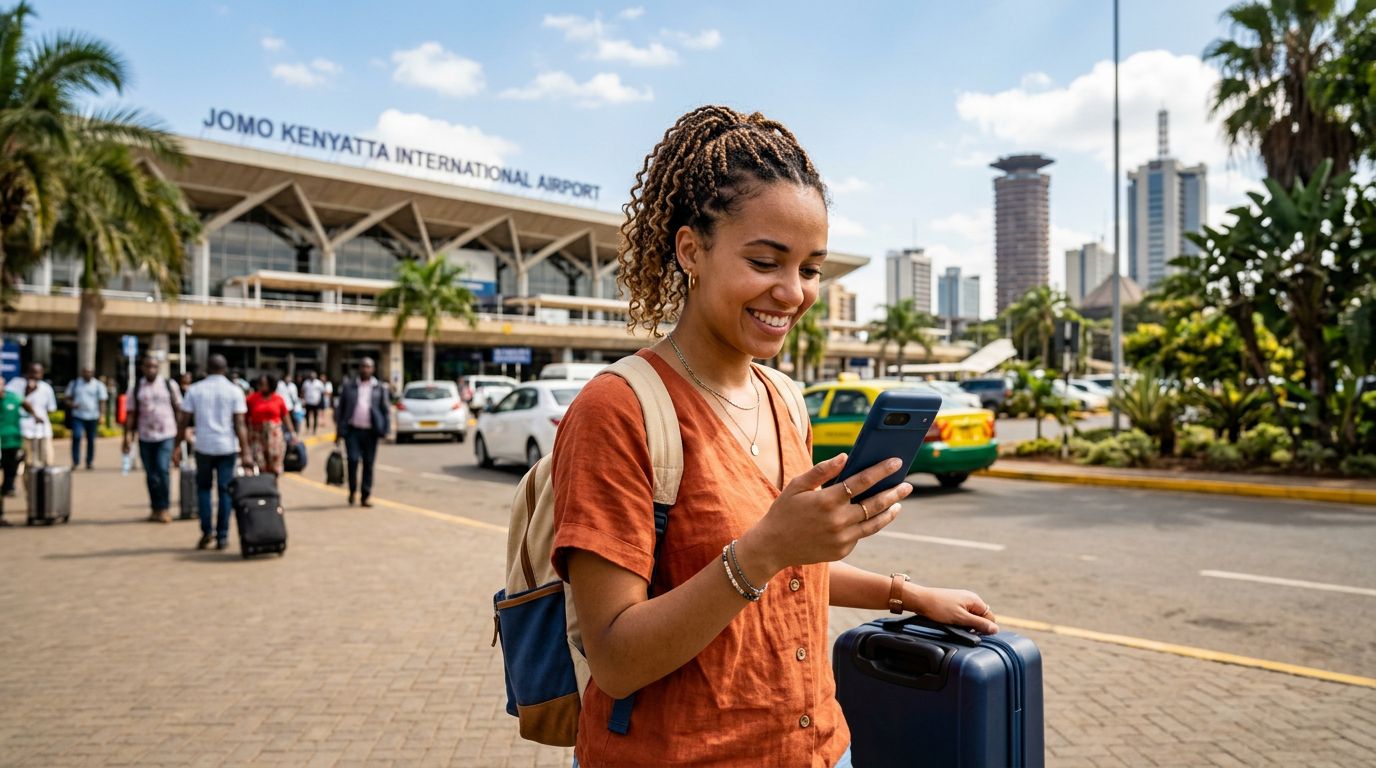
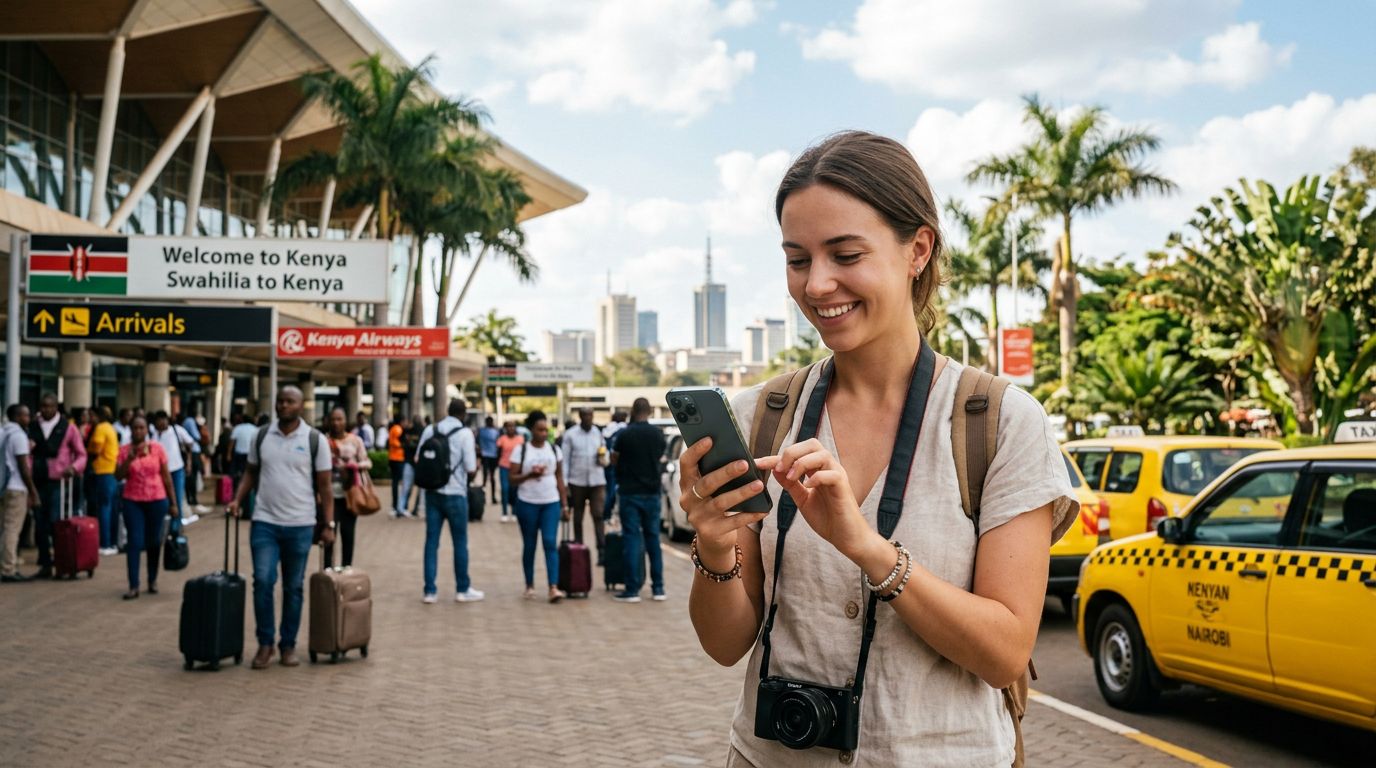
OneTapSIM offers a streamlined way to manage your mobile data needs while exploring the region. Because the process is entirely digital, you do not need to visit a kiosk or provide your passport details to a local vendor upon arrival. Once you land at Jomo Kenyatta International Airport or enter the country via land, your device can connect to the local network almost instantly. This convenience allows you to focus on your itinerary, whether that involves navigating via GPS, sharing photos of wildlife, or staying in touch with family back home.
Preparing Your Device Before You Travel
Before you begin the process of activating an eSIM in Kenya for tourists, you must ensure your smartphone is compatible and ready for the switch. Not every phone supports eSIM technology, though most modern devices released in the last few years do.
First, check if your phone is carrier-unlocked. Many mobile devices purchased through a service provider are locked to that specific network. If your phone is locked, it will not accept an eSIM from a different provider, even if the device is technically compatible. You can usually verify this in your phone’s settings menu or by contacting your home carrier. If your device is locked, you will need to request an unlock before you travel.
Second, verify that your device supports eSIM. You can check the manufacturer’s official support pages to confirm if your specific model is eSIM-capable. Generally, most flagship phones from major manufacturers launched after 2018 have this feature.
Finally, ensure your device has a stable internet connection while you are setting up your eSIM. While the eSIM itself provides data once active, the initial download of the eSIM profile requires a Wi-Fi connection. It is highly recommended to complete the installation process while you are still at home or at your hotel before you head out for your first safari or city tour. By setting everything up in advance, you ensure that your transition to local data is seamless the moment your plane touches down.
Activating Your eSIM in Kenya: A Simple Guide for Tourists
The actual activation process is designed to be user-friendly, regardless of your technical expertise. Once you have purchased your plan through a provider like OneTapSIM, you will typically receive a QR code or a set of manual installation instructions via email.
On an iPhone, you will navigate to your settings, select cellular or mobile data, and choose the option to add an eSIM. You can then scan the QR code provided. Once scanned, your phone will prompt you to label the new connection—calling it "Kenya" or "Travel" makes it easier to manage when you have multiple SIMs installed. You can then choose which SIM to use for mobile data.
On an Android device, the process is similar. You will go to your network or connections settings, find the SIM card manager, and select the option to add an eSIM. Again, you will scan the QR code provided by your service provider. The system will guide you through the final steps, which usually involve confirming the activation of the new profile.
When you arrive in Kenya, ensure that data roaming is turned on for your eSIM profile. This does not mean you are incurring international roaming charges from your home carrier; rather, it allows the eSIM to communicate with the local Kenyan network towers. You should also ensure that your primary home SIM is set to "off" or "voice only" to prevent your home carrier from attempting to use data, which could lead to unexpected charges.
OneTapSIM provides clear documentation to assist with these steps, ensuring that if you encounter any minor configuration issues, you have a reference point. Once the profile is active and your data roaming is enabled, your phone should automatically detect the local network. You will see signal bars appear at the top of your screen, indicating that you are ready to browse, use maps, and stay connected throughout your stay.
By following these steps, you eliminate the stress of searching for a reliable connection in a foreign country. You can enjoy your trip with the confidence that your communication needs are handled, allowing you to capture every moment of your Kenyan experience without interruption. Whether you are deep in the bush or in the heart of the city, having a reliable eSIM ensures you remain connected to the world while you explore the beauty of East Africa.
Get an eSIM for
Plans for the destinations covered in this guide, with instant QR delivery.