Why Dual SIM is Essential for Your Trip to Ghana
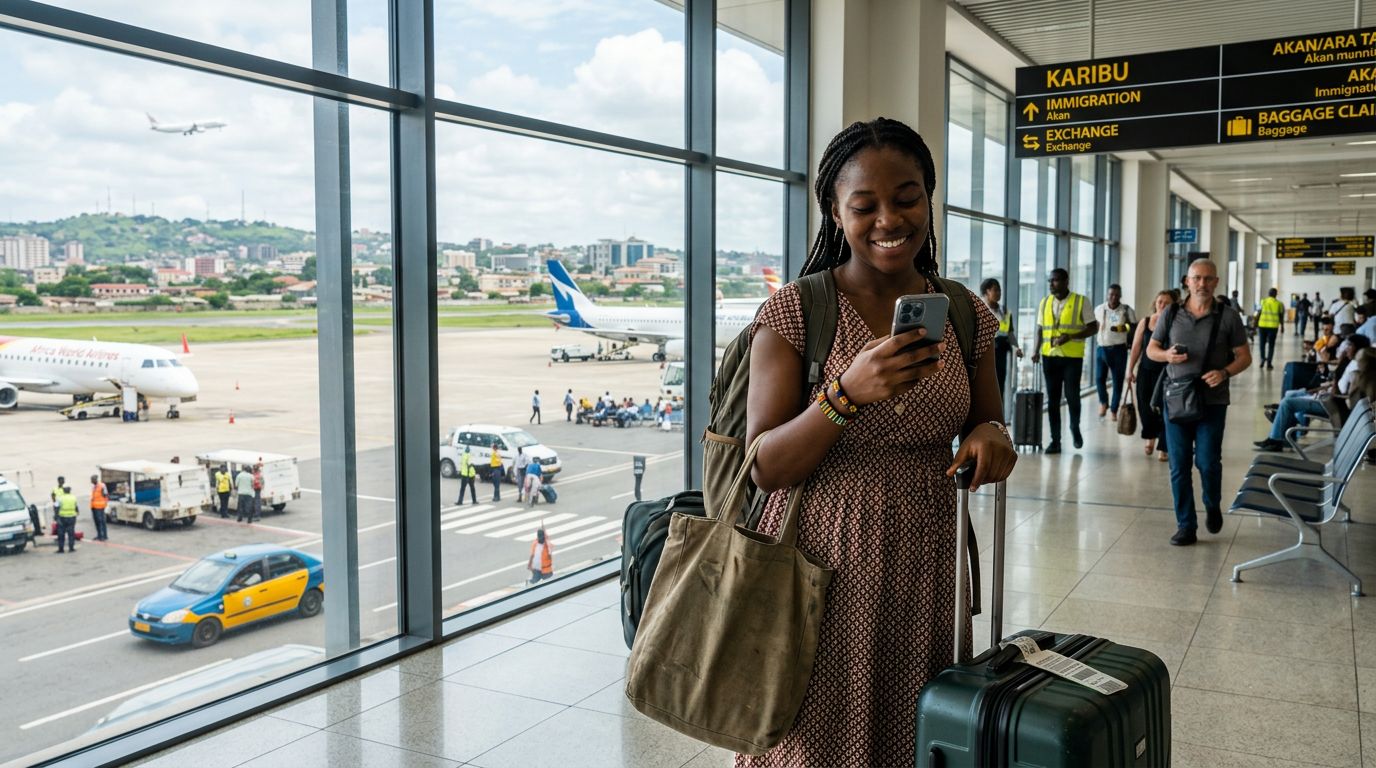
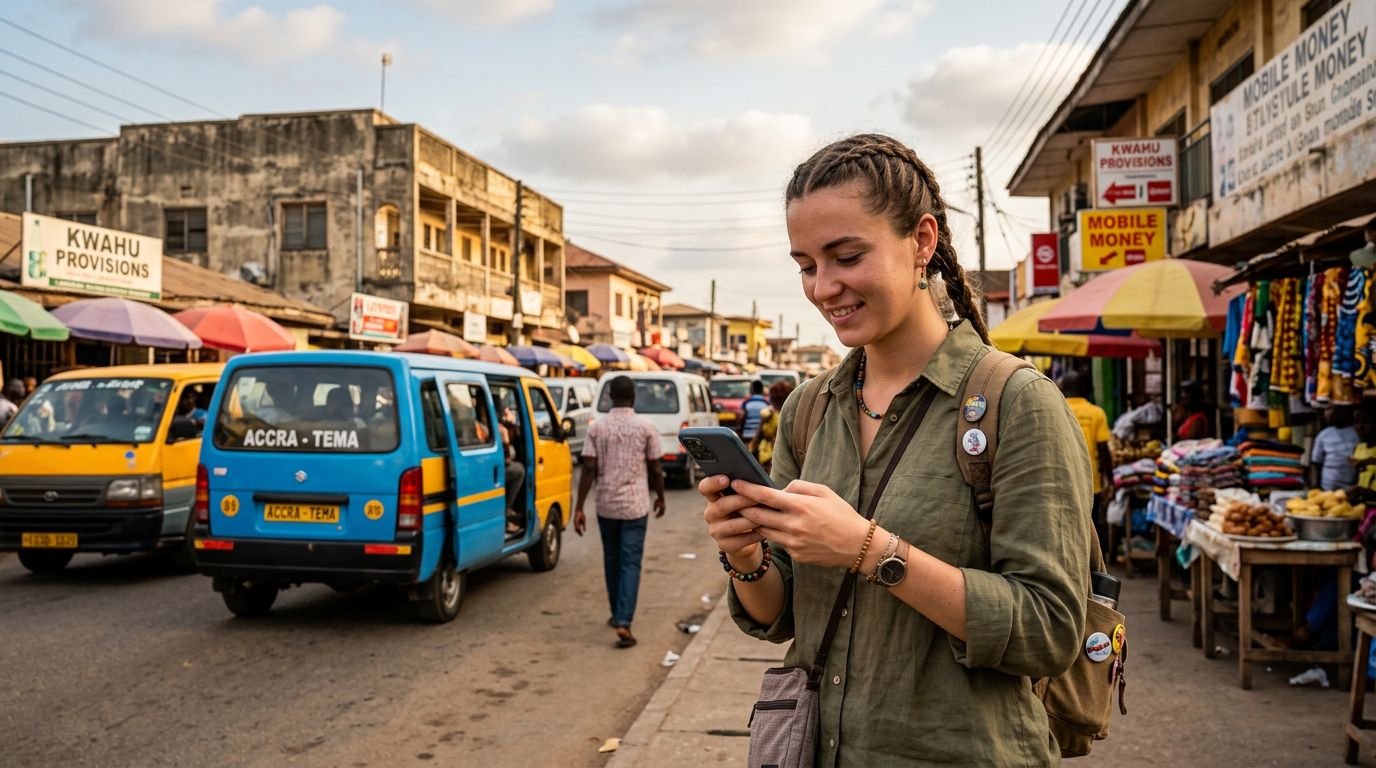
Traveling to Ghana offers an incredible mix of vibrant culture, bustling markets, and stunning coastal landscapes. Whether you are visiting Accra for business or exploring the lush greenery of the Volta Region, staying connected is a priority. For many international travelers, the most efficient way to manage connectivity is by using dual SIM in Ghana.
Most modern smartphones are equipped with dual SIM capabilities, allowing you to maintain your home phone number while simultaneously using a local or travel-specific eSIM for data. This setup is particularly advantageous in a country like Ghana, where relying solely on international roaming from your home provider can lead to unpredictable connectivity issues or excessive service charges. By keeping your primary SIM active for essential calls or SMS, and dedicating a secondary eSIM for your internet needs, you ensure that you remain reachable without compromising your budget or your ability to navigate, translate, or share your travel experiences.
Using dual SIM in Ghana allows you to switch between networks seamlessly. If you find yourself in an area where your primary carrier has poor signal strength, having a secondary data source provides a reliable backup. This configuration is the modern standard for international travel, offering the flexibility to keep your digital life organized while you enjoy the hospitality of West Africa.
Setting Up Your Device for Dual SIM Connectivity
Before you arrive in Ghana, it is important to verify that your smartphone is compatible with eSIM technology. Most flagship devices released in the last few years support this feature. To check your compatibility, you can refer to the official support pages for your device manufacturer, such as the resources provided by Apple or Google.
The process of setting up a dual SIM configuration is straightforward. Once you have confirmed that your device is unlocked and eSIM-ready, you can purchase a travel eSIM through a provider like OneTapSIM. This allows you to install your data plan before your flight even departs. The installation process typically involves scanning a QR code or entering manual details provided by the service. Once installed, your phone will allow you to label your SIM cards—for example, you might label your home SIM as "Primary" and your OneTapSIM as "Travel."
When you arrive in Ghana, you will need to adjust your cellular settings to ensure your phone uses the correct SIM for specific tasks. Within your device settings, you can designate which SIM is responsible for mobile data. It is recommended to set your travel eSIM as the primary source for data to avoid accidental roaming charges on your home line. You can also choose to keep your home SIM active for calls and texts, or switch it to a Wi-Fi-only mode if you prefer to avoid all incoming charges. This granular control is what makes using dual SIM in Ghana so effective for the modern traveler.
Practical Tips for Staying Connected Across Ghana
Ghana is a country with diverse terrain, ranging from the urban sprawl of Accra and Kumasi to the more remote areas near the borders. While major cities generally offer strong 4G coverage, connectivity can fluctuate as you travel into rural regions. To get the most out of your experience using dual SIM in Ghana, consider these practical strategies.
First, always monitor your data usage. Even if you have a generous data plan, streaming high-definition video or downloading large files can consume your allowance quickly. Most smartphones provide a breakdown of data usage per SIM card, allowing you to track how much you have consumed via your OneTapSIM plan. If you are planning to visit remote areas, download offline maps and translation tools before you leave your hotel or accommodation. Having these resources available locally on your device means you will not be dependent on a constant cellular signal to find your way.
Second, be mindful of battery consumption. Maintaining two active cellular networks can sometimes drain your battery faster than a single SIM setup. To mitigate this, consider turning off background app refresh for non-essential applications and lowering your screen brightness. If you are taking a long bus journey or heading out for a full day of sightseeing, carrying a portable power bank is a wise precaution.
Third, prioritize network reliability. While local physical SIM cards are available at airports and kiosks throughout Ghana, they often require registration processes that can be time-consuming or confusing for short-term visitors. Using a digital solution like OneTapSIM streamlines this process, as you have your connectivity ready the moment you land. If you encounter any issues with connectivity, the first step is to toggle "Airplane Mode" on and off; this forces the phone to re-establish a connection with the local towers. If that fails, manually selecting a network operator in your cellular settings can often resolve minor connectivity gaps.
By preparing your device in advance and understanding how to manage your data settings, you can focus on the important parts of your trip: enjoying the local cuisine, visiting historic sites like the Cape Coast Castle, and connecting with the people of Ghana. Using dual SIM in Ghana is not just a technical convenience; it is a way to ensure your journey is smooth, informed, and memorable. With your phone configured correctly, you can navigate the streets of Accra or the markets of Kumasi with the confidence that you are always just a tap away from the information you need.
Obtenha um eSIM para
Planos para os destinos abordados neste guia, com entrega instantânea por QR.