Assessing Your Connectivity Needs Before Arrival
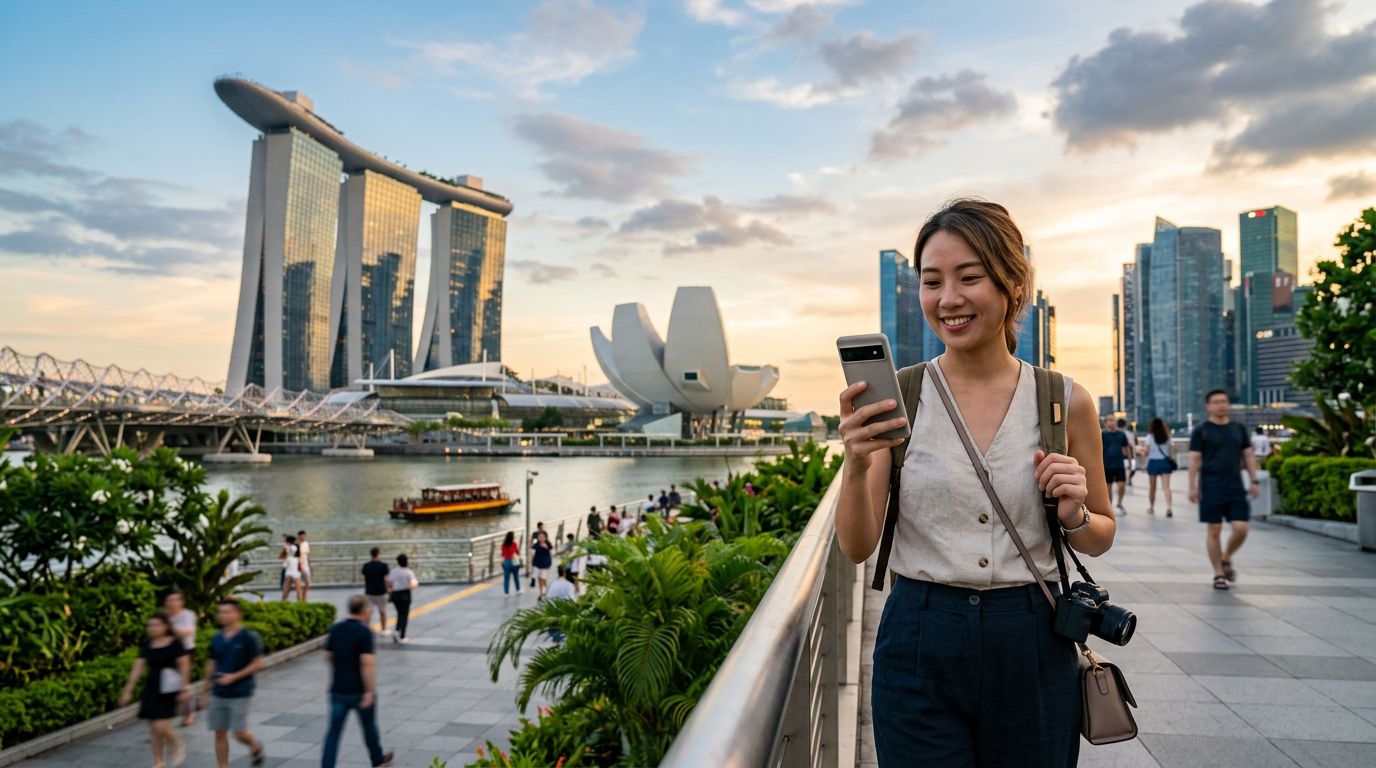
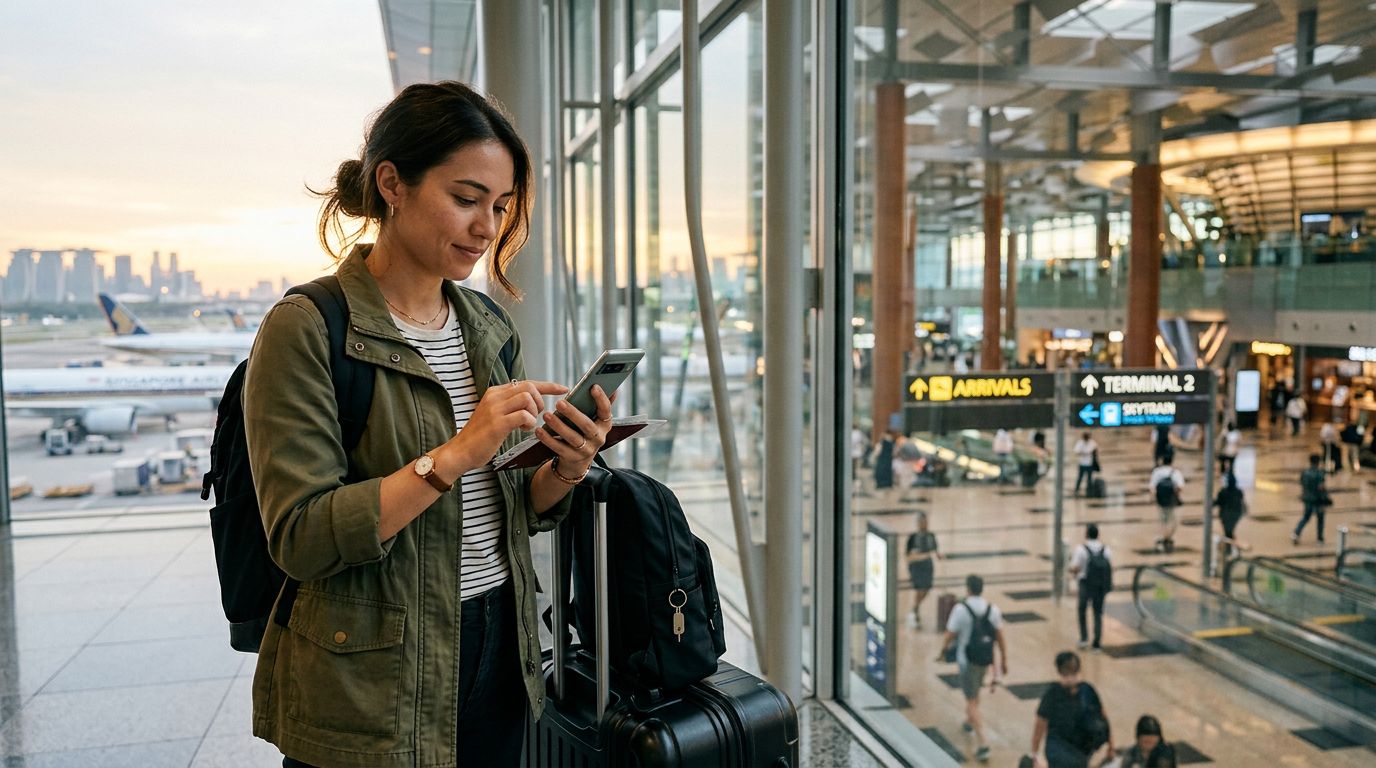
Singapore is a highly connected nation, often referred to as a "Smart Nation." From the moment you land at Changi Airport, you are greeted by high-speed public Wi-Fi and extensive cellular coverage. However, relying solely on public networks can be risky for security-conscious travelers, and hunting for a signal in a busy transit hub is rarely how anyone wants to start their vacation.
Before you touch down, it is essential to evaluate how you intend to use your phone. Are you a digital nomad who needs to join video calls from a cafe in Tiong Bahru? Are you a tourist who relies on real-time navigation to find the best hawker centers? Or are you simply checking emails and social media intermittently?
Most travelers find that they consume significantly more data than they anticipate. Between background app refreshes, high-resolution photo uploads, and GPS-heavy navigation, data usage adds up quickly. If you plan to use ride-sharing apps, which are the primary way to get around the city, a stable data connection is non-negotiable.
One effective way to stay connected without the stress of searching for local SIM kiosks is to use an eSIM. By setting up your digital SIM before you leave home, your phone will automatically connect to a local network as soon as you land. This eliminates the need to swap physical cards or deal with language barriers at a convenience store. Solutions like OneTapSIM allow you to manage your connectivity profile digitally, ensuring that you have a data plan ready to go the moment your wheels hit the tarmac.
Smart Strategies for Monitoring and Limiting Data Consumption
Once you have your data plan active, the next step is to ensure you aren't burning through your allowance unnecessarily. Smartphones are designed to be "always on," which means they often download updates, sync photos to the cloud, and refresh social media feeds in the background, even when you aren't actively using them.
The most effective way to manage mobile data usage in Singapore is to adjust your phone’s system settings. Both iOS and Android devices offer built-in tools to monitor exactly which apps are consuming your data. If you notice a specific app is responsible for a large portion of your usage, you can restrict its background data access.
For iPhone users, visiting the "Cellular" or "Mobile Data" section in the settings menu provides a breakdown of data usage per application. You can toggle off data access for apps that don't need it while you are out and about. Android users have a similar feature under "Network & Internet" or "Connections," where you can set data warnings and limits to prevent overages.
Another crucial tip is to disable "Wi-Fi Assist" or "Network Switching." These features automatically switch your phone to cellular data if the Wi-Fi signal is weak. While this is helpful for maintaining a connection, it can lead to unexpected data spikes if you are in a building with spotty public Wi-Fi. By keeping these settings off, you ensure that you are only using your cellular data when you explicitly intend to.
Additionally, consider changing your cloud backup settings. If your phone is set to back up high-resolution videos and photos automatically, it will likely wait for a Wi-Fi connection, but it is worth double-checking. Manually triggering backups only when you are back at your hotel and connected to a private, secure network is a simple way to preserve your mobile data for essential tasks like maps and translation services.
Maximizing Efficiency with Offline Tools and Local Networks
Singapore is a city that rewards those who plan ahead. While the cellular coverage is excellent, you can significantly reduce your data footprint by leveraging offline tools. For example, Google Maps allows you to download large areas of the city for offline use. By doing this, you can navigate the complex MRT subway system or find your way through the winding streets of Chinatown without needing a constant data stream to load map tiles.
When you are at your hotel or a café, prioritize downloading content for later. If you enjoy listening to podcasts or streaming music, download your playlists while connected to hotel Wi-Fi. This simple habit prevents you from streaming over a mobile network while you are commuting or exploring the city.
It is also worth noting that Singapore has a robust network of public Wi-Fi hotspots, often branded under the "Wireless@SGx" initiative. While these are convenient, they are open networks. If you must use public Wi-Fi to save your mobile data, avoid accessing banking apps or sensitive personal accounts. If you need to perform secure tasks, stick to your cellular data plan. Using an eSIM service like OneTapSIM provides a secure, private connection that is far safer than public Wi-Fi, giving you peace of mind while you manage your digital life abroad.
Finally, keep an eye on your usage throughout your trip. Most modern smartphones provide a snapshot of your data consumption in the settings menu. Checking this once a day—perhaps while you are eating breakfast—allows you to adjust your habits if you find you are using more data than expected. If you are nearing your limit, you can prioritize data for essential communication apps and disable it for entertainment apps.
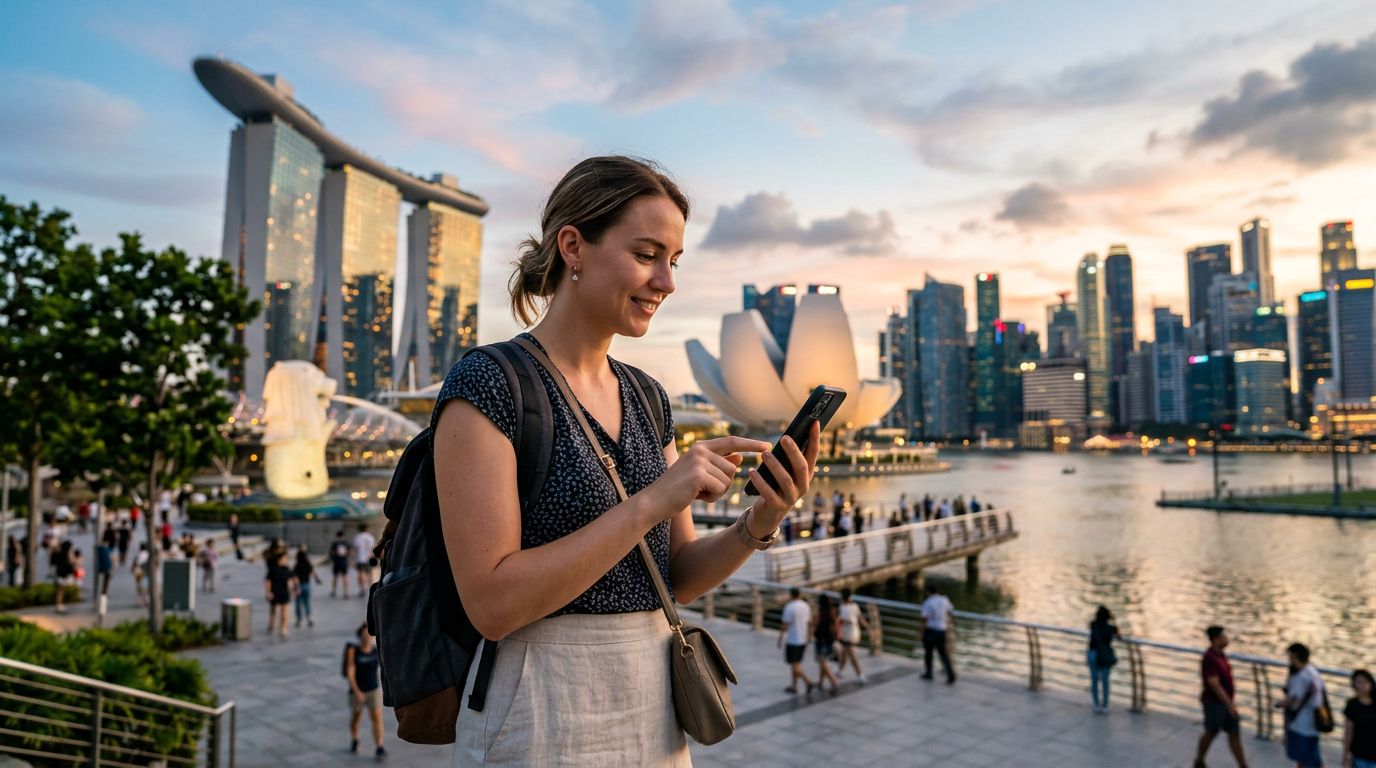
Managing mobile data usage in Singapore is about finding a balance between convenience and control. By preparing your device before you travel, adjusting your background settings, and utilizing offline features, you can enjoy all that the city has to offer without worrying about your connectivity. Whether you are navigating the Gardens by the Bay or finding the perfect bowl of laksa, having a reliable and well-managed data plan ensures that your digital experience is as smooth as your journey.
Obtenha um eSIM para
Planos para os destinos abordados neste guia, com entrega instantânea por QR.