Traveling to a new country is an exhilarating experience, but it often comes with the stress of staying connected without incurring unexpected costs. Whether you are navigating unfamiliar streets, translating menus, or uploading photos of your journey, your smartphone is an essential tool. However, cellular data consumption can quickly spiral out of control if you are not careful. Learning how to manage data usage abroad is the key to maintaining a stress-free travel experience while keeping your connectivity reliable.
Understanding Your Data Consumption Patterns
Before you even board your flight, it is helpful to understand what actually consumes your data. Many travelers assume that simply having their phone on causes data to drain, but it is usually the background processes and high-bandwidth applications that are the culprits.
Social media apps with auto-playing videos, cloud synchronization services, and high-definition video streaming are the primary drivers of data usage. When you are connected to a home network, these services run seamlessly in the background. When you are roaming or using a travel eSIM, these same services continue to function, often consuming your limited data allowance without you realizing it.
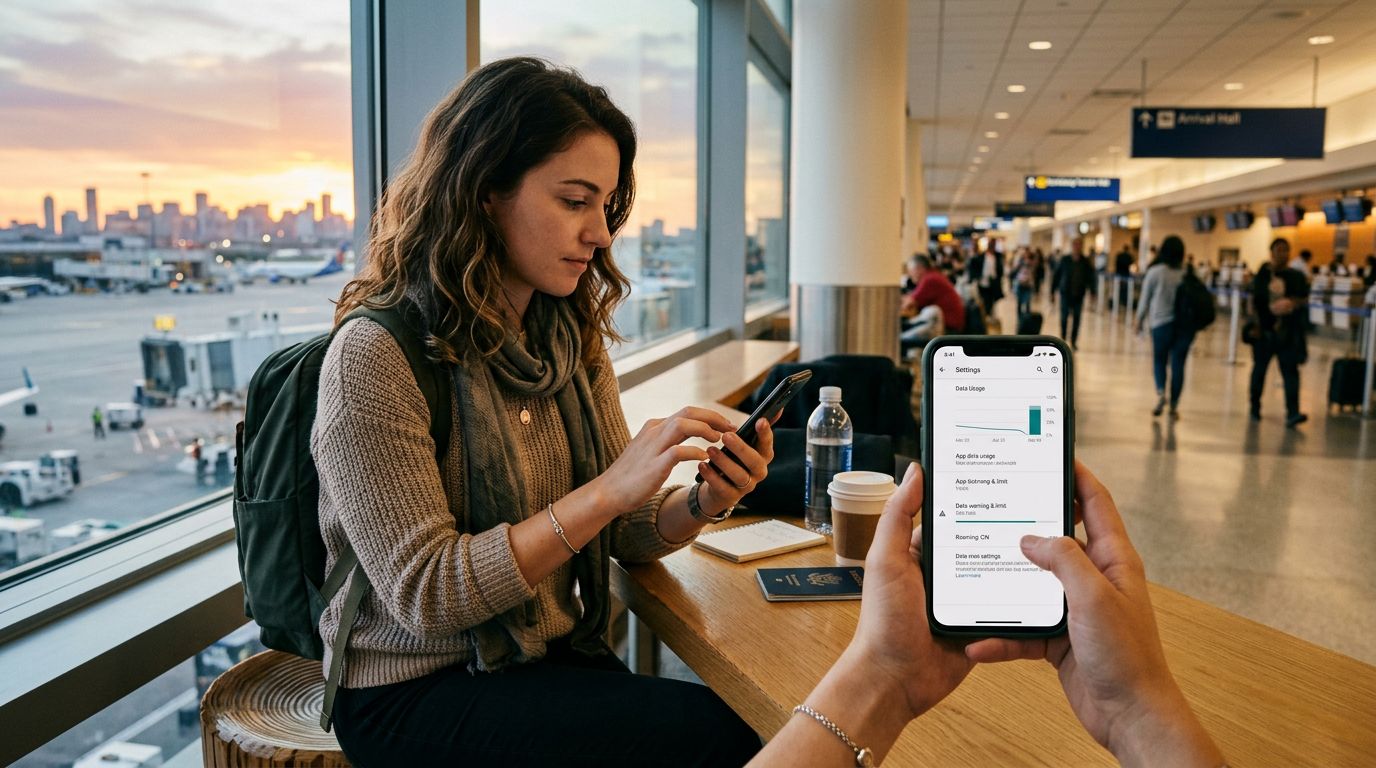
To get a handle on this, start by checking your phone’s built-in data usage settings. Both iOS and Android devices provide a breakdown of exactly how much data each application has consumed over a specific period. By reviewing this list, you can identify which apps are the "data hogs." Before you head to the airport, consider deleting or restricting the background data permissions for apps you do not strictly need while traveling. This proactive step ensures that your data is reserved for the tools that actually improve your trip, such as navigation apps and translation software.
Optimizing Your Device Settings for Travel
Once you have identified the primary data consumers, the next step is to configure your device to be more efficient. Most modern smartphones have built-in features specifically designed to help users manage their connectivity.
Start by enabling "Low Data Mode" or "Data Saver" settings. These modes prevent apps from refreshing in the background and pause automatic updates, which are two of the biggest contributors to silent data consumption. You should also disable Wi-Fi Assist, a feature that automatically switches your phone to cellular data if your Wi-Fi connection is weak. While this feature is helpful at home, it can trigger unexpected data usage when you are walking past public Wi-Fi hotspots that are not actually functional.
Another critical setting to adjust is your cloud backup and photo synchronization. Services like iCloud or Google Photos are designed to back up your media as soon as a network connection is available. If you take a high-resolution video of a scenic landmark, your phone might try to upload that file to the cloud immediately. Navigate to your photo settings and ensure that "Upload over Cellular" is turned off. This forces your phone to wait until you are back at your hotel on a stable Wi-Fi network before syncing your media.
If you are using a travel eSIM, such as a solution from OneTapSIM, you can designate your eSIM as the primary source for cellular data while keeping your physical SIM for calls or SMS if needed. This separation allows you to monitor your data usage specifically for the eSIM, giving you a clear picture of your consumption throughout your trip.
Practical Strategies for Staying Connected Smartly
Managing data is not just about changing settings; it is about changing your habits. One of the most effective ways to save data is to rely on offline alternatives for common tasks.
For navigation, download offline maps before you leave your accommodation. Both major map providers allow you to save specific areas for offline use, which means you can get turn-by-turn directions without needing a constant data connection. This is particularly useful in cities with narrow streets or areas with spotty cellular coverage. Similarly, if you are planning to visit museums or historical sites, download their digital guides or information pages in advance.
When it comes to communication, prioritize text-based messaging over voice or video calls. If you must make a call, try to do so when you have access to a reliable Wi-Fi network. If you find yourself in a situation where you need to use cellular data for a video call, lower the quality settings within the app. Many communication platforms allow you to adjust the resolution of your video feed, which can significantly reduce the amount of data transferred per minute.
Finally, stay aware of your data balance. Using a travel eSIM makes this process much easier because these services typically provide a dedicated dashboard or notification system to track your remaining gigabytes. If you notice you are burning through your data faster than expected, revisit your app settings and look for any services that might have been re-enabled after an update.
By combining these technical configurations with mindful usage habits, you can enjoy the benefits of constant connectivity without the anxiety of running out of data. Whether you are checking transit schedules, finding the best local coffee shop, or sharing your travel highlights with friends and family back home, a well-managed data plan ensures that your technology remains a helpful companion rather than a source of frustration. With a little preparation and the right tools, you can focus on the journey ahead, confident that your digital footprint is fully under control.
Precisa de dados para a sua viagem?
Explore planos eSIM para mais de 190 destinos — entrega instantânea por QR code.
Explorar destinos