Understanding eSIM Technology for Your Panama Trip
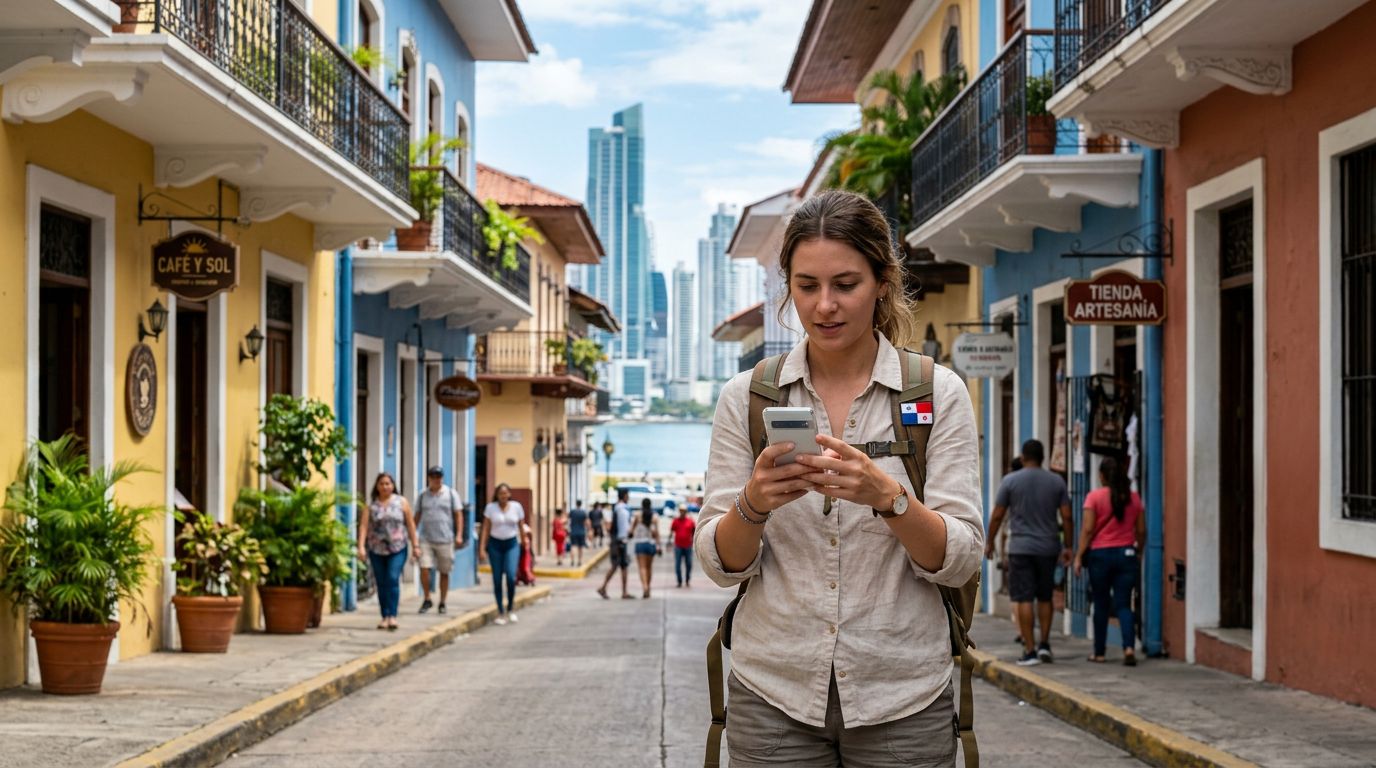
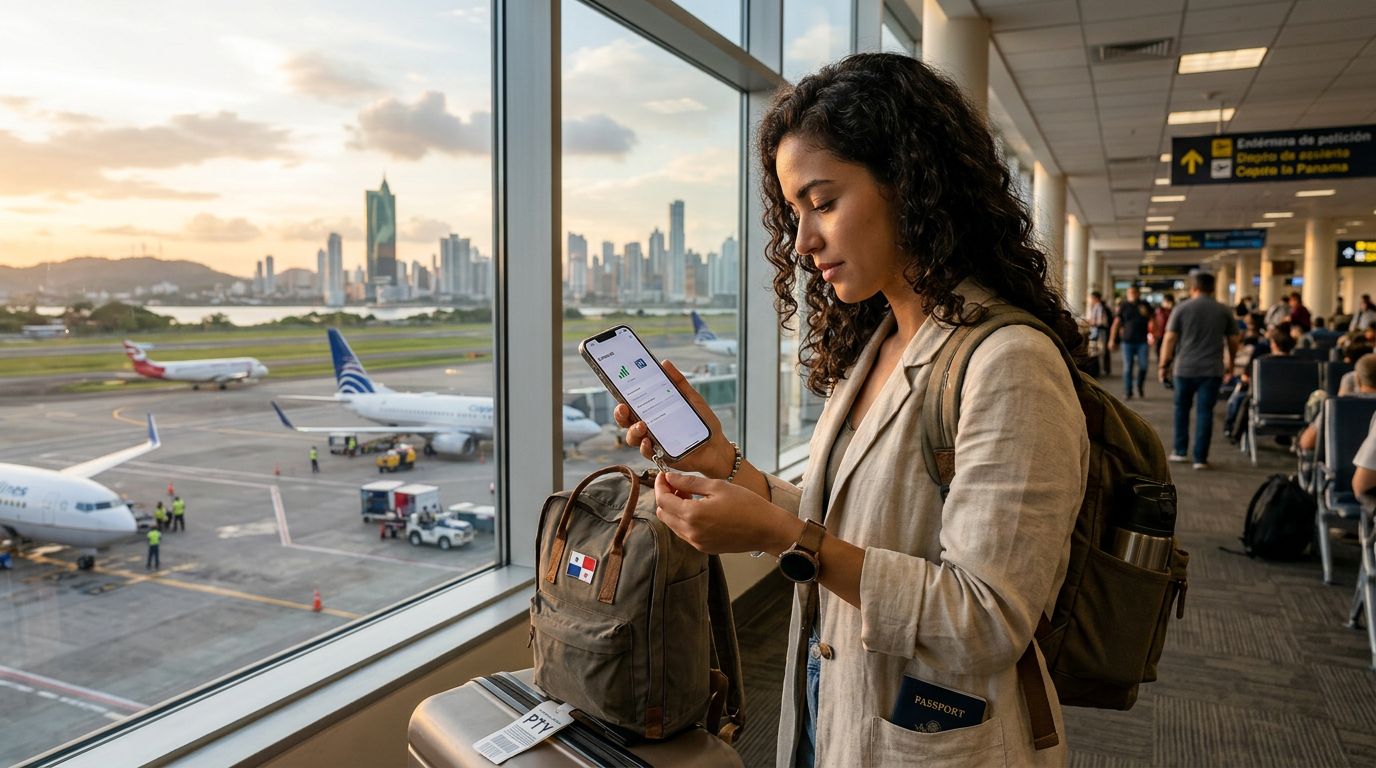
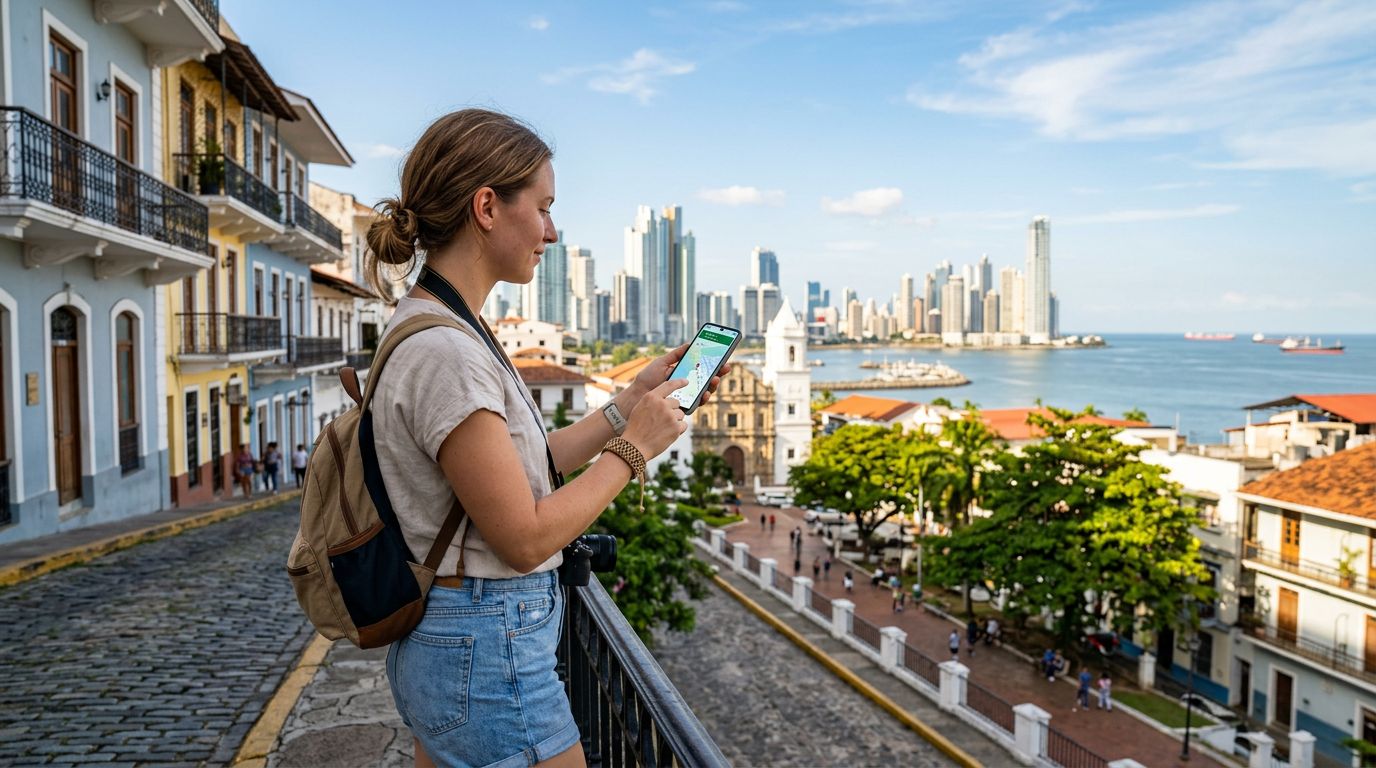
If you are planning a journey to Panama, you likely want to ensure your phone remains functional from the moment you land at Tocumen International Airport. The question of "does eSIM work in Panama" is one that many travelers ask, and the answer is a resounding yes. An eSIM, or embedded SIM, is a digital version of the traditional physical SIM card that has been a staple in mobile devices for decades. Instead of inserting a plastic chip into your phone, you download a digital profile that allows your device to connect to local cellular networks.
Panama has made significant strides in its telecommunications infrastructure, making it a highly compatible destination for eSIM technology. Because the country relies on modern GSM networks, most modern smartphones that support eSIM functionality will work seamlessly once you have activated your data plan. This technology removes the need to hunt for a local kiosk or swap out your home SIM card, which is often a fragile piece of plastic that can easily be lost. By using an eSIM, you keep your primary number active for potential calls or SMS, while your data is routed through a reliable local network provider.
Before you depart, it is essential to confirm that your smartphone is carrier-unlocked. Many phones purchased through specific mobile operators are locked to their network, meaning they will not accept a secondary eSIM profile. You can verify this in your device settings or by contacting your home carrier. Once you have confirmed that your device is compatible and unlocked, you are ready to enjoy the convenience of digital connectivity across Panama, from the bustling streets of Panama City to the serene islands of Bocas del Toro.
Why Choose an eSIM Over Traditional Options
Travelers often weigh the pros and cons of various connectivity methods, such as roaming with their home carrier, buying a local physical SIM, or using an eSIM. Roaming with your home carrier is often the most expensive option and can lead to unexpected charges on your monthly bill. On the other hand, buying a physical SIM card at a local shop in Panama can be time-consuming, as it often involves waiting in lines, navigating language barriers, and finding a store that is open during your arrival time.
Using an eSIM through a service like OneTapSIM offers a streamlined alternative. With an eSIM, you can purchase and install your data plan before you even leave your home country. As soon as your plane touches down in Panama, your phone will automatically transition to the local network. This immediate connectivity is invaluable for calling an Uber, checking your hotel reservation, or looking up directions to your first destination.
Another significant advantage is the ability to manage multiple profiles. If you are traveling through multiple countries in Central or South America, you can store several eSIM profiles on your device. You can toggle between them as you cross borders, ensuring that you always have access to the best available data rates without having to physically handle tiny cards. Furthermore, because the eSIM is entirely digital, there is no risk of damaging your phone’s SIM tray or losing the small metal tool required to open it. This digital-first approach provides a level of reliability and ease that traditional physical SIMs simply cannot match.
How to Set Up and Use Your eSIM in Panama
Setting up your eSIM for a trip to Panama is a straightforward process that typically takes only a few minutes. Once you have selected a plan, you will receive a QR code or an activation code. To install it, you simply navigate to the cellular or mobile data settings on your smartphone, select the option to add a new plan, and scan the provided code. Your device will then download the necessary settings to communicate with the local Panamanian towers.
Once the eSIM is installed, you should ensure that your data roaming is turned on for that specific eSIM profile. It is important to note that "data roaming" in this context refers to the connection between your eSIM and the local partner network in Panama, not your home carrier. By keeping your primary SIM active for calls and your eSIM active for data, you can maintain your usual communication channels while benefiting from high-speed internet.
If you encounter any connectivity issues, the first step is to toggle "Airplane Mode" on and off to force your device to re-scan for available networks. In rare instances, you may need to manually select a network provider in your phone’s cellular settings, though most modern devices will perform this handshake automatically.
Whether you are exploring the engineering marvel of the Panama Canal or relaxing on the beaches of the San Blas Islands, having a stable data connection is essential. By choosing a provider like OneTapSIM, you gain access to a user-friendly interface that simplifies the entire setup process. You can monitor your data usage throughout your trip, ensuring that you never run out of connectivity when you need it most. As long as you have a compatible device, the answer to "does eSIM work in Panama" is a clear confirmation that you can travel with confidence, knowing you will stay connected throughout your entire Panamanian adventure. By preparing your device ahead of time, you eliminate the stress of searching for Wi-Fi hotspots and allow yourself to focus entirely on the sights, sounds, and culture of Panama.
Obtenha um eSIM para
Planos para os destinos abordados neste guia, com entrega instantânea por QR.