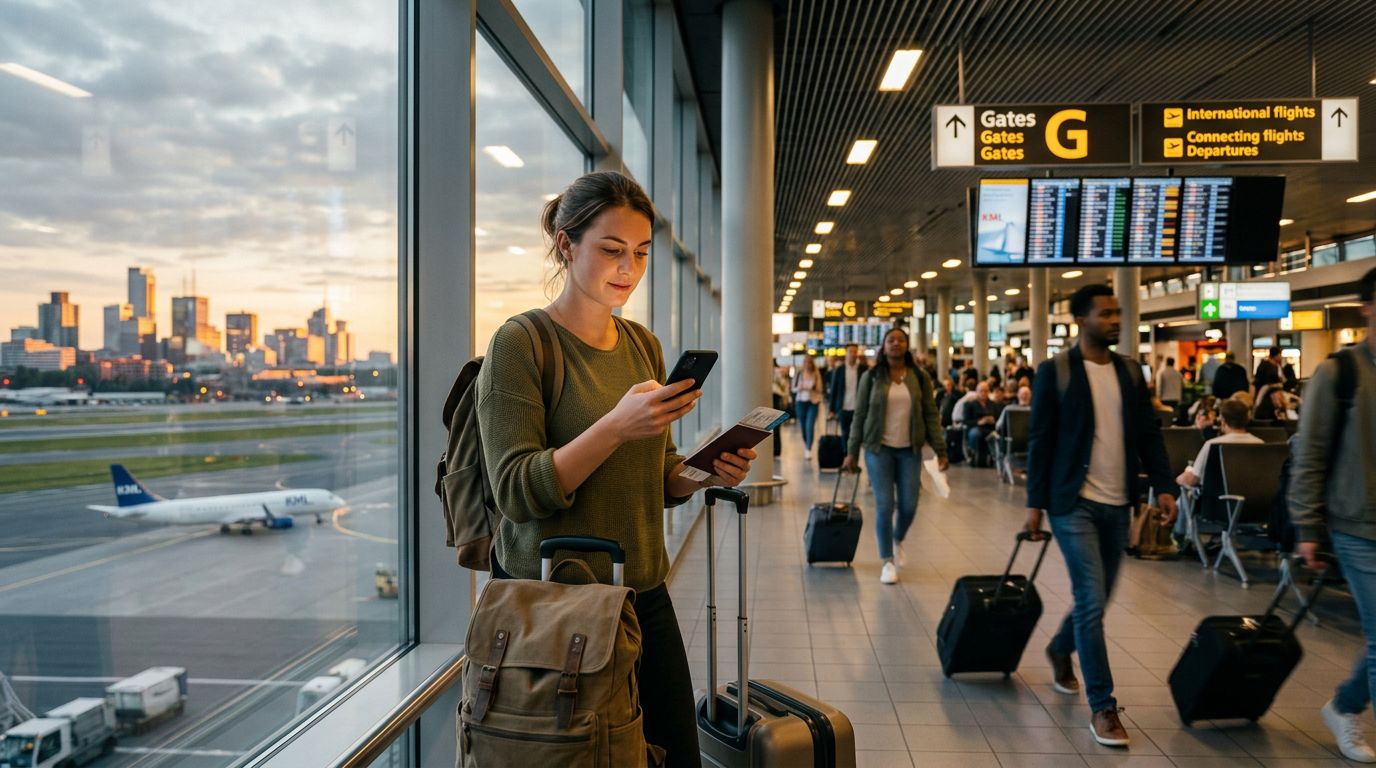
Traveling to a new destination often means relying heavily on your smartphone. Whether you are using GPS to find a hidden cafe, translating menus on the fly, or sharing photos of your journey, your phone becomes your most essential travel companion. However, constant data usage can drain your battery faster than you might expect, leaving you with a dead device just when you need it most.
Understanding how to manage your power consumption while staying connected is a vital skill for any traveler. By adjusting a few settings and changing how you interact with your device, you can extend your battery life significantly without sacrificing the convenience of global connectivity provided by services like OneTapSIM.
Optimizing Your Network and Connectivity Settings
The way your phone connects to the internet is one of the most significant factors in battery drain. When you are traveling, your phone often works harder to maintain a signal, especially if you are moving between regions or spending time in areas with spotty coverage.
The first step in preserving power is to manage your cellular data settings. If you are in an area with a weak signal, your phone will constantly increase its power output to search for a stronger connection. To mitigate this, toggle off "Allow More Data on 5G" if your phone supports it. Switching to 4G or LTE can often provide a more stable connection that consumes less energy than a struggling 5G signal.
Another critical tip is to disable "Wi-Fi Assist" or "Network Switching" features. These settings allow your phone to automatically switch to cellular data when your Wi-Fi connection is poor. While this is convenient, it can cause your phone to constantly toggle back and forth, which drains the battery. By manually controlling your connection, you keep your device in a predictable state.
If you are using a digital eSIM like OneTapSIM, ensure that your data roaming settings are configured correctly for the specific country you are visiting. Keeping your roaming settings optimized prevents your phone from performing unnecessary background handshakes with local towers, saving precious milliampere-hours throughout your day.
Managing Background Activity and App Behavior
Most smartphones are designed to stay updated even when you aren't actively using them. Apps refresh content, sync data, and check for notifications in the background. While this is helpful at home, it is a major battery drain when you are roaming.
Start by reviewing your "Background App Refresh" settings. You do not need every app on your phone to update its data in real-time. Disable this feature for apps that do not require instant updates, such as social media platforms, news readers, or photo storage services. You can always manually refresh these apps when you open them.
Location services are another major culprit. Many apps request access to your GPS location, and some keep that connection active long after you have closed the app. Go through your privacy settings and ensure that location access is set to "While Using the App" rather than "Always." If an app does not need to know your location to function, turn it off entirely.
Furthermore, consider downloading maps and translation data for offline use. Most major mapping services allow you to save specific regions to your device. By loading these maps while you are on a stable Wi-Fi connection, you can navigate your destination using only your phone’s internal GPS, which requires significantly less power than constantly streaming map data over a cellular network.
Intelligent Power Management and Hardware Habits
Beyond software settings, your physical interaction with the device plays a major role in how long your battery lasts. The screen is the single largest consumer of power on any smartphone. By making small adjustments to how you display information, you can achieve massive gains in battery longevity.
Lowering your screen brightness is the most effective way to save power. Instead of keeping brightness at maximum, aim for a comfortable level that is just bright enough to read. Additionally, enabling "Auto-Brightness" allows the phone to adjust based on ambient light, ensuring you aren't using more power than necessary in dim environments.
If your phone has an OLED or AMOLED display, using "Dark Mode" can save a surprising amount of battery. These screens turn off individual pixels to display black, meaning the phone uses less energy to light up the display when the interface is dark.
Finally, manage your notifications. Every time your screen lights up for a notification, it consumes power. During long days of sightseeing, consider putting your phone in "Do Not Disturb" mode or silencing non-essential apps. This prevents your screen from waking up unnecessarily and keeps your device in a deep sleep state when it is tucked away in your pocket or bag.
When you reach the end of your day, or if you find yourself with a low battery, utilize your phone’s built-in "Low Power Mode." This mode automatically adjusts several background processes, reduces visual effects, and limits CPU performance to stretch the remaining charge as far as possible. It is a perfect safety net for those moments when you are far from a power outlet and need to ensure your phone stays on until you reach your accommodation.
By combining the flexibility of a reliable eSIM provider like OneTapSIM with these proactive battery management habits, you can focus on the experience of travel rather than the anxiety of a dying battery. Being mindful of how your device uses data and power allows you to stay connected longer, capture more memories, and navigate your destination with confidence.
Obtenez une eSIM pour
Des forfaits pour les destinations de ce guide, livrés instantanément par QR.