Understanding eSIM Technology in East Africa
Travelers heading to Uganda often wonder about the best way to stay connected while exploring the Pearl of Africa. Whether you are trekking to see mountain gorillas in Bwindi Impenetrable National Park, navigating the bustling streets of Kampala, or relaxing by the shores of Lake Victoria, having reliable internet access is essential. The question of whether an eSIM works in Uganda is one that many tech-savvy travelers ask before departure.
The short answer is yes, eSIM technology is fully functional and increasingly popular in Uganda. An eSIM, or embedded SIM, is a digital version of the traditional physical plastic SIM card. Instead of inserting a chip into your device, you download a data profile that connects your phone to local cellular networks. Because the technology is software-based, it removes the need to visit a local kiosk or swap out tiny cards that are easily lost.
For your eSIM to work in Uganda, your smartphone must be carrier-unlocked. If you purchased your phone through a mobile service provider on a contract, it might be locked to that specific network. Before you travel, verify that your device is compatible with eSIM technology. Most modern flagship smartphones from major manufacturers released in the last few years support this feature. You can check your device settings or consult the manufacturer's official support pages to confirm if your specific model is eSIM-capable.
The Advantages of Using an eSIM for Your Uganda Trip
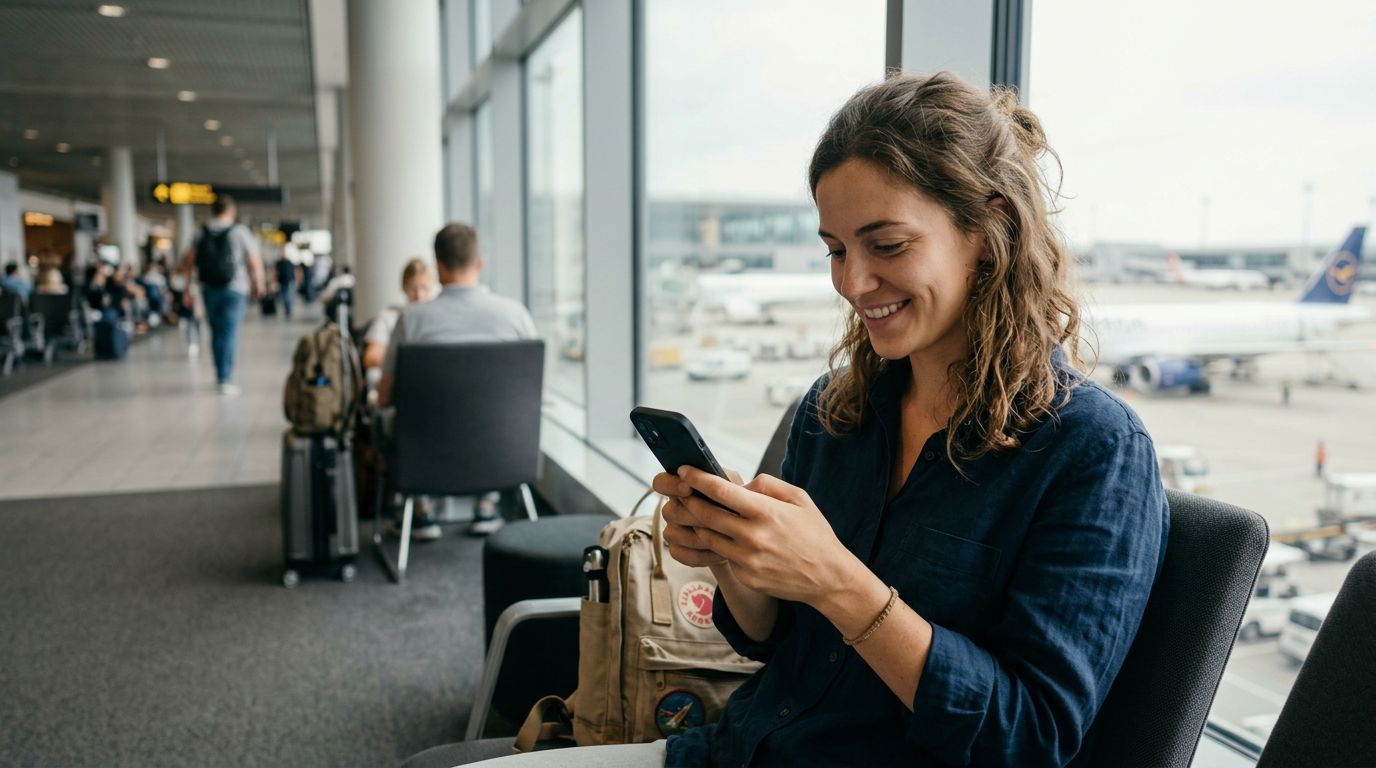
Choosing an eSIM for your trip to Uganda offers several distinct advantages over traditional roaming or physical local SIM cards. The primary benefit is convenience. With a provider like OneTapSIM, you can purchase and install your data plan before you even board your flight. This means that the moment your plane touches down at Entebbe International Airport, your phone is ready to connect to a local network. You bypass the long queues at airport kiosks and avoid the hassle of finding a shop that sells SIM cards during odd hours.
Another significant advantage is the ability to keep your primary phone number active. Many travelers rely on their home number for two-factor authentication, banking alerts, or urgent calls from family. With an eSIM, you can often keep your physical SIM card in your device to receive texts or calls while using the eSIM specifically for mobile data. This dual-SIM functionality allows you to manage your connectivity needs without losing touch with your primary contacts.
Data management is also more transparent. Traditional roaming plans provided by home carriers can be notoriously expensive and difficult to track. By using a travel-specific eSIM, you select a data package tailored to your needs. Once the data is consumed or the plan expires, you simply stop receiving data rather than incurring unexpected charges. This gives you complete control over your travel budget and ensures you are not hit with a massive bill upon returning home.
Furthermore, digital eSIM profiles are environmentally friendly. By eliminating the plastic waste associated with manufacturing and shipping physical SIM cards, you are making a more sustainable choice for your travels. The entire lifecycle of an eSIM—from purchase to activation—happens digitally, reducing the carbon footprint associated with your connectivity.
How to Set Up and Activate Your eSIM for Uganda
Setting up your eSIM for Uganda is a straightforward process that takes only a few minutes. Once you have selected a plan through a service like OneTapSIM, you will typically receive a QR code or an activation link via email.
To install the eSIM on an iPhone, navigate to your device settings, select the cellular or mobile data menu, and choose the option to add an eSIM. You can then scan the QR code provided. Your phone will guide you through the process of labeling the new plan, such as naming it "Uganda Travel." Once installed, you can toggle the eSIM on or off as needed.
For Android users, the process is similarly intuitive. Go to your network and internet settings, find the SIM card manager, and select the option to add a new eSIM. Follow the prompts to scan the QR code or enter the activation details manually. Once the profile is downloaded, ensure that data roaming is enabled for the eSIM profile specifically. Note that "data roaming" in this context refers to the eSIM connecting to a partner network in Uganda, which is necessary for the service to function.
When you arrive in Uganda, your phone should automatically detect the available local networks. If it does not connect immediately, restart your device or manually select the network provider listed in your eSIM installation instructions. Most eSIM providers partner with multiple local carriers, ensuring that you have the best possible coverage across the country.
While major urban centers like Kampala and Entebbe have excellent 4G and even 5G coverage, keep in mind that connectivity can be more intermittent in remote national parks or deep rural areas. In these regions, even local SIM cards may struggle with signal strength. However, for the vast majority of your journey, an eSIM will provide the consistent high-speed data you need for navigation, social media, and communication.
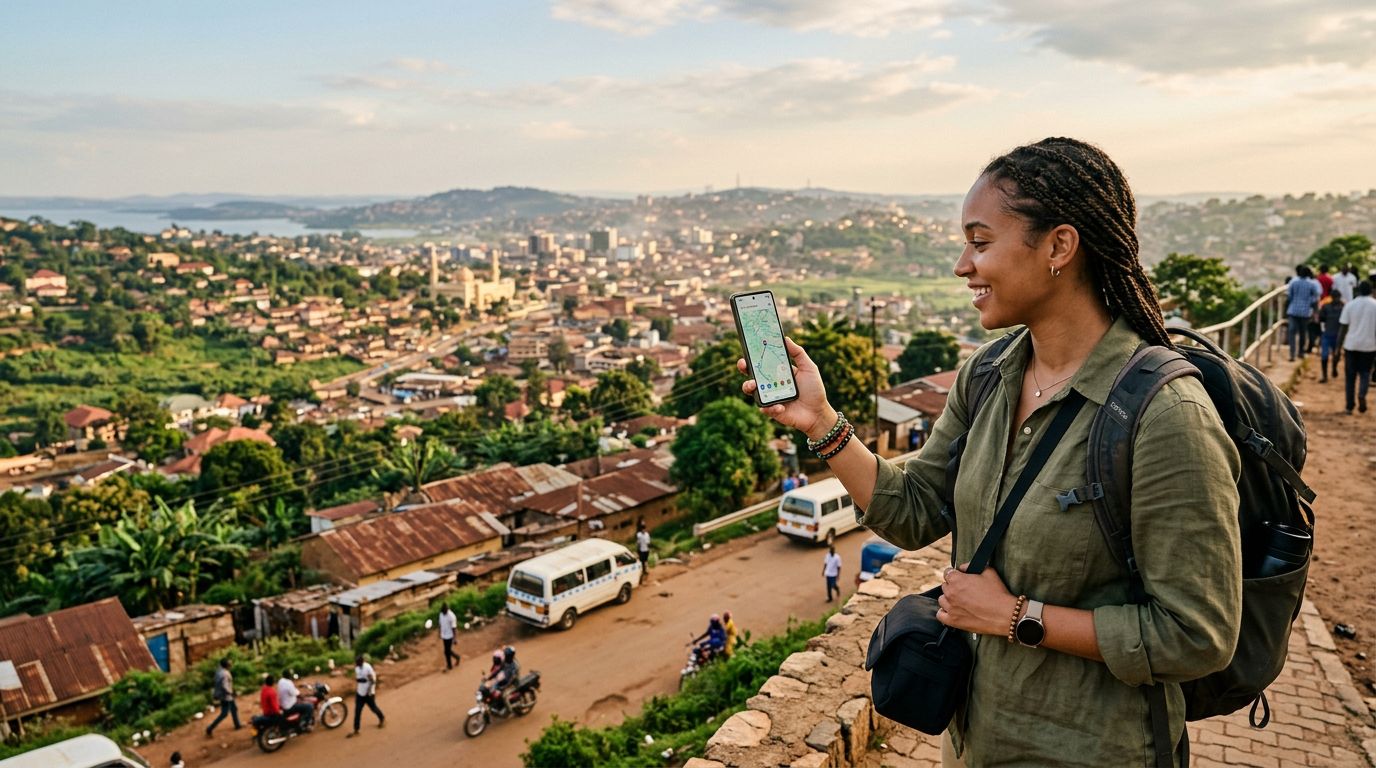
Before you leave, ensure your phone’s operating system is updated to the latest version. Software updates often include improvements to eSIM management and network compatibility. By taking these simple steps, you can ensure a smooth, connected experience throughout your Ugandan adventure, allowing you to focus on the incredible landscapes and experiences that await you. Whether you are checking maps to find your way to a local market or uploading photos of your safari, having a reliable eSIM ensures you stay connected throughout your journey.
Obtenez une eSIM pour
Des forfaits pour les destinations de ce guide, livrés instantanément par QR.