Preparing Your Device for Connectivity in Oman
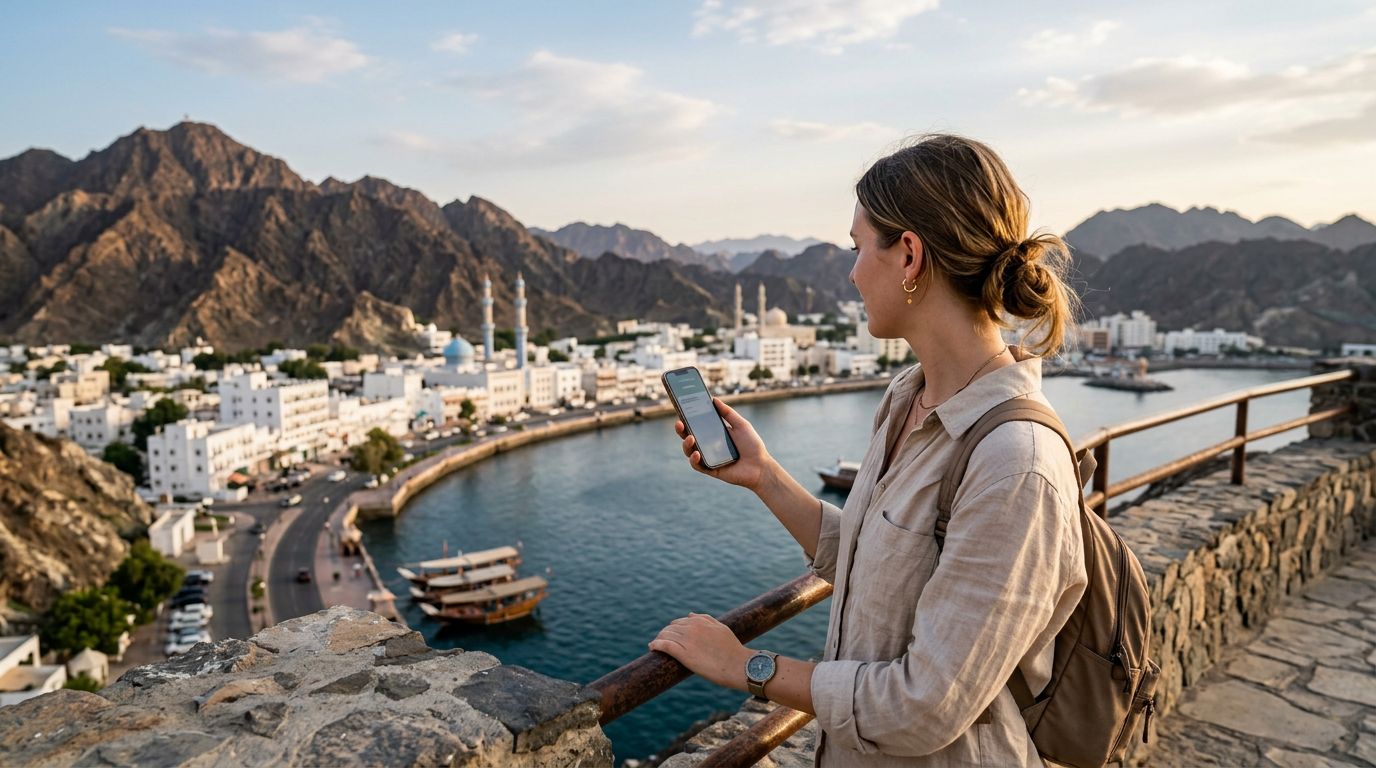
Oman is a country of breathtaking landscapes, ranging from the rugged Hajar Mountains to the pristine sands of the Wahiba Sands and the turquoise waters of the coastline. Whether you are planning to explore the historic forts of Nizwa or the vibrant markets of Muscat, staying connected is essential for maps, translation, and sharing your experiences. For modern travelers, the most efficient way to stay online is by activating an eSIM.
Before you begin the process of activating an eSIM in Oman for tourists, you must ensure your smartphone is compatible. Most flagship devices released within the last few years support this technology. You can verify your device’s capability by checking the settings menu under cellular or mobile data options to see if there is an "Add eSIM" or "Add Cellular Plan" button. If you are using an iPhone, you can refer to the official support pages provided by Apple to confirm your specific model's compatibility. Similarly, Android users can check their device manufacturer’s official support site or the Google support pages for detailed instructions on eSIM-enabled hardware.
It is also crucial to ensure your phone is carrier-unlocked. Many smartphones purchased through mobile service providers are locked to their network for a specific duration or until a contract is fulfilled. If your phone is locked, it will not accept an eSIM from a different provider, even if the device is technically compatible. You can verify your status by contacting your home carrier or checking your device settings. If your device is unlocked and compatible, you are ready to proceed with your digital connectivity plan.
The Activation Process for Your Oman eSIM
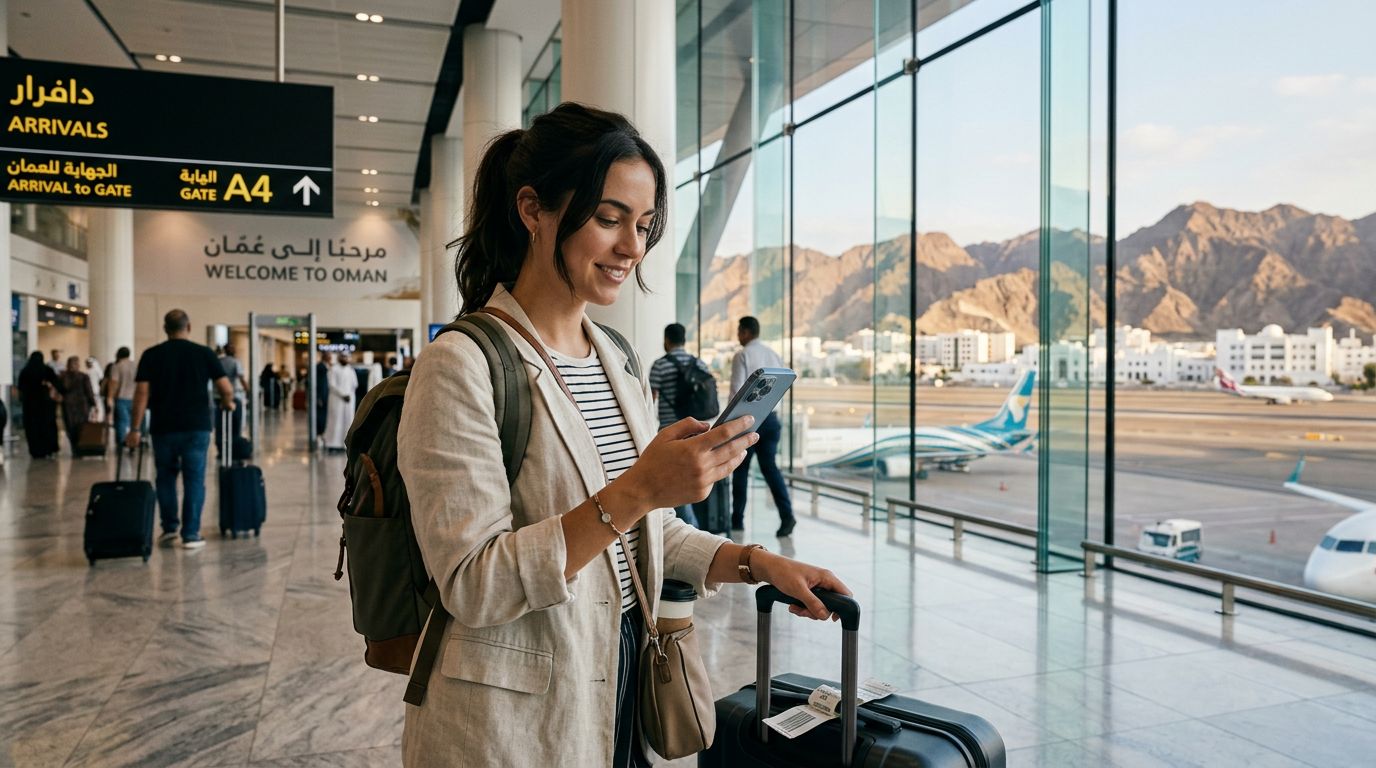
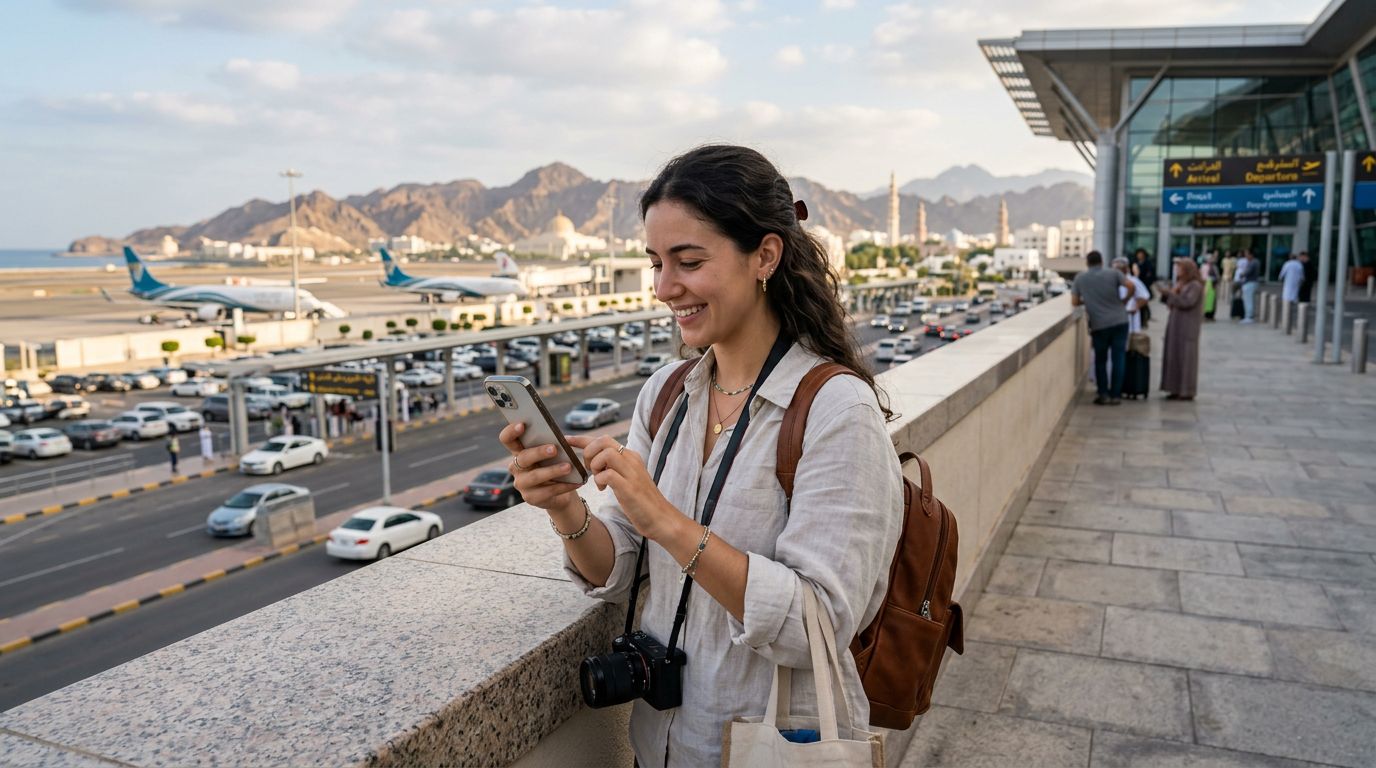
Once you have confirmed your device is ready, the next step is to secure your data plan. Using a service like OneTapSIM allows you to manage your connectivity needs before you even board your flight. By setting up your eSIM in advance, you ensure that you have a data connection the moment you land at Muscat International Airport or cross the border.
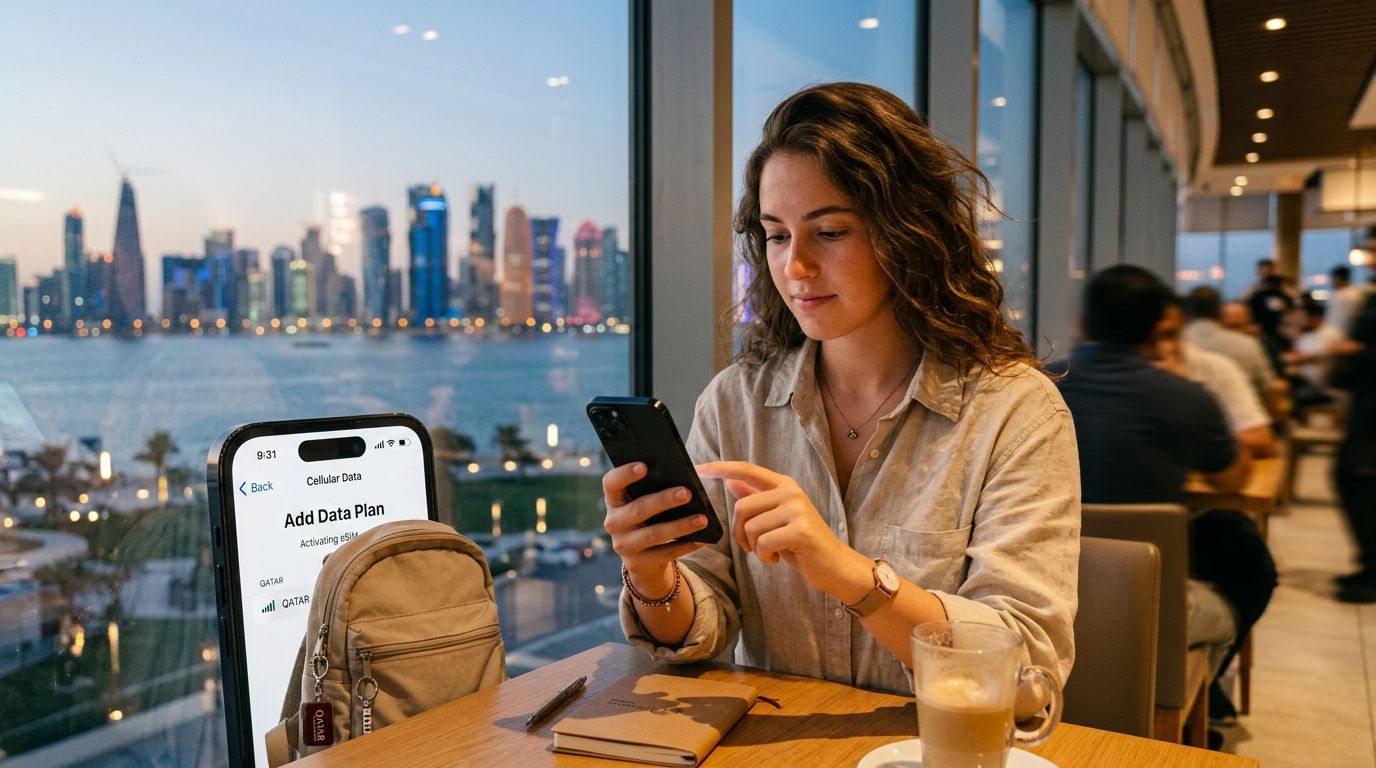
To activate your eSIM, you will typically receive a QR code or a manual activation string via email after your purchase. On an iPhone, navigate to Settings, select Cellular or Mobile Data, and tap "Add eSIM." You will then be prompted to scan the QR code provided by your service provider. Once scanned, your phone will begin the registration process with the local network in Oman. This usually takes only a few minutes.
For Android users, the process is quite similar. Go to Settings, tap Network & Internet, and look for the SIMs or Mobile Network section. Select "Add SIM" or "Download a SIM," and follow the prompts to scan your QR code. If the QR code does not work, most providers, including OneTapSIM, offer manual entry details such as an SM-DP+ address and an activation code.
During the activation, you may be asked to label your eSIM. It is helpful to name it "Oman Data" so you can easily distinguish it from your primary home SIM card. After the profile is installed, ensure that "Data Roaming" is turned on for the eSIM profile. Do not worry; since you are using a dedicated travel eSIM, this setting simply allows the device to communicate with the local partner networks in Oman.
Managing Your Connection and Troubleshooting Common Issues
When you arrive in Oman, your phone should automatically connect to a local network. If it does not, a simple restart of your device often resolves the issue. If you still find yourself without service, check that your APN (Access Point Name) settings are configured correctly. While most modern eSIMs configure these settings automatically, some devices may require you to manually input the APN details provided in your activation email.
One of the primary benefits of using an eSIM for your trip is the ability to keep your home number active for calls or texts while using your eSIM specifically for data. In your cellular settings, you can designate your home SIM for voice and SMS, and your Oman eSIM for cellular data. This prevents unexpected roaming charges on your primary line while ensuring you have high-speed internet access for navigation and social media.
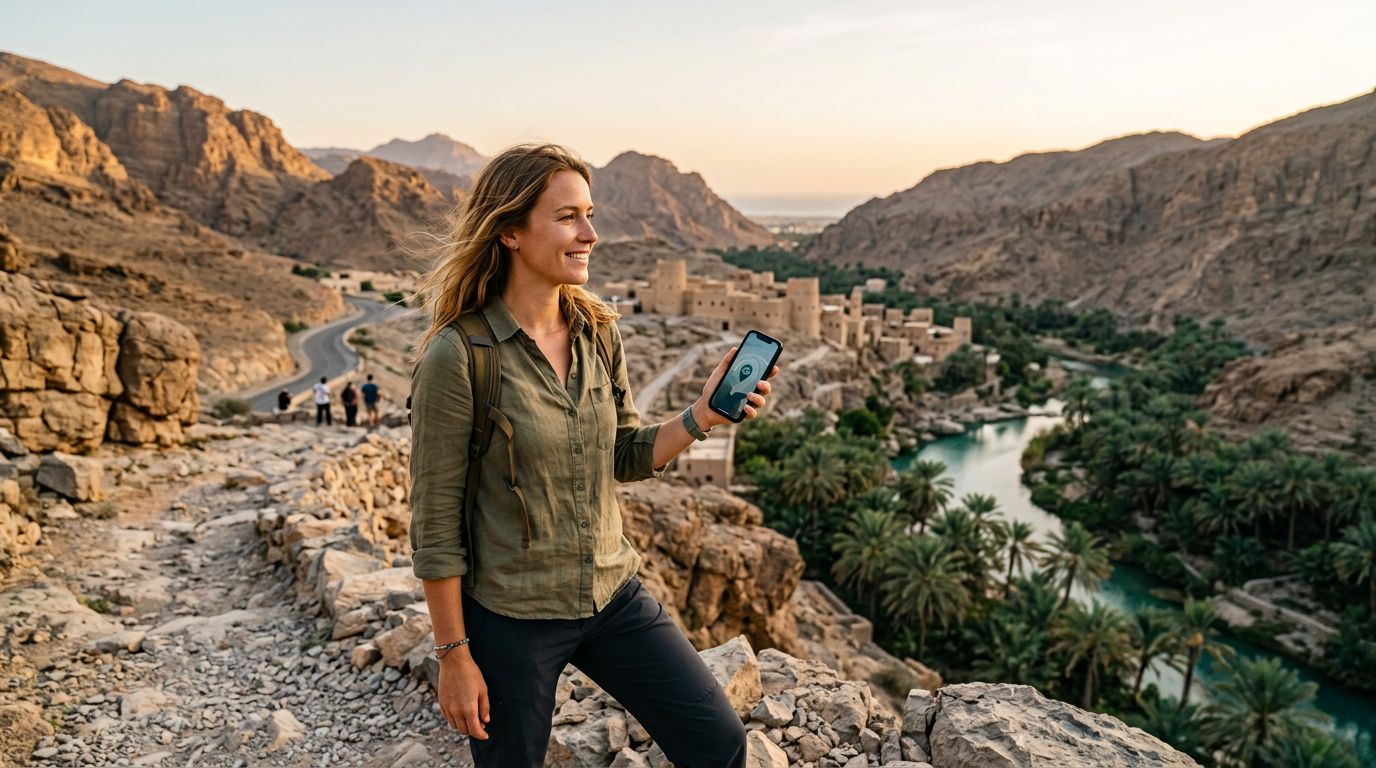
If you are traveling through remote areas of Oman, such as the deep desert or remote mountain villages, be aware that signal strength can vary. While major cities and tourist hubs have excellent coverage, connectivity in vast, uninhabited regions may be limited. If you ever lose connection, try toggling your "Airplane Mode" on and off. This forces the device to re-scan for the strongest available signal tower.
Managing your data usage is also straightforward. Most smartphones provide a breakdown of how much data each application is consuming. If you are nearing your data limit, consider closing background apps that consume high bandwidth, such as video streaming services or automatic cloud backups. By keeping an eye on your usage, you can ensure your data lasts for the duration of your trip.
Activating an eSIM in Oman for tourists is a streamlined experience that removes the need for physical SIM cards and the hassle of visiting a local store upon arrival. By preparing your device, following the activation steps carefully, and understanding how to manage your dual-SIM setup, you can focus on enjoying the rich culture and stunning landscapes of the Sultanate of Oman without the stress of being offline. Whether you are navigating the winding alleys of the Mutrah Souq or tracking your route across the desert, your digital connection will be a reliable companion throughout your journey.
Obtenez une eSIM pour
Des forfaits pour les destinations de ce guide, livrés instantanément par QR.