Seamless Arrival: Stepping Into Pakistan Connected
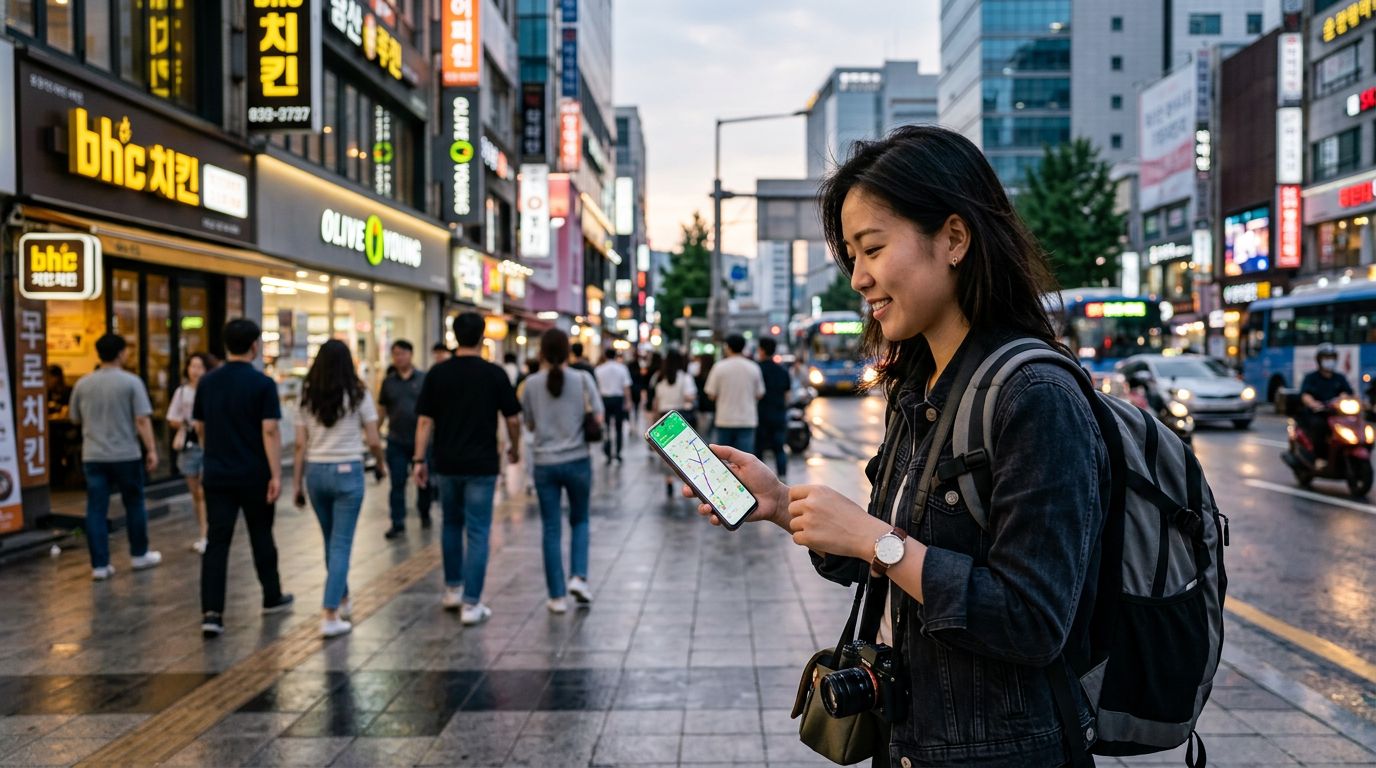
Landing in a new country often brings the immediate stress of finding a reliable connection while navigating a busy airport terminal. Instead of hunting for a physical kiosk, waiting in long queues, or dealing with registration paperwork upon arrival, installing your OneTapSIM at home on Wi-Fi allows you to hit the ground running. By the time your flight touches down in Pakistan, your device is already prepared to switch to your travel plan. This is crucial during that first hour after landing. Whether you are arranging a ride from the airport, checking your digital booking confirmation for your hotel, or sending a quick message to your host that you have cleared immigration, having immediate access to data transforms a potentially chaotic arrival into a smooth transition. You can pull up maps to track your route into the city center or look up local transit information without needing to search for unstable public Wi-Fi networks.
Essential Data Habits for Your Pakistan Journey
Traveling through Pakistan requires a specific set of digital tools to make your trip efficient and enjoyable. Ride-hailing apps like Careem or Uber are the standard for getting around major cities, and they rely entirely on having a stable data connection to track your driver and confirm your destination. Beyond transport, you will likely find yourself using messaging platforms like WhatsApp, which is the primary mode of communication for businesses, tour guides, and locals alike. For those exploring the vibrant food scene or local markets, having data on hand allows you to use translation tools for menus or signs that may not be in English. While QR and contactless payments are growing in popularity, having reliable internet access is essential for managing your digital banking or checking your travel itinerary on the fly. Whether you are uploading photos of the stunning northern landscapes or checking the weather in Lahore, your data plan serves as your digital tether to the logistical necessities of your trip.
Reliable Connectivity Through Local Infrastructure
When you choose a travel eSIM for your trip, the quality of your connection depends on the underlying infrastructure. OneTapSIM connects through partner networks such as Jazz. By utilizing these established networks, you gain access to the cellular infrastructure that powers communication across the country. This setup allows your device to register on local towers as soon as you toggle your data roaming settings, providing a consistent experience as you move between urban centers like Islamabad or Karachi and the more scenic, remote regions. Because you are roaming on a recognized local network, you can expect the same standard of connectivity that local residents rely on for their daily communications.
Selecting the Ideal Plan for Your Stay
With 10 different plans ranging from 1 to 30 days and data allowances starting at 1 GB up to 20 GB, there is a configuration to suit almost any itinerary. For a short city break, a smaller data allowance is often sufficient to cover basic navigation, messaging, and the occasional social media update. If you are planning a longer stay or intend to use your device for more data-intensive tasks—such as uploading high-resolution videos of your travels or frequent video calls—a higher allowance is the better choice. Consider the duration of your trip; if you are staying for a full month, a 30-day plan provides peace of mind, ensuring you do not have to worry about your connection expiring mid-trip. Some of our plans also offer the flexibility of a top-up if you find your usage patterns have shifted, providing a safety net for your data needs.
Practical Tips for Managing Dual-SIM Devices
Managing two SIM cards simultaneously requires a bit of foresight to avoid unexpected roaming charges on your home line. Before you depart, check your phone settings to ensure that your home SIM is set to "Voice" or "Calls" only, while your OneTapSIM travel line is designated as the primary source for "Cellular Data." It is vital to toggle data roaming to "On" specifically for your travel eSIM, while keeping it "Off" for your home SIM to prevent your home carrier from triggering expensive roaming fees. Keep in mind that while public Wi-Fi is available in many hotels, cafes, and airports across Pakistan, it should be treated as a complement to your eSIM rather than your primary connection, especially when accessing sensitive accounts. By keeping your home number active for essential texts or calls and using your eSIM for all your data-driven activities, you maintain the perfect balance of connectivity and cost-effectiveness throughout your journey.