Understanding eSIM Technology for Your Macao Trip
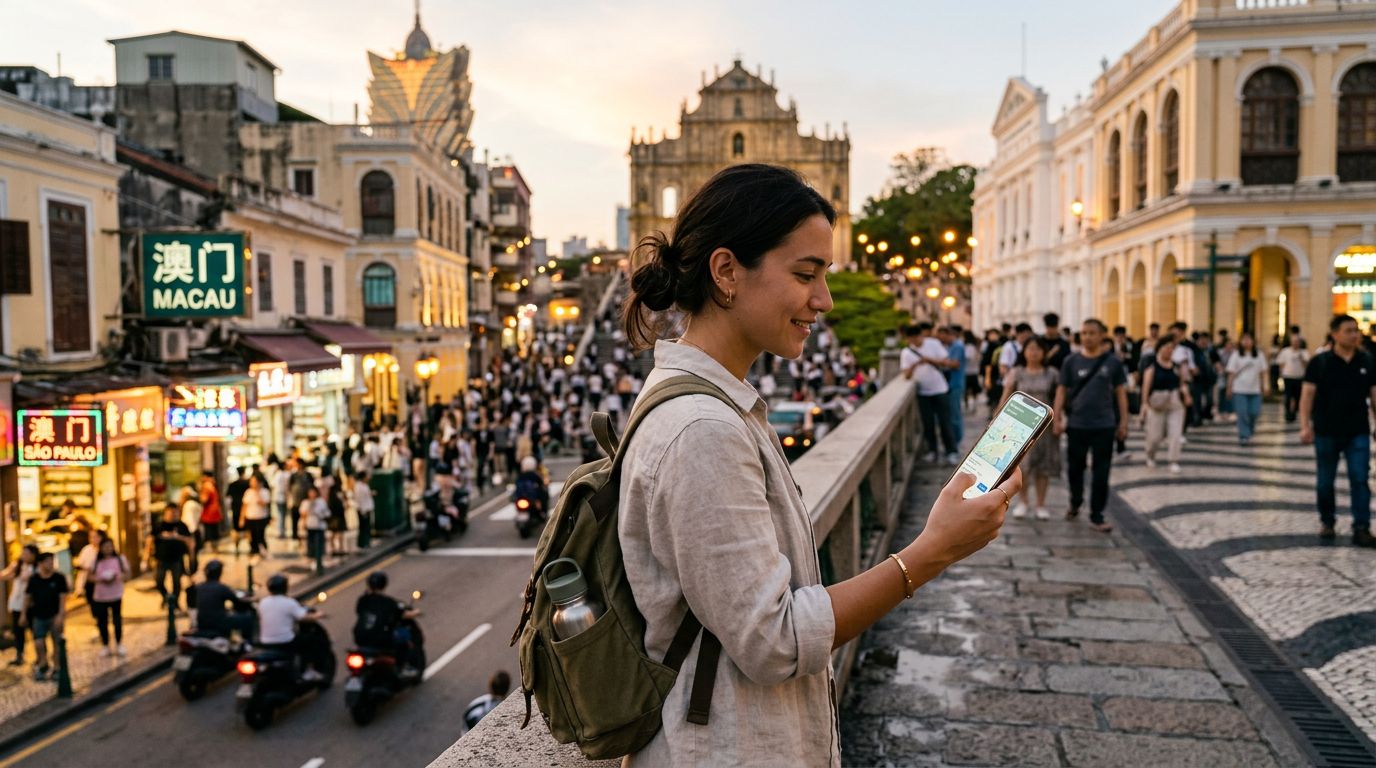
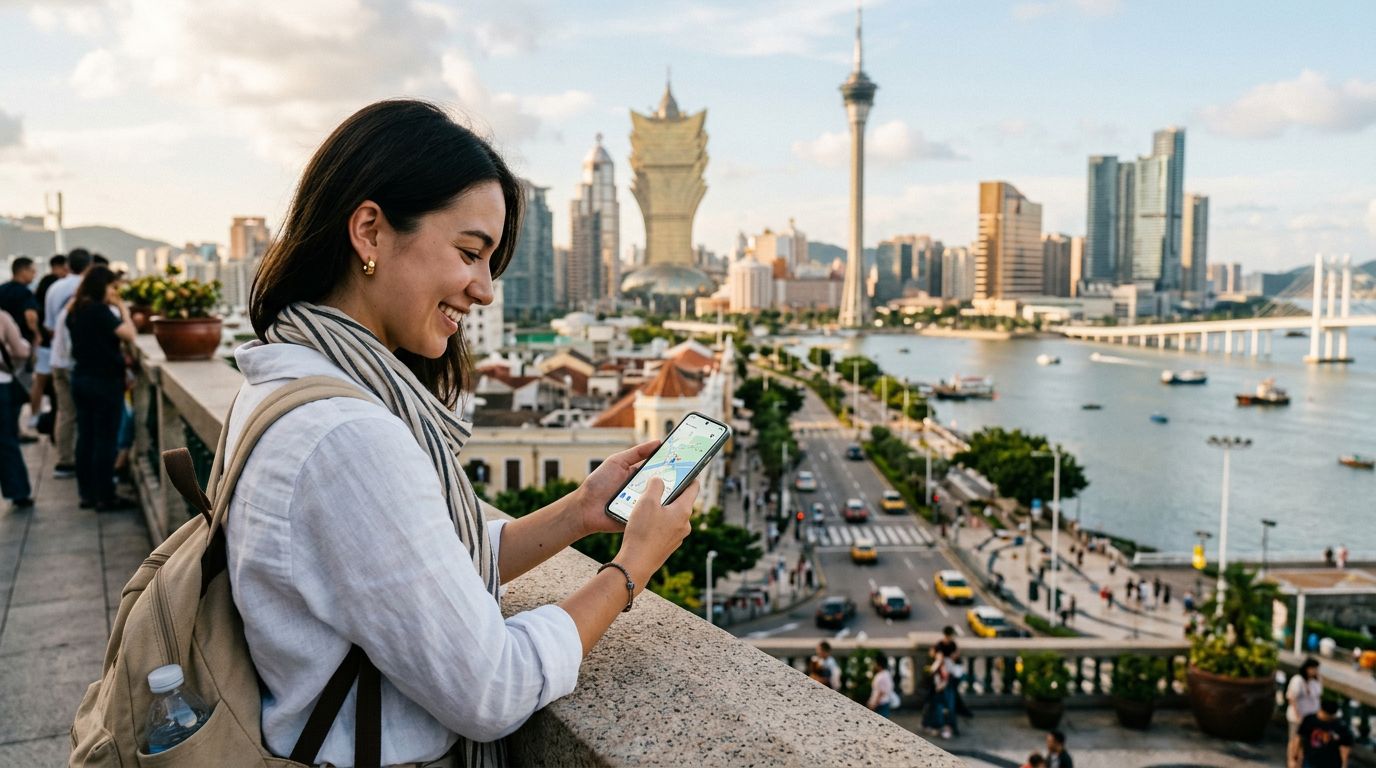
Traveling to Macao offers a blend of historical architecture, world-class entertainment, and vibrant culinary experiences. Whether you are wandering through the ruins of St. Paul's or exploring the bustling casino resorts on the Cotai Strip, staying connected is essential for navigation, translation, and sharing your experiences. Many travelers now prefer eSIM technology over traditional physical SIM cards because it eliminates the need to swap tiny chips or visit a local kiosk upon arrival.
An eSIM is a digital SIM that allows you to activate a cellular plan without needing a physical card. It is embedded directly into the hardware of compatible smartphones. When you ask, "does eSIM work in Macao," the answer is a definitive yes. Macao’s telecommunications infrastructure supports modern digital connectivity, making it an ideal destination to utilize this technology. By setting up your connection before you depart, you ensure that you have data the moment your plane touches down at Macao International Airport.
Using an eSIM through a provider like OneTapSIM allows you to maintain your home number for calls or texts while using a separate data plan for your local needs. This setup prevents the common headache of losing your original SIM card or dealing with roaming fees from your home carrier. Because the eSIM is managed entirely through software, you can manage your data usage and connectivity settings directly from your phone’s menu.
How to Verify Your Device Compatibility
Before you purchase an eSIM for your trip, you must confirm that your device is capable of supporting this technology. Most modern smartphones released in the last few years are eSIM-compatible, but it is always best to double-check your specific model. Generally, flagship devices from major manufacturers like Apple and Google include this functionality.
To verify if your iPhone is compatible, you can consult the official documentation on the Apple website. Typically, any iPhone from the XR model onwards supports eSIM. For Android users, the process is similar; checking the support pages on the Google website will provide a list of compatible Pixel devices and other Android models that support digital SIMs.
Beyond hardware compatibility, your device must also be carrier-unlocked. If you purchased your phone through a mobile carrier, it might be locked to their network, meaning it will not accept a SIM card or eSIM from another provider. If you are unsure about your device's status, contact your home carrier to request an unlock. Once your device is confirmed as both eSIM-compatible and unlocked, you are ready to proceed with setting up your travel connectivity. OneTapSIM provides a streamlined process for installing these profiles, ensuring that your transition to a local network is as smooth as possible.
Setting Up and Managing Your Connectivity
Once you have selected a data plan, the installation process is straightforward. You will typically receive a QR code or a set of activation details via email. On an iPhone, you simply go to your settings, select cellular, and choose the option to add an eSIM. You can then scan the QR code provided by your service provider. Android devices follow a similar path, usually found within the network or mobile internet settings menu.
One of the primary benefits of using an eSIM in Macao is the ability to manage multiple profiles. You can store several eSIMs on your device, though you can usually only have one or two active at a time. This is particularly useful if you are traveling across multiple regions, such as visiting Hong Kong and mainland China alongside Macao. You can switch between these profiles with a few taps, ensuring you always have the best available signal without needing to physically handle a card.
When you arrive in Macao, your phone should automatically detect the network associated with your eSIM. If it does not, a quick restart of your device or a toggle of your airplane mode usually forces the connection. It is important to ensure that "Data Roaming" is turned on for your eSIM profile, as this is the mechanism that allows the digital SIM to connect to local towers. Note that this refers specifically to the roaming setting for your travel eSIM, not your home carrier’s SIM.
Using OneTapSIM for your Macao adventure means you have a reliable partner in connectivity. By bypassing the need to find a physical store to purchase a local SIM, you save valuable time that can be better spent exploring the city. Whether you need to look up bus schedules, use a ride-sharing app, or upload photos of your visit to the A-Ma Temple, a stable data connection makes the entire experience more enjoyable. If you encounter any issues, most reputable eSIM providers offer digital support to help you troubleshoot your connection settings, ensuring you remain online throughout your entire stay.
As you plan your itinerary, remember that Macao is a small but dense region. Reliable data will help you navigate the narrow streets of the historic center and find the best dining spots in the Taipa Village. By preparing your digital connectivity in advance, you remove one of the biggest stressors of international travel, allowing you to focus on the sights and sounds of this unique destination.
Consigue una eSIM para
Planes para los destinos de esta guía, con entrega instantánea por QR.