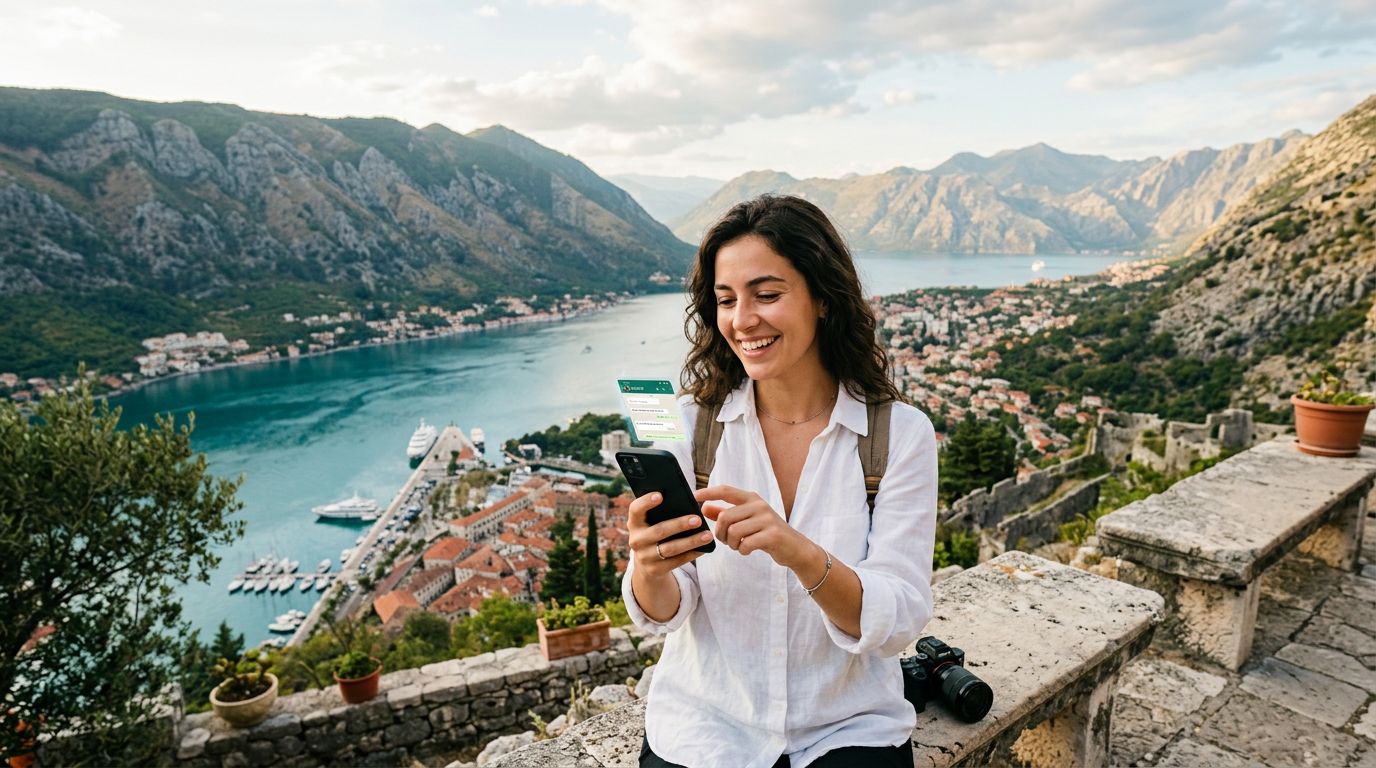
Preparing Your Device for Connectivity in Montenegro
Montenegro is a destination that captures the imagination with its dramatic limestone cliffs, deep canyons, and the sparkling blue waters of the Adriatic Sea. Whether you are planning to hike through Durmitor National Park or wander the ancient, narrow streets of Kotor, having a reliable internet connection is essential for mapping your route, translating local signs, or sharing photos of the sunset. Many travelers find that traditional roaming options are cumbersome or prohibitively expensive, which is why choosing a digital solution has become the standard for modern exploration.
Before you begin the process of activating your travel eSIM for a Montenegro trip, you must ensure your smartphone is compatible. Most modern devices produced within the last few years support eSIM technology. It is a good practice to check your phone settings or consult the official support pages for Apple or Google to confirm that your specific model is carrier-unlocked and eSIM-ready. If your device is locked to a specific network provider, you will need to contact them to request an unlock before you depart.
Once you have confirmed compatibility, the next step is to select a data plan that suits your travel duration and expected usage. OneTapSIM offers a streamlined way to acquire a digital SIM that activates the moment you arrive in Montenegro. By handling the digital setup before you leave home, you avoid the stress of hunting for a physical kiosk at the airport or dealing with language barriers at a local mobile shop. Ensure your device is updated to the latest operating system, as this often includes important connectivity patches that ensure a smooth installation process.
Installing and Activating Your eSIM
The beauty of using a travel eSIM lies in its simplicity. Once you have purchased your plan, you will receive instructions, usually via email, containing a QR code or a manual activation string. It is highly recommended to complete the installation while you are still at home and connected to a stable Wi-Fi network. This prevents any issues that might arise from spotty airport connectivity or data roaming charges.
On an iPhone, you can navigate to your cellular settings and select the option to add an eSIM. You will be prompted to scan the QR code provided by your service provider. Once scanned, your phone will recognize the new network profile. You can label this profile as "Montenegro" or "Travel" to keep it distinct from your primary home SIM. On Android devices, the process is similar; you will find the eSIM management section within your network settings, where you can add a new plan by following the on-screen prompts.
The key to successfully activating your travel eSIM for a Montenegro trip is understanding how to toggle between your home SIM and your travel SIM. You do not necessarily need to remove your physical SIM card. Instead, you can keep your home SIM active for calls or texts if necessary, while designating the eSIM as your primary source for mobile data. OneTapSIM makes this transition seamless by providing clear, step-by-step guidance tailored to your specific device.
When you land in Montenegro, you may need to toggle "Data Roaming" to "On" specifically for your eSIM profile. Do not worry—this does not mean you are roaming on your home carrier. It simply allows the eSIM to handshake with the local towers in Montenegro. Once this is enabled, your phone should automatically detect the local network, and you will see signal bars appear at the top of your screen. If the connection does not appear instantly, a quick restart of your device usually forces the phone to re-scan for available networks.
Managing Data Usage and Troubleshooting Common Issues
Once you are connected, it is helpful to keep an eye on your data consumption. Montenegro offers plenty of distractions, but you will likely rely on your phone for navigation apps, ride-sharing services, or checking restaurant reviews. To ensure your data lasts throughout your trip, consider adjusting your phone settings to prevent background app refreshing over cellular data. You can also download offline maps for the areas you plan to visit, which significantly reduces the amount of data required for navigation.
Sometimes, travelers encounter minor connectivity hiccups. If you find that your data is not working, the first step is to verify that your eSIM is enabled in your cellular settings. Ensure that the "Cellular Data" option is set to use the travel eSIM rather than your home carrier. Another common fix is to check your APN (Access Point Name) settings. While most modern eSIMs configure these automatically, some devices may require you to manually enter the details provided in your activation instructions. You can typically find these settings under the "Cellular Data Network" or "Access Point Names" menu within your device settings.
If you are traveling through remote areas, such as the northern mountains or deep within the national parks, signal strength can fluctuate. This is a common occurrence in mountainous terrain regardless of the network provider. If you lose signal, try toggling "Airplane Mode" on and off; this forces your device to search for the strongest available tower.
OneTapSIM is designed to provide a consistent experience, but should you ever feel stuck, the support resources provided with your plan are there to help. By keeping your confirmation email accessible—either in your digital inbox or as a saved screenshot—you will always have the necessary information to troubleshoot your connection. Remember that your travel eSIM is a temporary solution intended to make your journey smoother. By handling the technical setup before you board your flight, you grant yourself the freedom to focus on what really matters: enjoying the stunning vistas, the rich history, and the warm hospitality that Montenegro has to offer. With your connectivity sorted, you can move through the country with the confidence of a local, knowing you are never more than a tap away from the information you need.
Consigue una eSIM para
Planes para los destinos de esta guía, con entrega instantánea por QR.