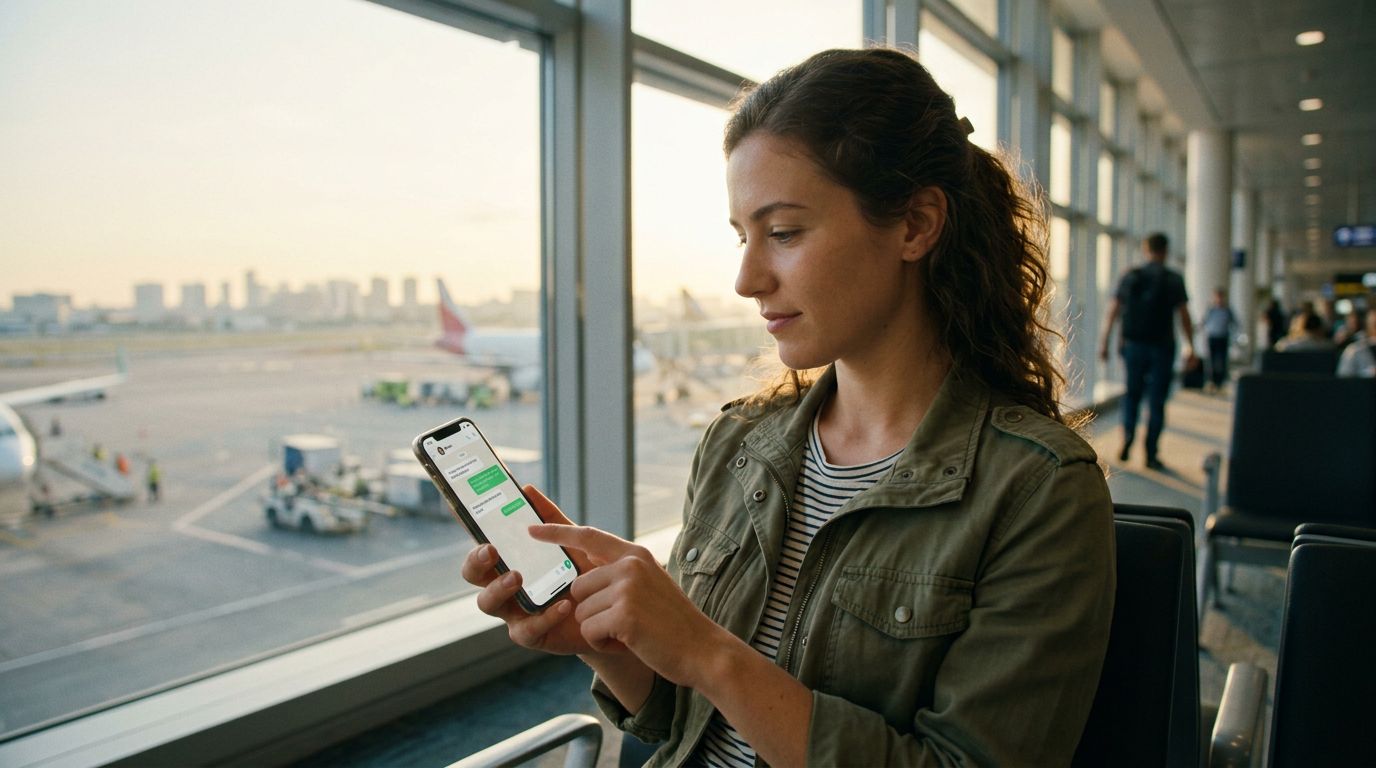
The Simplicity of Staying Connected
One of the most common anxieties travelers face when heading abroad is the fear of losing access to their primary communication tools. For many, WhatsApp is the lifeline that connects them to family, friends, and professional contacts. When you swap your physical SIM card for a local one, the immediate concern is whether your chats, groups, and contact history will vanish or if your phone number will be disconnected from your account.
The good news is that keeping your WhatsApp number with a travel eSIM is not only possible but remarkably straightforward. WhatsApp is tied to your account, not your physical SIM card. As long as you follow the correct procedures before and during your trip, your transition to a digital eSIM will be seamless.
When you use a OneTapSIM eSIM, you are essentially adding a data-only plan to your device. Because your original SIM card—or your primary eSIM profile—remains active in the background for SMS verification and calls, your WhatsApp account never registers a change. You can continue to send messages, make voice calls, and share media just as you would at home, all while enjoying the high-speed data provided by your travel eSIM.
How WhatsApp Handles Phone Numbers
To understand why your account remains safe, it is helpful to understand how WhatsApp functions. When you first set up the application, it verifies your phone number via an SMS code. Once that verification is complete, the app links your account to that specific number on their servers. The application does not constantly check to see if that SIM card is currently inserted in your phone. It only requires the number to be active if you need to re-register the app on a new device or if you decide to change your registered number within the settings.
If you are using a dual-SIM setup—which is the standard way to use a OneTapSIM eSIM—your phone manages two different networks simultaneously. Your primary SIM handles your voice and SMS traffic, while your OneTapSIM eSIM handles your data traffic. WhatsApp recognizes that your primary number is still "present" in the device settings. Even if you choose to turn off the cellular data for your primary SIM to avoid roaming charges, WhatsApp remains fully functional because it uses the data connection provided by your travel eSIM to route your messages.
This setup is the gold standard for international travel. You do not need to update your WhatsApp settings, notify your contacts of a new number, or worry about losing your message history. As long as you keep your primary SIM card active in your phone settings—even if you disable its roaming data—your WhatsApp identity remains tethered to your home number.
Best Practices for a Smooth Experience
While the technology is designed to be user-friendly, a few proactive steps can ensure that your experience remains stress-free. Before you depart, verify that your WhatsApp account is fully backed up. You can find these options in the application settings under the chat backup menu. This ensures that even if you encounter an issue with your device, your message history is stored in the cloud.
Another vital tip is to keep your primary SIM card active in your phone’s settings menu. On most modern smartphones, you can assign specific roles to each SIM. You should set your OneTapSIM eSIM as the primary source for cellular data while keeping your home SIM card active for "Voice" and "SMS." This configuration tells your phone to use the travel eSIM for internet access, which in turn powers your WhatsApp, while your home SIM stays in a "standby" mode. This standby mode is sufficient for WhatsApp to recognize that your number is still valid.
Avoid the temptation to change your phone number inside the WhatsApp settings while you are traveling. Some users mistakenly believe they need to update the app with the number associated with their travel eSIM. You should never do this. If you change your WhatsApp number to the number provided by a temporary travel plan, you will lose your connection to your home contacts and potentially lose access to the account once that travel plan expires. Your WhatsApp number should always remain your permanent, home-based phone number.
If you are using an iPhone or an Android device, ensure that your operating system is updated to the latest version before you travel. Modern mobile operating systems have become increasingly adept at managing dual-SIM configurations. These systems allow you to toggle data roaming off for your home SIM with a single tap, ensuring you do not incur unexpected charges from your home carrier, while simultaneously allowing your OneTapSIM eSIM to provide the connectivity your apps require.
By treating your travel eSIM as a data-only utility and leaving your primary SIM card’s voice and text capabilities enabled, you maintain the perfect balance. You get the reliable, high-speed data you need to navigate, browse, and communicate, and you keep your digital identity intact. Traveling with a OneTapSIM eSIM allows you to focus on your destination rather than worrying about the technicalities of your connectivity. With these simple configurations, your WhatsApp remains exactly where it belongs: in your pocket, ready to use wherever your journey takes you.