Understanding How WhatsApp Works While Traveling
Many travelers worry that changing their physical SIM card upon arrival in a new country will disrupt their communication apps. A common misconception is that WhatsApp is tied to the physical plastic card inside your phone. In reality, WhatsApp is tied to your account identity, which is verified by your phone number during the initial setup.
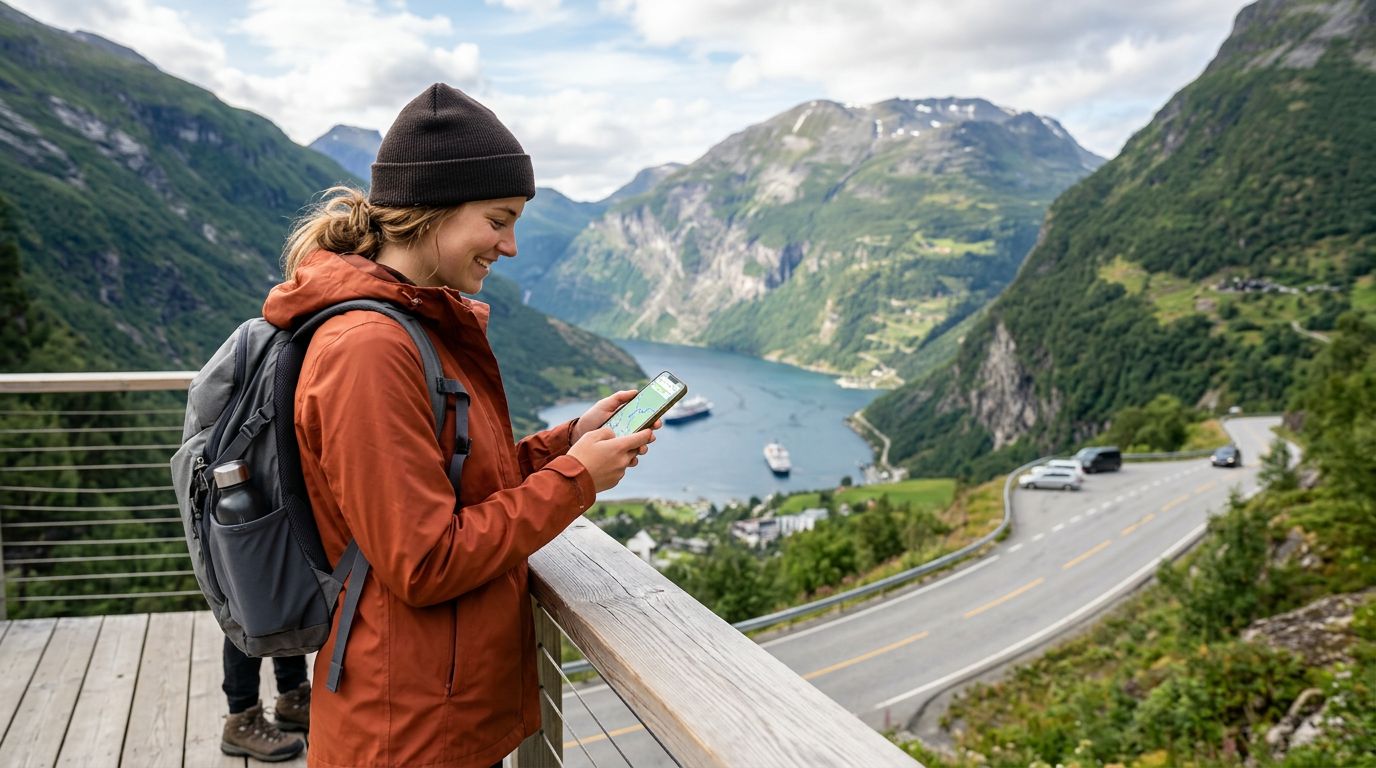
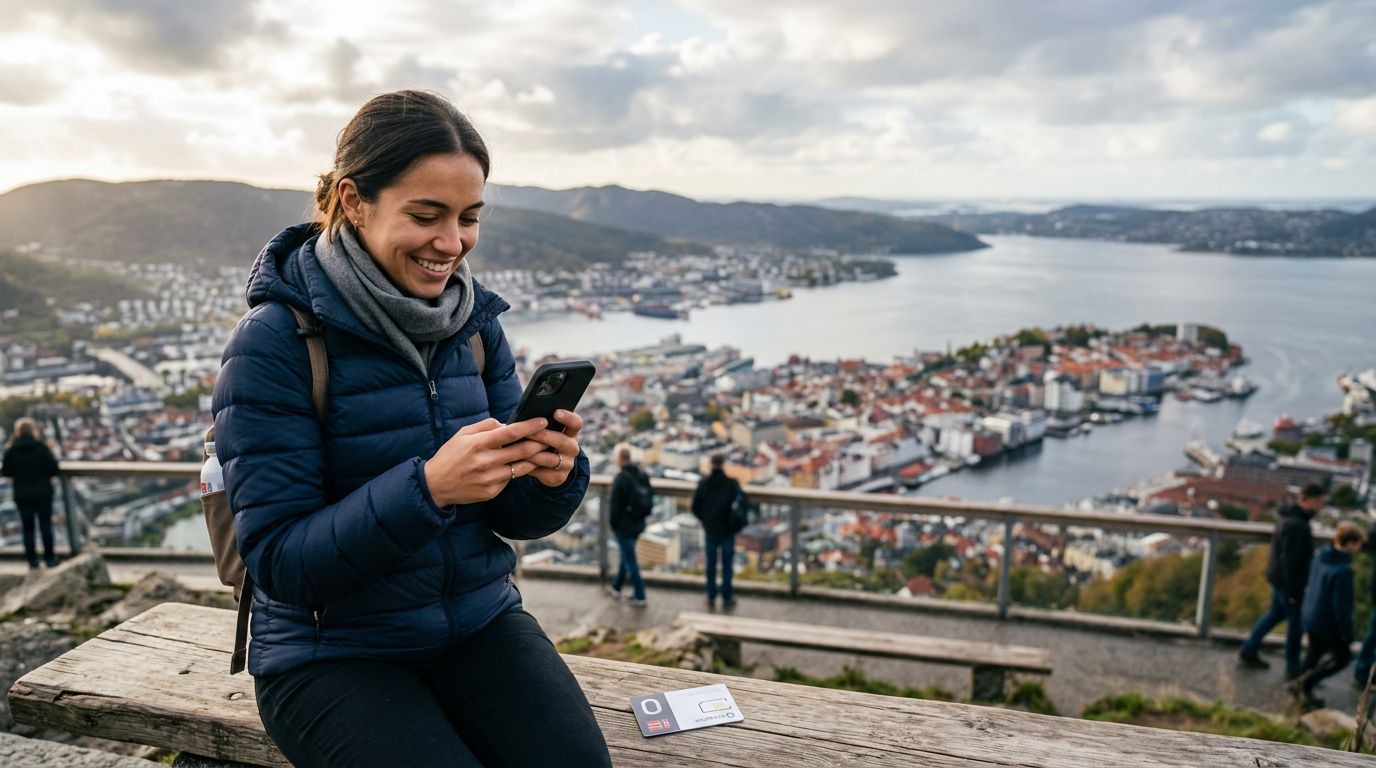
When you travel to Norway, you do not need to change your WhatsApp number just because you are using a local data connection. WhatsApp functions over the internet, meaning it relies on data—either Wi-Fi or cellular data—rather than a traditional mobile signal or a specific SIM card provider. As long as your account remains active and you have a stable internet connection, you can continue to send messages, make voice calls, and share media without any interruption.
The primary challenge for travelers is ensuring that their device stays connected to the internet throughout their journey. If you remove your home SIM card or disable it to avoid roaming fees, your phone still needs a way to access the web. This is where modern eSIM technology becomes essential. By installing an eSIM for your Norway trip, you provide your phone with a dedicated data stream that allows WhatsApp to function exactly as it does back home. You can keep your original number linked to the app while using a separate data plan to power your connectivity.
The Benefits of Using an eSIM for Connectivity
Using an eSIM is the most efficient way to maintain your digital life while exploring the fjords and cities of Norway. An eSIM is a digital version of a traditional SIM card that you download directly to your device. Because it is software-based, you do not need to visit a kiosk or handle tiny pieces of plastic at the airport.
When you use an eSIM from a provider like OneTapSIM, you are essentially purchasing a temporary data allowance for your trip. This setup allows you to keep your primary SIM card active in your phone settings if you wish to receive SMS messages from your home bank or family, while your eSIM handles all your data-heavy tasks. Because WhatsApp uses data, it will automatically route its traffic through your active data connection.
Another significant advantage is the convenience of preparation. You can set up your eSIM before you even board your flight. Once you land in Norway, your phone will recognize the new network, and you will have instant access to your apps. There is no need to hunt for a local store or deal with language barriers when trying to purchase a physical card. Your WhatsApp contacts will never know you have changed your network, as your profile remains unchanged. You will still appear as yourself, and your chat history will remain fully intact on your device.
Best Practices for Seamless Communication in Norway
To ensure your experience is as smooth as possible, there are a few technical steps you should follow. First, ensure your phone is unlocked. An unlocked phone is one that is not restricted to a specific carrier, allowing you to install an eSIM from any provider. If you are unsure if your device is unlocked, you can check your phone’s settings or contact your home carrier before you leave.
Once you have your eSIM installed, verify your phone's cellular settings. Most modern smartphones allow you to designate which SIM card is used for "Cellular Data." Make sure your eSIM is selected for data while you are in Norway. You should also ensure that "Data Roaming" is toggled on for your eSIM profile. This does not mean you are roaming on your home carrier; it simply enables the eSIM to connect to local Norwegian towers.
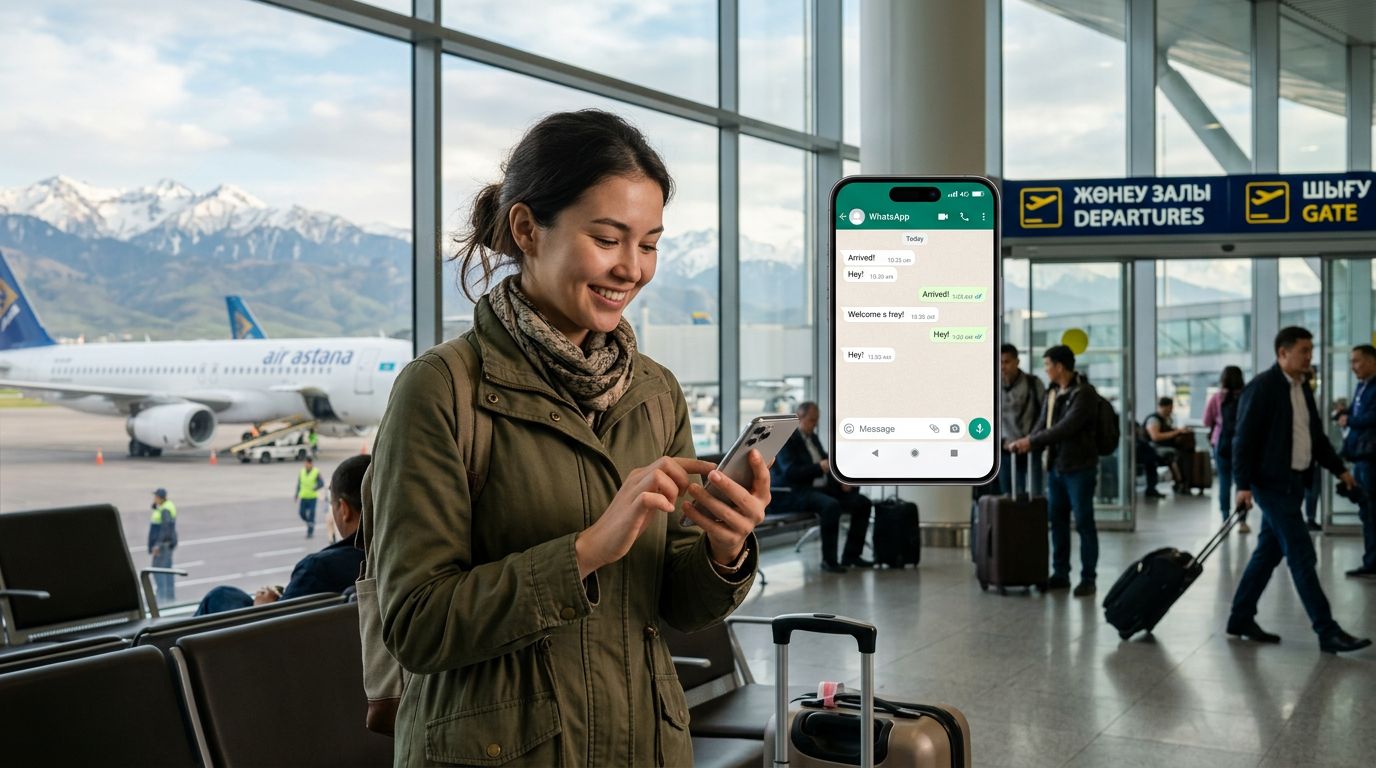
Regarding WhatsApp specifically, the app will prompt you when you first open it after switching networks, asking if you would like to change your number. It is crucial that you select "No" or "Keep current number." If you accidentally select the option to update your number to the local Norwegian number associated with your data plan, you risk losing access to your existing chat history or causing confusion for your contacts. By keeping your original number associated with the account, you maintain your digital identity regardless of which country you are visiting.
For those who want to conserve data, you can go into your WhatsApp settings and adjust the media auto-download preferences. By restricting the app from automatically downloading large videos or high-resolution photos over cellular data, you can make your data plan last longer throughout your trip. This is particularly useful if you are planning a long excursion through remote areas where you want to ensure you have enough connectivity for navigation apps and maps alongside your messaging needs.
By choosing a reliable eSIM solution, you eliminate the stress of losing touch with friends and family. You can share photos of the Northern Lights or your hiking adventures in real-time, knowing that your WhatsApp account is stable and your connection is secure. Keeping your WhatsApp number in a Norway trip is less about technical configuration and more about choosing the right data partner to support your journey. With your eSIM active, your phone becomes a seamless tool for both exploration and staying connected to the people who matter most.