The Challenge of Staying Connected in Kiribati
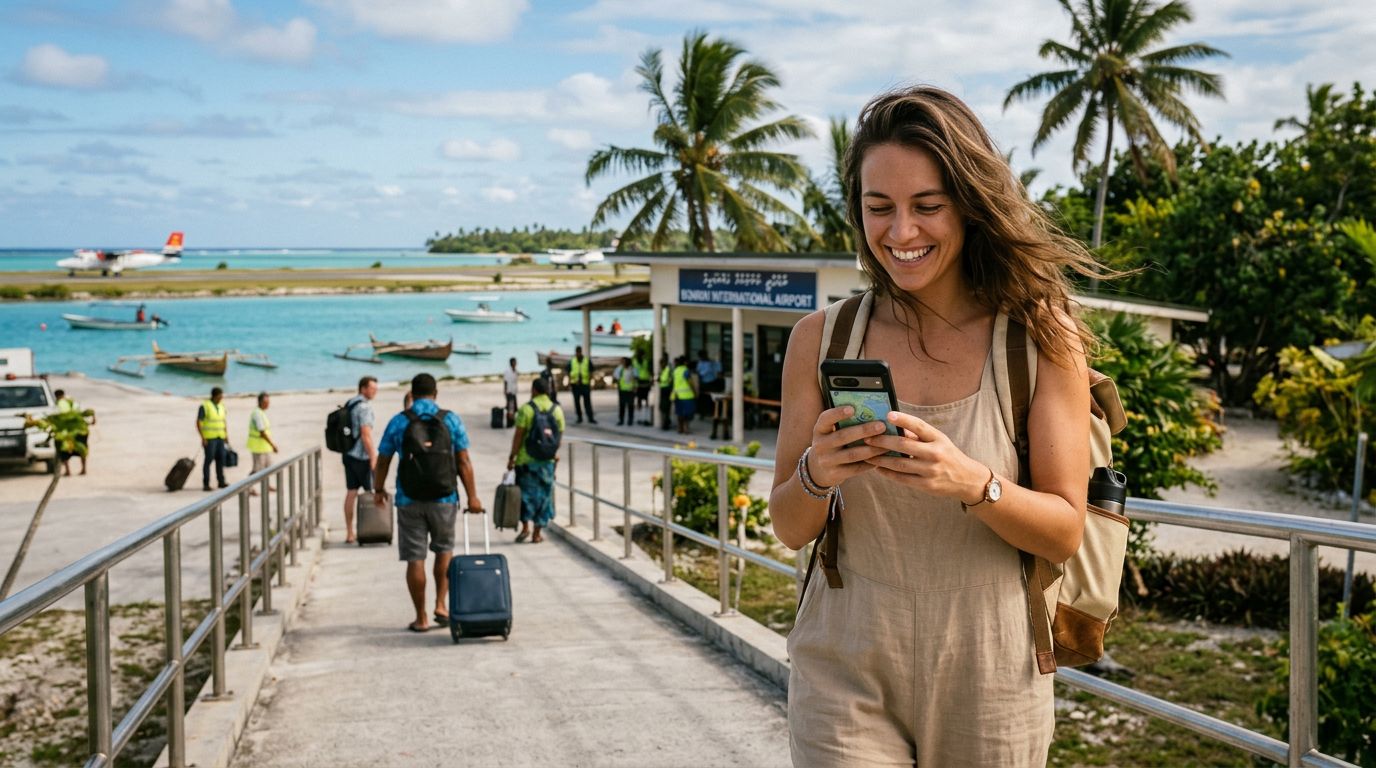
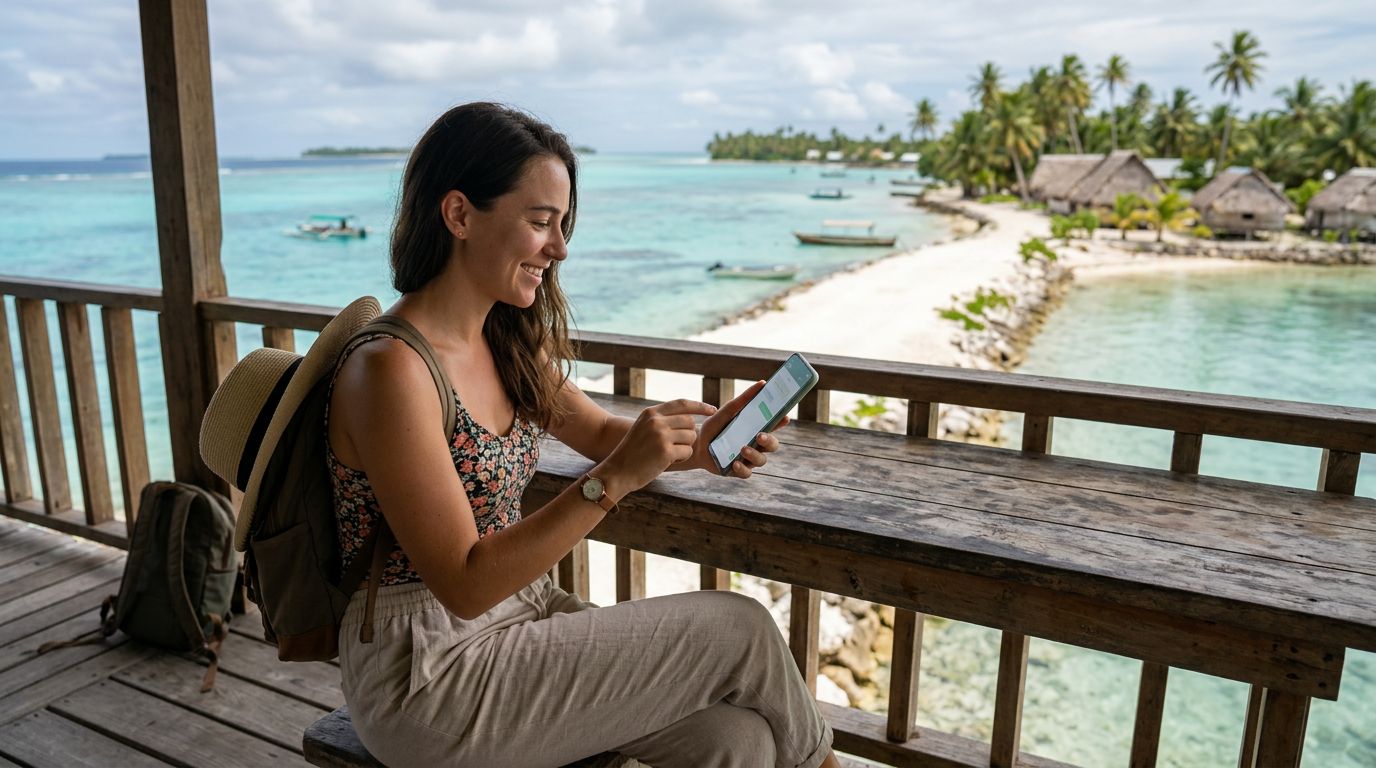
Kiribati is a destination that captures the imagination of travelers seeking true isolation and the pristine beauty of the Pacific. Spanning a vast area of the ocean, this island nation offers a unique experience far removed from the bustle of modern urban life. However, this remoteness comes with practical considerations, particularly regarding your digital life. When you travel to such a remote location, maintaining your usual communication channels is often a primary concern.
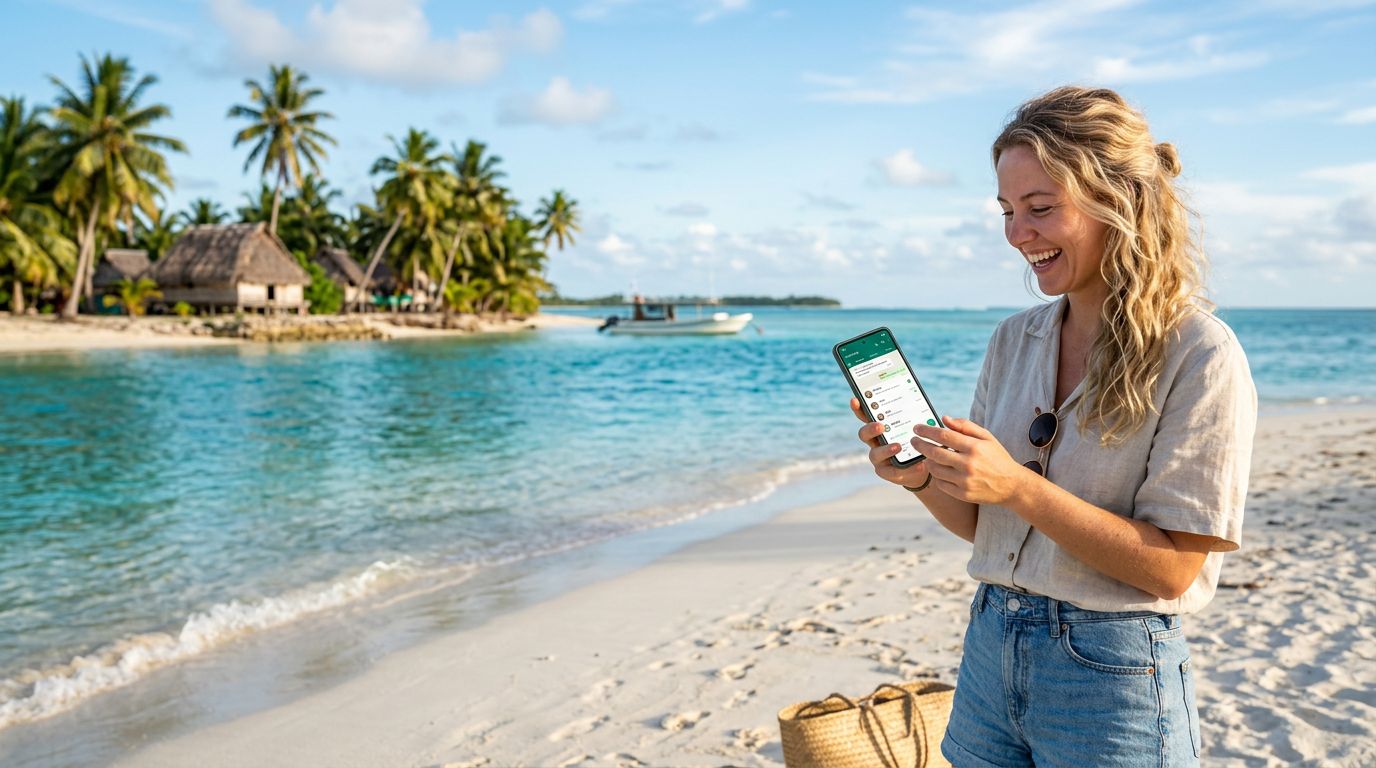
For most international travelers, WhatsApp has become the default method for staying in touch with family, friends, and colleagues. It is efficient, uses data rather than expensive international roaming minutes, and allows for seamless group chats and video calls. When you arrive in Kiribati, you might worry that changing your SIM card will disrupt your WhatsApp account or force you to notify everyone of a new number.
The good news is that your WhatsApp account is tied to your identity, not your physical SIM card. When you swap your primary SIM for a travel eSIM, your WhatsApp account remains fully functional. The application does not automatically switch to the new number unless you specifically go into the settings and change it. This means you can keep your original number linked to your WhatsApp while using a local or travel data connection to power the app. This is where a solution like OneTapSIM becomes invaluable, providing the connectivity you need to keep your existing chat history and contact list intact without the headache of managing multiple accounts.
Why an eSIM is the Ideal Solution for Kiribati
Traditional roaming is often unreliable or prohibitively expensive in remote island nations. Furthermore, relying on public Wi-Fi in Kiribati can be difficult, as connectivity is not as widespread as it is in major metropolitan areas. This is where an eSIM, or embedded SIM, changes the landscape for travelers. By utilizing an eSIM, you maintain your primary SIM card inside your device—allowing you to receive critical SMS messages for two-factor authentication from your home bank or other services—while your phone uses the OneTapSIM data plan for all your internet needs.
When you land in Kiribati, you want to focus on the turquoise lagoons and the unique culture of the I-Kiribati people, not on searching for a local kiosk to purchase a physical SIM card. Physical SIM cards are prone to being lost, damaged, or misplaced during long-haul travel. An eSIM is digital, meaning it is already installed on your device before you even board your flight. Once you arrive, you simply toggle your settings, and your phone connects to the local network.
This setup is the most effective way of keeping your WhatsApp number during Kiribati travel. Because your primary SIM stays active in the background for calls and texts, and your eSIM handles the data, you never have to trigger the WhatsApp "Change Number" prompt. You simply continue using the app as if you were back home. The data provided by your travel eSIM ensures that your messages, photos, and voice notes send and receive instantly, keeping you connected to your support network back home while you explore the remote atolls.
Managing Your Settings for Seamless Communication
To ensure that your experience remains smooth, there are a few technical steps to keep in mind. Before you depart, ensure that your device is carrier-unlocked. If your phone is locked to a specific provider, it will not accept an eSIM from another source. Once you have confirmed your device compatibility, installing your OneTapSIM is a straightforward process.
Once you arrive in Kiribati, you will need to configure your cellular settings to prioritize the eSIM for data. On most modern smartphones, you can go into your cellular or mobile data settings and select your eSIM specifically for mobile data usage. It is crucial to ensure that "Data Roaming" is turned on for your eSIM, as this is how the international data connection functions. At the same time, you should keep your primary SIM's data roaming turned off to avoid any accidental charges from your home carrier.
When you open WhatsApp, the app will likely detect that you are using a new data connection. If it asks if you would like to update your number, simply select "No" or "Keep Current Number." By choosing to keep your current number, you ensure that your chats, groups, and media remain exactly where they are. You will not lose any history, and your contacts will still see your original number when you message them.
This method of keeping your WhatsApp number during Kiribati travel is the most reliable way to maintain your digital footprint. By separating your data needs from your primary phone number, you gain the freedom to roam across the islands without losing contact with the people who matter most. Whether you are sending a quick update from Tarawa or sharing a photo from a remote beach, your communication remains constant. The stability provided by a dedicated travel eSIM ensures that your connection is as reliable as the tides, allowing you to enjoy your adventure with the peace of mind that your digital life is secure and accessible. As you prepare for your journey, prioritizing a reliable data plan is the final step in ensuring your trip to Kiribati is both memorable and well-connected.
Get an eSIM for
Plans for the destinations covered in this guide, with instant QR delivery.