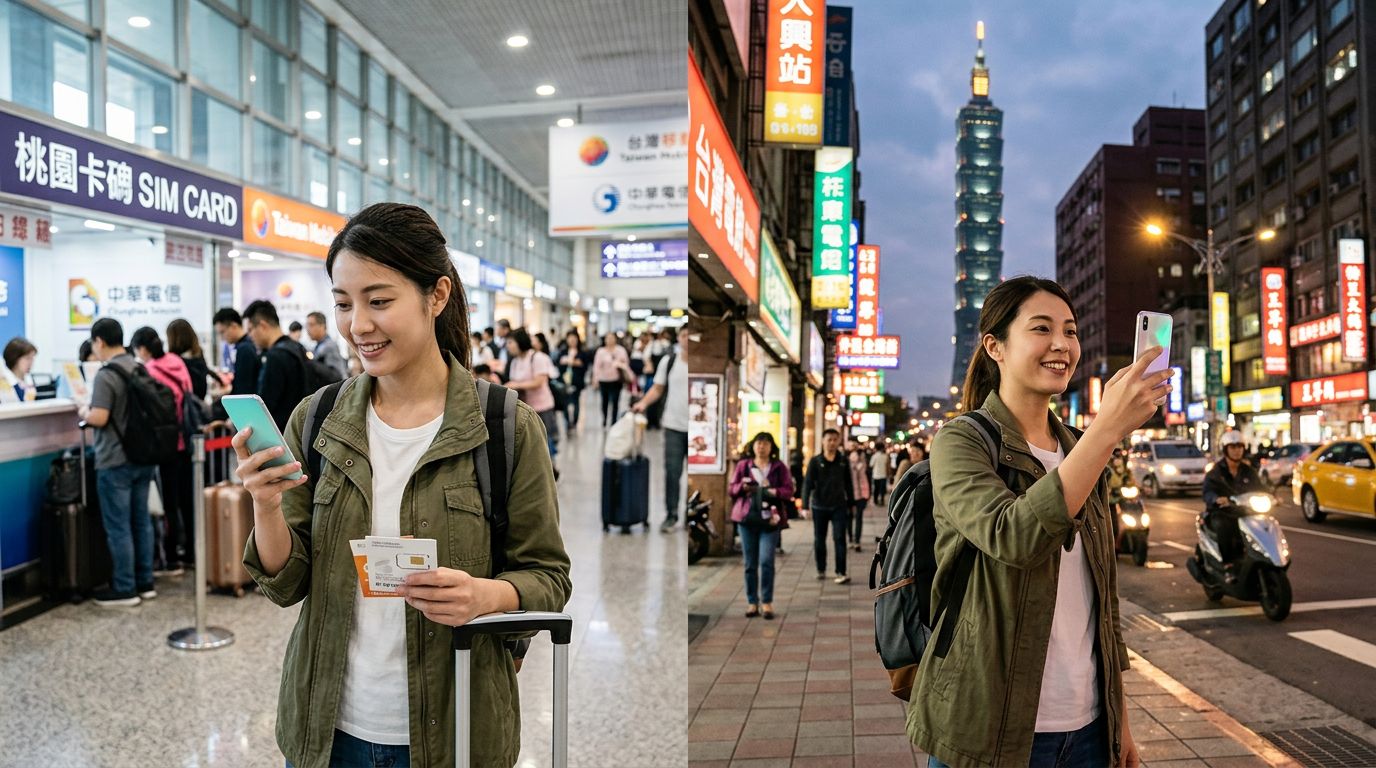
Preparing Your Device for Connectivity
Before you touch down at Taoyuan International Airport or step off the ferry in Kaohsiung, you need to ensure your smartphone is ready to handle an eSIM. Unlike physical SIM cards that require a tray and a tiny metal pin, an eSIM is a digital chip embedded directly into your phone’s hardware. Because it is software-based, the activation process happens over the air, provided you have a stable internet connection.
The first step is verifying device compatibility. Most modern smartphones released in the last few years support eSIM technology. You should check your device settings to confirm that your phone is "Carrier Unlocked." If your phone is locked to a specific domestic provider, it will likely reject an eSIM from a travel provider. You can usually find this information under your phone’s general settings menu under the "About" or "SIM Status" section. If you are unsure, contact your home carrier before you leave to ensure they can unlock the device for international travel.
Once you have confirmed your phone is unlocked, you need to ensure you have a reliable way to download your eSIM profile. While you can technically activate your eSIM once you land in Taiwan by connecting to the airport’s public Wi-Fi, it is much less stressful to complete the initial setup while you are still at home. By downloading and installing the eSIM profile before your flight, you ensure that your connection is ready to go the moment you land. OneTapSIM provides a streamlined process for this, allowing you to scan a QR code or enter manual details to register your profile on your device’s internal chip.
How to Activate Your Travel eSIM in Taiwan
Learning how to activate your travel eSIM in Taiwan is a straightforward process once you understand the two main components: the installation of the profile and the activation of the cellular plan. Most travelers find that the process takes less than five minutes if they follow the correct sequence of steps.
For iPhone users, navigate to your Settings, select Cellular or Mobile Data, and tap "Add eSIM." You will be prompted to scan the QR code provided by your eSIM service. Once scanned, your phone will communicate with the network to register your device. For Android users, the path is generally Settings, then Network & Internet, then SIMs, where you can select the option to add a SIM or download an eSIM.
After the profile is installed, you must configure your settings to ensure the data flows correctly. This involves labeling your new eSIM—often as "Travel" or "Taiwan"—so you can easily distinguish it from your primary home SIM. During the installation, your phone will ask which line you want to use for cellular data. Make sure to select your new travel eSIM.
One common mistake travelers make is leaving "Data Roaming" turned off. Because an eSIM operates on a partner network, your phone treats the connection as roaming. You must toggle the "Data Roaming" switch to "On" for your travel eSIM line specifically. Do not worry about unexpected charges from your home carrier, provided you have correctly set your home SIM to "Off" or "Voice Only" for the duration of your trip. By keeping your home SIM active for calls but setting your travel eSIM as the primary source for data, you maintain the best of both worlds: you stay reachable on your regular number while enjoying high-speed internet across Taiwan.
Troubleshooting and Optimizing Your Connection
Even with a simple setup, technology can occasionally be temperamental. If you land in Taipei and find that your data is not connecting immediately, do not panic. Most connectivity issues are resolved by a quick sequence of adjustments.
The most effective "first aid" for a non-responsive eSIM is toggling Airplane Mode. Turn Airplane Mode on for ten seconds, then turn it off. This forces your device to scan for local cell towers again. If that does not work, perform a full restart of your phone. This clears the temporary cache and forces the device to re-register with the local network provider in Taiwan.
If you still find yourself without service, check your APN (Access Point Name) settings. Sometimes, a device might not automatically pull the correct network configuration. You can usually find these settings under the Cellular Data Network menu for your eSIM. Your service provider will have specific instructions if manual entry is required. OneTapSIM offers clear documentation for these settings, ensuring that even if the automatic handshake fails, you have the necessary information to get back online manually.
Another aspect to consider is signal strength. Taiwan has excellent 4G and 5G coverage, but mountainous regions or remote coastal areas may have weaker signals regardless of the carrier. If you are traveling to Taroko Gorge or the Alishan National Forest, expect fluctuations in speed. To preserve your data and battery life in these areas, you can manually select a network if your phone allows it, though leaving it on "Automatic" is usually the best practice.
Finally, keep an eye on your data usage. While many travel eSIM plans offer generous allowances, high-definition video streaming or large file downloads can deplete your data faster than expected. Most modern smartphones have a built-in data tracker in the settings menu. Monitoring this ensures you do not run out of connectivity while navigating the night markets of Shilin or trying to find the best bubble tea shop in Taichung. If you do run low, you can often purchase a top-up through your provider’s portal, keeping you connected throughout your entire Taiwanese adventure without the need to swap physical cards or visit a local retail store. By following these simple steps, you ensure that your focus remains on the vibrant culture, food, and landscapes of Taiwan rather than on technical difficulties.