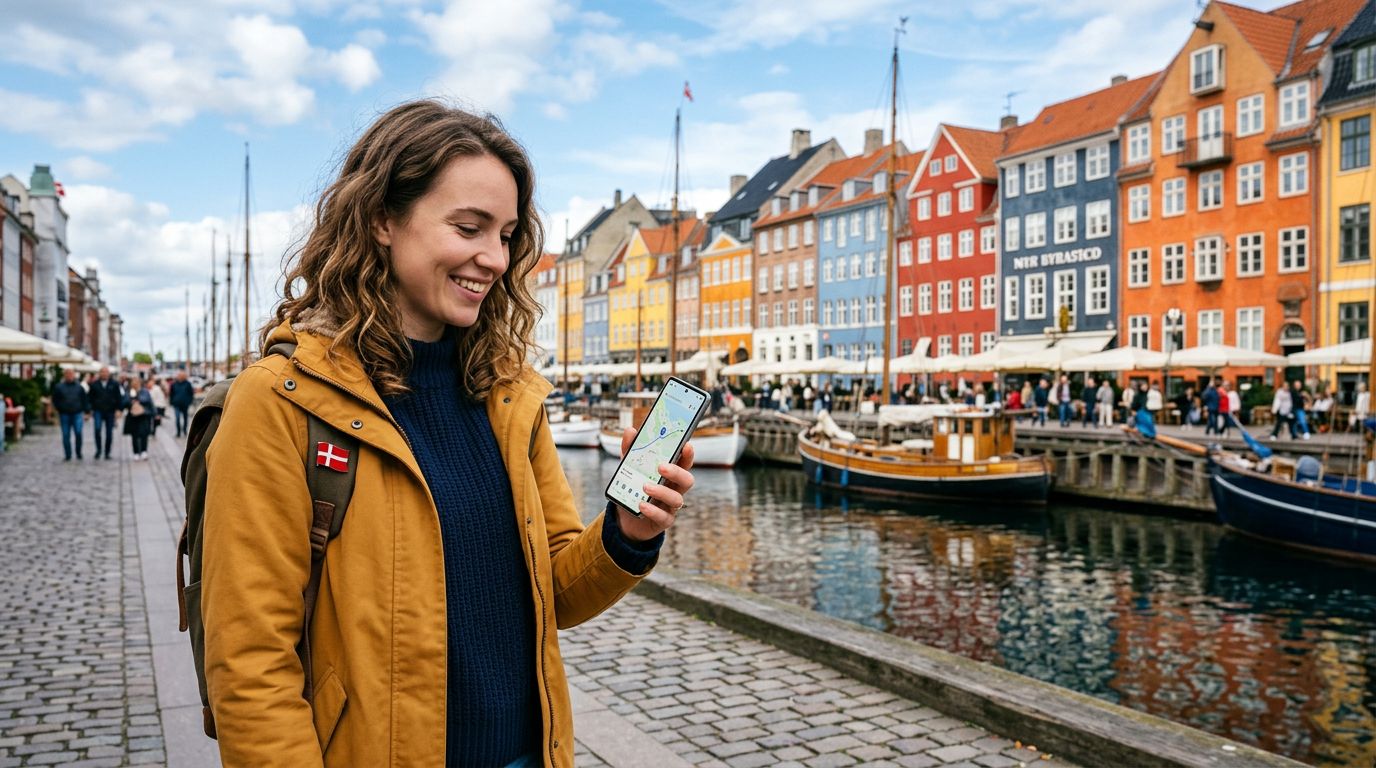
Denmark is a country defined by its seamless blend of historic charm and modern innovation. From the colorful canals of Copenhagen to the rugged coastlines of Jutland, travelers are constantly capturing memories and looking up directions. Staying connected is essential for a smooth trip, and the most efficient way to achieve this is through an eSIM. Unlike traditional physical SIM cards that require you to visit a local store or swap out tiny plastic chips, an eSIM is embedded directly into your device. If you are wondering how to activate your eSIM in Denmark, this guide will walk you through the process to ensure you are online the moment you land.
Preparing Your Device for eSIM Connectivity
Before you arrive in Denmark, you must ensure your smartphone is compatible with eSIM technology. Most modern flagship phones released in the last few years support this feature. You can check your device settings to confirm if your phone is "eSIM capable" or "unlocked." An unlocked phone is crucial because it allows your device to accept a network profile from a provider other than your home carrier. If your phone is locked to a specific carrier, you will need to contact them before your trip to request that it be unlocked.
Once you have confirmed compatibility, the next step is to choose a data plan that suits your travel needs. OneTapSIM offers a variety of data packages tailored for travelers visiting Denmark, allowing you to select the amount of data that fits your itinerary. After you purchase your plan, you will receive a QR code or an activation code via email. It is highly recommended that you complete the initial setup while you are still at home or at a location with a stable Wi-Fi connection. Setting up your eSIM before you board your flight ensures that you do not have to scramble for airport Wi-Fi upon arrival.
To begin the installation on an iPhone, navigate to your Settings, select Cellular or Mobile Data, and tap "Add eSIM." You will then be prompted to scan the QR code provided by your eSIM provider. On Android devices, the process is similar; usually, you will go to Settings, then Network & Internet, and look for the SIMs or Mobile Network section to add a new profile. Follow the on-screen instructions, and your phone will begin downloading the necessary network configurations.
Activating and Managing Your eSIM Upon Arrival
Once you have installed the eSIM profile, it will remain dormant until you reach your destination. When your plane touches down at Copenhagen Airport or you cross the border into Denmark, you can finalize the activation. To do this, go back into your phone’s cellular settings and ensure that the eSIM profile is toggled to "On." You may also need to enable "Data Roaming" specifically for your eSIM profile. Do not worry; since you are using a dedicated travel eSIM, this setting simply allows the eSIM to communicate with the local Danish towers.
It is common for travelers to have two SIMs active at once: their home SIM and their OneTapSIM. To avoid unexpected charges from your home carrier, make sure to set your primary voice line to your home SIM (if you need to receive important calls) and your cellular data to your new eSIM. This configuration allows you to browse the internet, use navigation apps, and post photos using the local Danish network while keeping your home number reachable for essential communications.
If you find that you are not immediately connected, try toggling "Airplane Mode" on and off. This forces the device to scan for available networks again. In Denmark, you will typically connect to high-quality local networks that provide excellent coverage in both urban centers and rural areas. If you encounter any issues, verify that the APN (Access Point Name) settings match the instructions provided by your service provider. Most modern devices configure these settings automatically, but a quick manual check can resolve most connectivity hurdles.
Troubleshooting and Tips for a Seamless Experience
While the activation process is designed to be user-friendly, technology can occasionally be unpredictable. If your eSIM fails to connect, start by restarting your device. A simple reboot often clears out temporary software glitches that prevent the phone from recognizing the new network profile. If you are still offline, check that your eSIM is set as the active data provider in your settings menu. Sometimes, the phone may default back to the home SIM if the signal strength is fluctuating.
Another important tip is to monitor your data usage throughout your trip. While many travel plans offer generous data allowances, streaming high-definition video or downloading large files can consume your balance faster than expected. Most smartphones have a built-in data usage tracker in the settings menu that allows you to see how much data each app is consuming. By keeping an eye on this, you can ensure that you remain connected for the duration of your stay in Denmark without interruption.
If you are traveling with a group, remember that each device requires its own eSIM. You cannot "share" a single eSIM profile across multiple phones. However, you can use your phone as a mobile hotspot if one person in your party has a high-data plan and needs to share access with a companion. Just be mindful that using your phone as a hotspot will drain your battery significantly faster than standard usage. Carrying a portable power bank is a wise addition to your travel gear, especially if you plan on using GPS and photography apps throughout the day.
Finally, remember that your eSIM is a digital product. Keep the confirmation email with your QR code saved in a secure folder or a cloud storage account just in case you need to re-install the profile for any reason. By following these steps, you can enjoy the peace of mind that comes with reliable connectivity. Whether you are navigating the streets of Aarhus or checking train schedules for a trip to Odense, having a pre-activated eSIM ensures that your focus remains on the beauty of Denmark rather than the technicalities of staying online. With OneTapSIM, you are prepared to explore with confidence, knowing your digital connection is handled.