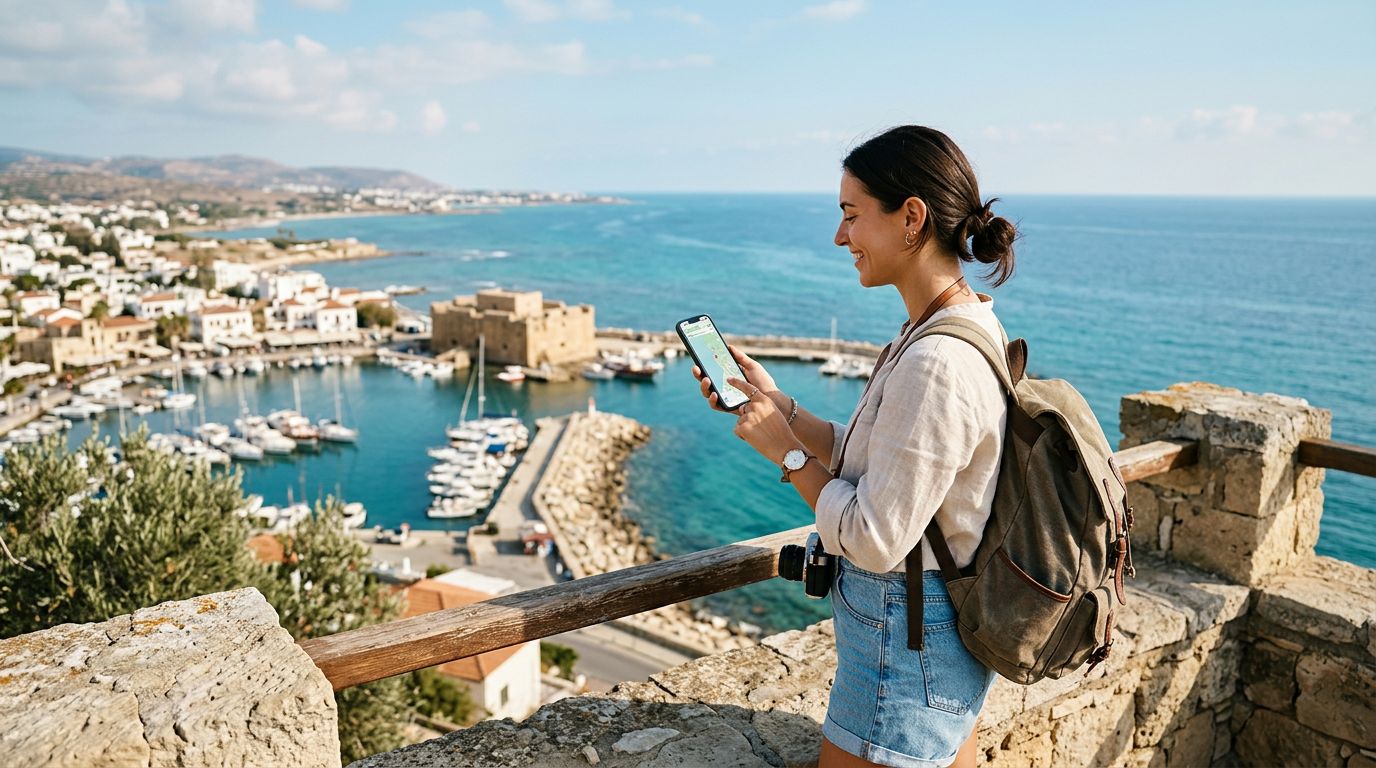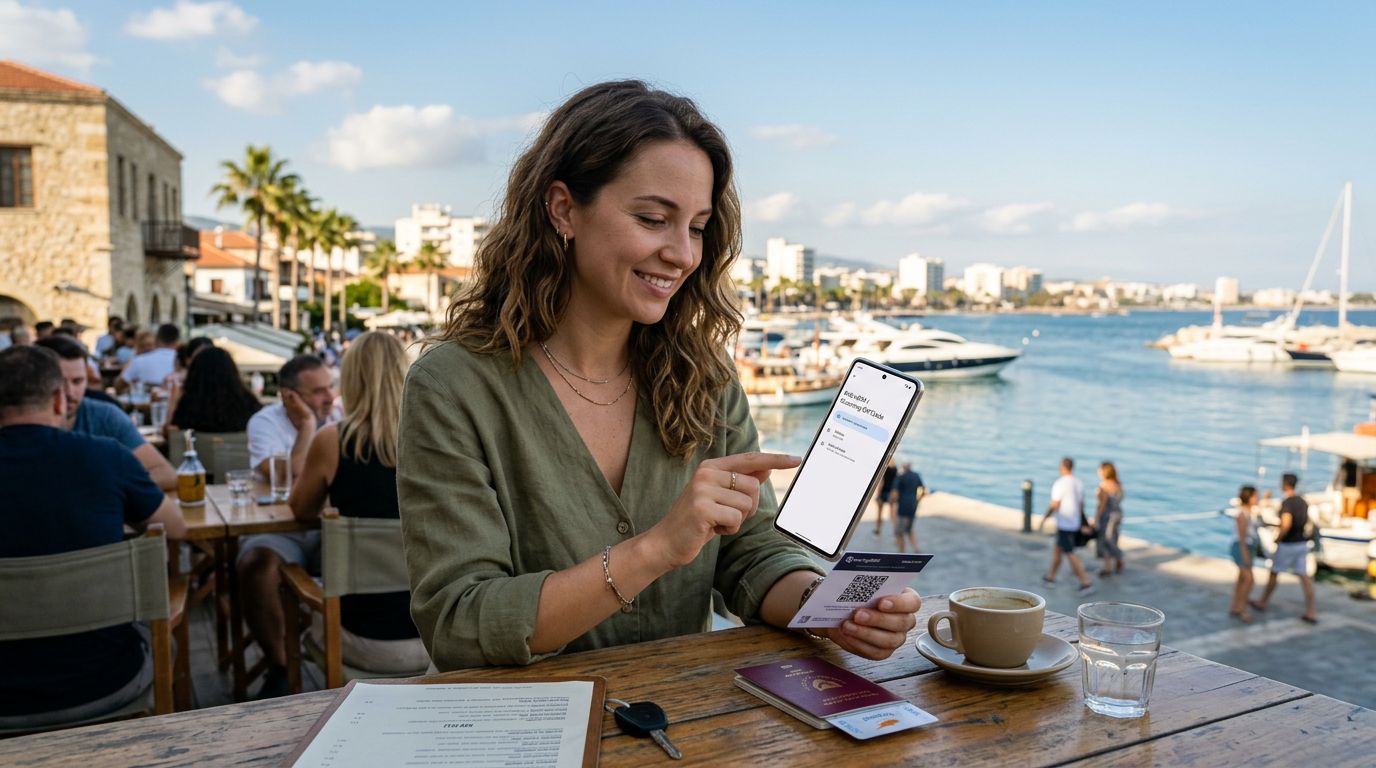
Preparing for Your Trip: Why Choose an eSIM for Cyprus?
Traveling to Cyprus offers a perfect blend of Mediterranean beaches, ancient ruins, and vibrant local culture. Whether you are exploring the historic streets of Nicosia, relaxing on the shores of Ayia Napa, or hiking through the Troodos Mountains, staying connected is essential. Relying on traditional physical SIM cards often involves searching for local kiosks, dealing with language barriers, or waiting in lines at the airport. This is where modern connectivity solutions come into play.
An eSIM, or embedded SIM, is a digital version of the traditional plastic card that lives directly in your smartphone’s hardware. By using an eSIM, you bypass the need to swap out physical chips or worry about losing your original SIM card. For travelers heading to Cyprus, this technology provides an immediate way to access mobile data the moment you step off the plane.
OneTapSIM simplifies this experience by providing a streamlined delivery method for your connectivity needs. Because the eSIM is activated through a digital profile, you can set up your connection before you even leave home. This ensures that you have access to maps, ride-sharing apps, and communication tools the second you arrive, preventing the stress of roaming charges or the inconvenience of hunting for local connectivity providers in an unfamiliar environment.
How to Activate Your eSIM in Cyprus: Step-by-Step
The process of setting up your digital connection is straightforward, provided your device is carrier-unlocked and eSIM-compatible. Most modern smartphones support this technology, but it is always wise to check your device settings or manufacturer documentation before purchasing a plan.
To begin the activation process, ensure you have a stable internet connection—ideally Wi-Fi—before you land in Cyprus. If you are already in the country, you can connect to a public Wi-Fi network at the airport or a local cafe to complete the setup.
- Receive Your eSIM Details: Once you have obtained your eSIM profile from a provider like OneTapSIM, you will typically receive a QR code or a manual activation string via email.
- Access Your Device Settings: On an iPhone, navigate to Settings, tap Cellular or Mobile Data, and select "Add eSIM." On Android devices, go to Settings, tap Network & Internet, and look for the SIMs or Mobile Network section to add a new profile.
- Scan or Enter Details: Use your phone’s camera to scan the QR code provided. If you are unable to scan the code, most devices allow you to enter the activation details manually, which are usually included in the instructions sent to you.
- Label Your Plan: Once the profile is added, your phone will prompt you to label the SIM. You might name it "Cyprus Travel" or "OneTapSIM" to distinguish it from your primary home line.
- Configure Data Settings: After installation, ensure your phone is set to use the new eSIM for cellular data. You can usually toggle this in your data settings menu. It is often recommended to turn off "Data Roaming" on your primary home SIM to avoid accidental charges from your home carrier, while keeping it enabled for your new eSIM to ensure it functions correctly on local networks.
Once these steps are completed, your device will search for the local network in Cyprus. This may take a few moments. Once the signal bars appear, you are ready to browse, navigate, and share your travel experiences.
Troubleshooting and Best Practices for Seamless Connectivity
Even with a simple setup, technology can occasionally behave unexpectedly. Understanding how to manage your device settings ensures that your connection remains stable throughout your stay in Cyprus.
If you find that your eSIM is not connecting immediately after landing, the most effective first step is to toggle "Airplane Mode" on and off. This forces the device to re-scan for available local towers. If that does not resolve the issue, verify that your data roaming is turned on specifically for the eSIM profile. Many users forget that while the eSIM is active, the roaming setting acts as the "on" switch for data services while abroad.
Another common point of confusion involves the dual-SIM capabilities of modern phones. If you are keeping your home SIM active for calls or SMS, ensure that your phone is configured to use the eSIM for "Cellular Data" specifically. You can usually manage these preferences in your device’s cellular settings menu. By assigning the eSIM as the primary source for data, you prevent your phone from defaulting to your home carrier's expensive roaming data.
Battery life is another consideration when using data abroad. Constant GPS usage for navigation or streaming high-definition video can drain your battery faster than usual. To maximize your phone’s longevity, consider downloading offline maps for the specific regions of Cyprus you plan to visit. This reduces the constant background data usage required by navigation apps.
Finally, keep your original physical SIM card in a safe place. Since the eSIM is a digital add-on, your original SIM remains in the device (or is removed and stored), and you will need to switch your data settings back to your home carrier as soon as you return home. By following these simple management tips, you ensure that your connectivity remains a tool that enhances your trip rather than a source of frustration. Utilizing a reliable service like OneTapSIM allows you to focus on the beauty of Cyprus, knowing your digital connection is handled efficiently and effectively. Whether you are visiting for a short weekend or an extended holiday, having a pre-activated eSIM is the most reliable way to stay connected in the Mediterranean.