Understanding Mobile Connectivity While Traveling in Armenia
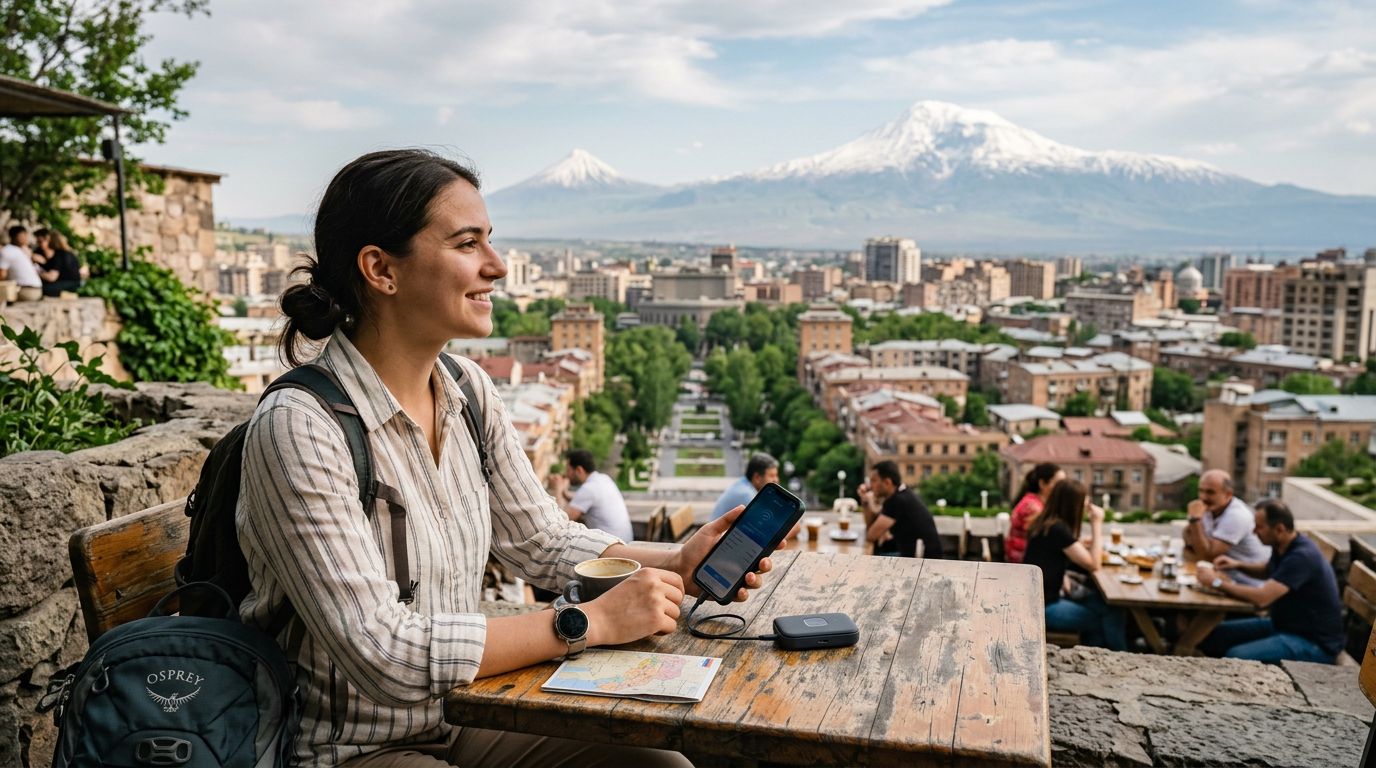
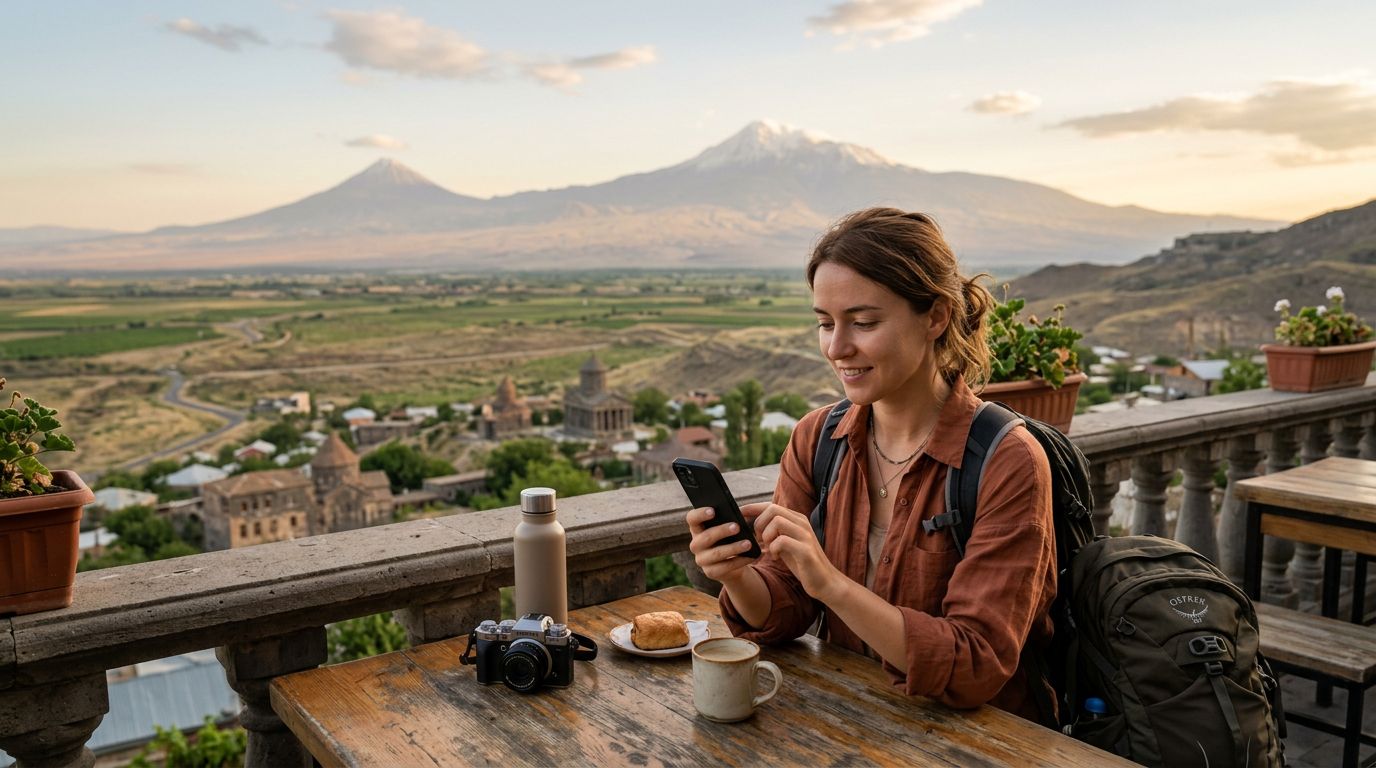
Armenia is a land of dramatic landscapes, ancient monasteries, and vibrant urban centers. Whether you are exploring the bustling streets of Yerevan or hiking through the rugged mountains of Dilijan, staying connected is essential for navigation, translation, and sharing your experiences. Many travelers find that relying on public Wi-Fi is insufficient for their needs, leading them to search for more reliable options like an eSIM.
When you arrive in a new country, your primary goal is to maintain a stable internet connection without the burden of excessive roaming fees. Using a travel eSIM allows you to access local networks directly through your smartphone. However, a common question arises regarding how to distribute that connection to other devices. This is where hotspot data usage becomes a significant factor in your travel planning.
Managing your data effectively ensures that you have enough connectivity to last throughout your entire trip. By understanding how your devices consume data when tethered to your phone, you can make informed decisions about your usage patterns. With a OneTapSIM eSIM installed, you gain the flexibility to manage your mobile data settings directly from your device’s interface, providing a seamless experience as you move between the historic sites of Garni and the scenic views of Lake Sevan.
Optimizing Hotspot Data Usage in Armenia
When you enable a personal hotspot on your smartphone, your phone acts as a miniature router. Any device connected to this network—such as a laptop, tablet, or a travel companion’s phone—will consume data from your primary mobile plan. Because laptops and tablets often perform background tasks that phones do not, data consumption can spike unexpectedly.
To manage hotspot data usage in Armenia effectively, you should first adjust your connected devices' settings. On a laptop, ensure that "Metered Connection" is enabled for the Wi-Fi network provided by your phone. This setting prevents the operating system from downloading large updates or syncing cloud storage in the background, which can quickly exhaust your data allowance.
Another strategy is to monitor your data consumption through your phone’s built-in settings menu. Both iOS and Android devices provide detailed breakdowns of which applications are consuming the most data. If you notice that a specific app is using a significant portion of your allotment, consider restricting its background data access. OneTapSIM users can easily track their overall usage through their device settings, allowing them to adjust their behavior if they notice they are approaching their data limits while tethered.
It is also helpful to be mindful of video streaming and high-resolution photo uploads while using a hotspot. These activities are the primary drivers of high data consumption. If you need to upload large files or attend a video call, try to do so during times when you have a strong, stable signal to minimize the duration of the connection. By being proactive with these settings, you can enjoy the freedom of having a portable internet connection without the stress of running out of data prematurely.
Managing Your Connection and Battery Life
Beyond data consumption, using your phone as a hotspot has a direct impact on your battery life. Constantly broadcasting a Wi-Fi signal requires significant power, which can lead to your phone draining much faster than usual. When you are out exploring the Armenian countryside, where power outlets might not be readily available, this becomes a critical consideration.
To preserve your battery while tethered, try to keep your phone connected to a portable power bank. Additionally, turning off unnecessary features like Bluetooth, location services for apps that do not require it, and reducing your screen brightness can help extend your phone’s runtime. If you only need a connection for a quick task, such as checking an email or a map, consider turning off the hotspot immediately after you finish.
OneTapSIM provides a reliable way to stay connected, but the efficiency of that connection depends on how you manage your hardware. If you are traveling with multiple devices, prioritize which ones truly need an internet connection. Often, you can perform most travel-related tasks, such as booking transport or looking up restaurant reviews, directly on your smartphone, which is more data-efficient than using a laptop or tablet.
Finally, remember that network coverage can vary in more remote regions of Armenia. While major cities and tourist hubs generally offer excellent LTE or 5G coverage, mountain passes and deep valleys might experience signal fluctuations. In these areas, your phone will work harder to maintain a connection, which further impacts both data usage and battery life. By planning your data-heavy tasks for when you are in areas with stronger coverage, you can ensure a smoother experience.
By following these practical steps, you can make the most of your connectivity in Armenia. Whether you are using your phone to navigate the winding roads of the Caucasus or keeping in touch with family back home, having a clear strategy for your hotspot usage will ensure that your digital experience is as smooth as your journey through this beautiful country. With a reliable eSIM solution, you can focus on the sights and sounds of Armenia, knowing your mobile data is being managed efficiently and effectively.