Why Your Choice of Connectivity Matters in the UAE
The United Arab Emirates is a destination that demands constant connectivity. Whether you are navigating the sprawling architecture of Dubai, attending a business conference in Abu Dhabi, or exploring the cultural landscapes of Sharjah, having reliable internet access is essential. You need to pull up maps to find the best routes, translate local signage, book ride-sharing services, and share your experiences with friends and family back home.
Relying on traditional roaming options from your home carrier often leads to significant headaches. Many travelers discover too late that their domestic plan does not cover the region effectively, or worse, they return home to an unexpected bill filled with roaming surcharges. Physical SIM cards also present their own set of challenges. Finding a local kiosk at the airport after a long flight can be time-consuming, and you risk losing your original SIM card while trying to swap it out in a crowded terminal.
Using an eSIM for travel to United Arab Emirates solves these logistical hurdles. An eSIM is a digital version of a traditional SIM card that is embedded directly into your device. It allows you to activate a cellular data plan without needing to insert a physical chip. By opting for a digital solution, you keep your primary phone number active for calls or texts while dedicating the eSIM to high-speed data. This dual-SIM functionality ensures you remain reachable while enjoying the convenience of local data rates.
The Advantages of Choosing OneTapSIM for Your Trip
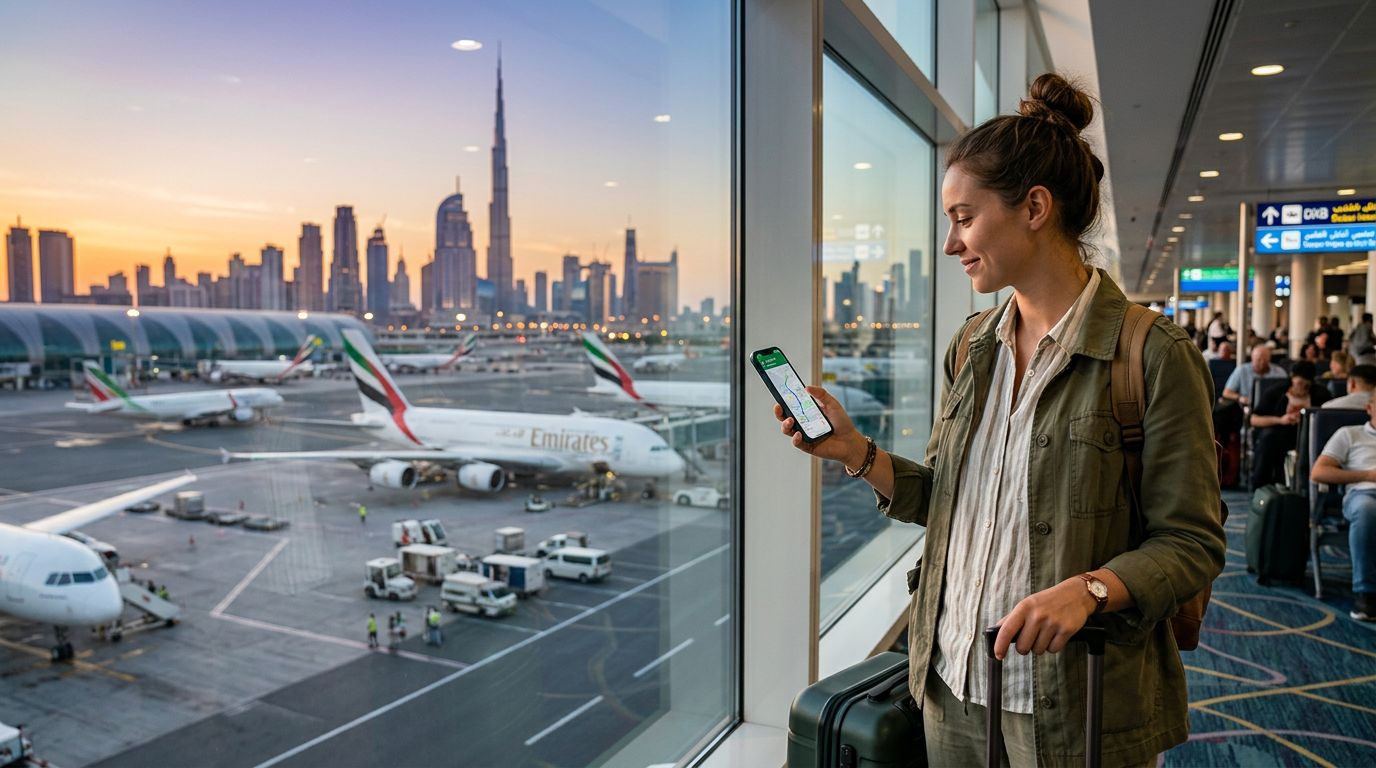
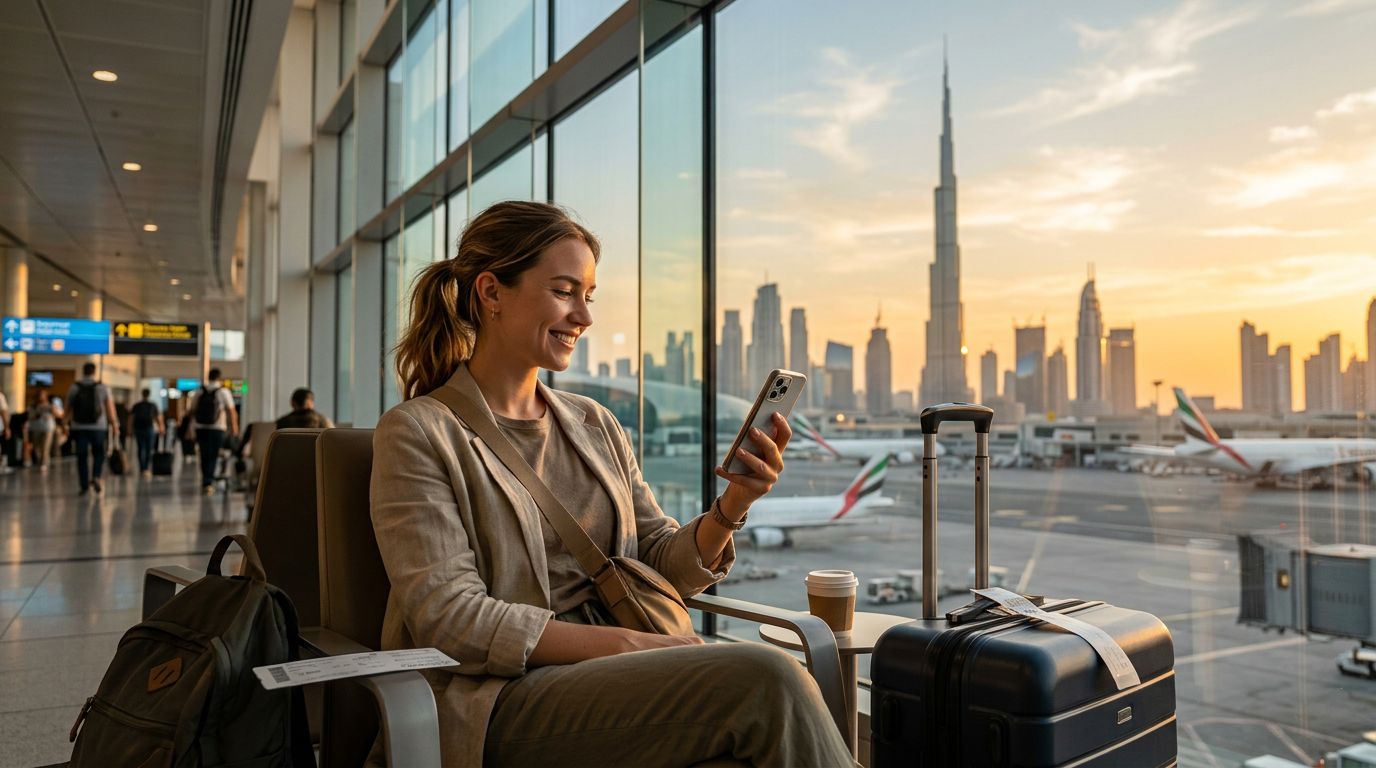
When preparing for your journey, the goal is to minimize friction. OneTapSIM offers a streamlined approach to connectivity that focuses on ease of use and reliability. Because the service is entirely digital, you can set up your connection before you even board your flight. This means that as soon as your plane touches down at Dubai International or Abu Dhabi International, your phone is already prepared to connect to the local network.
One of the primary benefits of using OneTapSIM is the simplicity of the installation process. Once you select the appropriate data package for your trip duration and usage needs, you receive a digital profile. You can scan a QR code or follow the manual installation steps provided to add the plan to your device settings. This process takes only a few minutes and eliminates the need to stand in line at a mobile operator’s booth upon arrival.
Furthermore, OneTapSIM prioritizes a stable connection. In a country where digital infrastructure is highly advanced, you want a service provider that leverages top-tier local network partnerships. By utilizing a high-quality eSIM, you avoid the common pitfalls of public Wi-Fi networks, which can often be insecure or suffer from slow speeds due to heavy traffic. Whether you are uploading high-resolution photos of the Burj Khalifa or participating in a video conference call, having a dedicated data line ensures that your performance remains consistent throughout your stay.
Ensuring Device Compatibility and Smooth Setup
Before purchasing an eSIM, it is vital to verify that your smartphone is compatible with the technology. Most modern flagship devices manufactured within the last several years support eSIM functionality. You can typically check your device’s settings menu under the cellular or mobile data section to see if there is an option to "Add eSIM" or "Add Cellular Plan." If you are unsure about your specific model, you can consult the official support pages provided by Apple or Google to confirm your device's capabilities.
Once you have confirmed compatibility, the setup process is straightforward. Ensure your phone is unlocked, meaning it is not restricted to a specific carrier. If your phone is locked, you will need to contact your home service provider to request an unlock before you can add an international eSIM. After your device is ready, you can proceed with the OneTapSIM activation.
To get the best results, install your eSIM while you still have a stable internet connection—ideally before you leave home. You can keep the eSIM turned off until you land. Once you arrive in the UAE, simply toggle the eSIM to "On" in your phone settings and ensure that data roaming is enabled for that specific line. Your device will then automatically search for the local network partner.
If you encounter any issues during setup, it is helpful to verify that your APN (Access Point Name) settings are correct, though most modern setups handle this configuration automatically. Keeping your primary SIM card active for SMS is perfectly fine, as long as you ensure your phone is set to use the eSIM for "Cellular Data." This configuration allows you to receive important verification codes or urgent texts on your home number while using the cost-effective data provided by your travel eSIM.
By choosing a digital-first solution, you are choosing a smarter way to travel. You save time, avoid the stress of physical hardware, and ensure that your connectivity is ready the moment you arrive. Whether you are traveling for a quick weekend getaway or an extended business trip, having a reliable eSIM for travel to United Arab Emirates allows you to focus on the experience rather than the logistics of staying online. With OneTapSIM, you gain the peace of mind that comes with knowing your digital life is in good hands, allowing you to explore the UAE with confidence and ease.
Get an eSIM for
Plans for the destinations covered in this guide, with instant QR delivery.