Why an eSIM is Essential for Your South Korean Adventure
South Korea is a country that thrives on connectivity. From the high-speed trains that whisk you between Seoul and Busan to the interactive museum exhibits and the ubiquitous food delivery apps, having a reliable internet connection is not just a convenience—it is a necessity. For many years, travelers relied on bulky pocket Wi-Fi devices or local physical SIM cards that required waiting in long queues at Incheon International Airport. Those days are largely behind us.
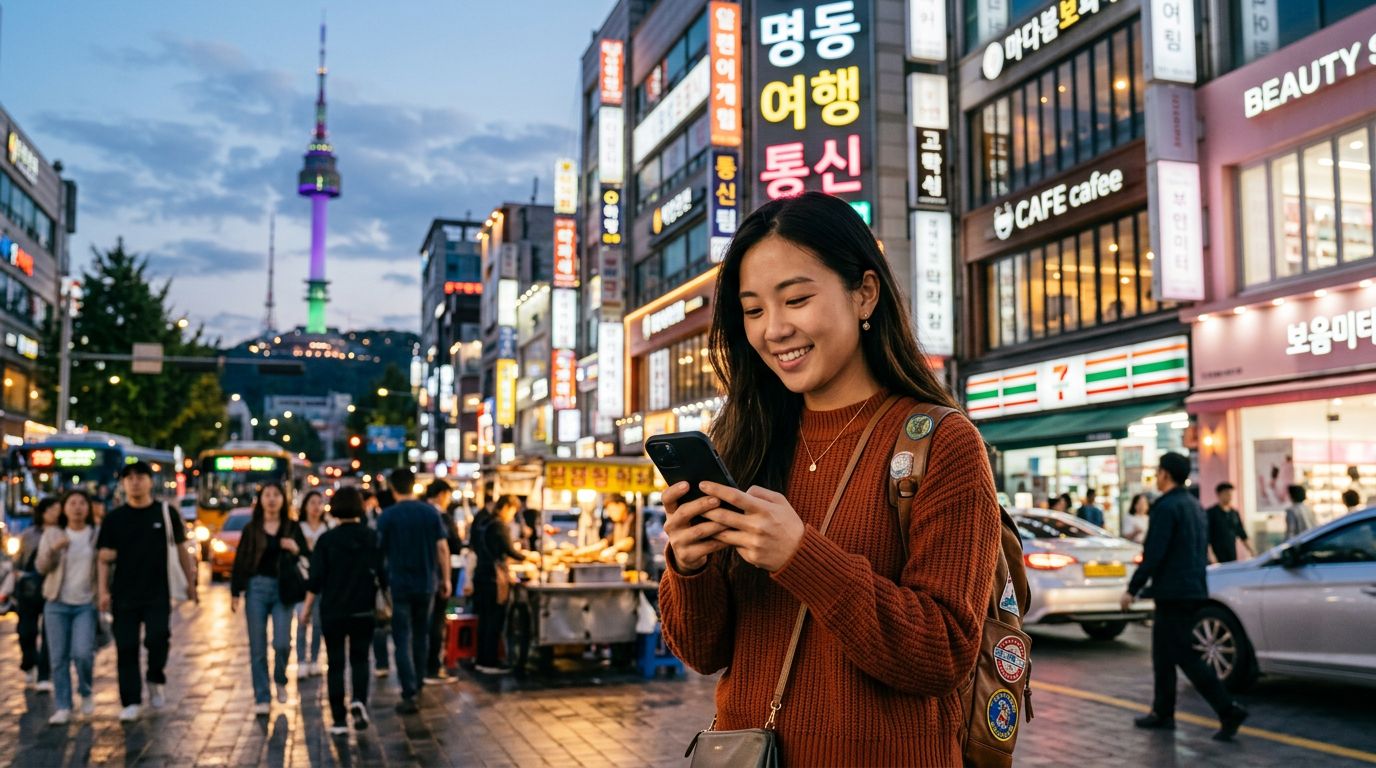
An eSIM for travel to South Korea offers a seamless way to stay connected without the physical hassle of swapping out your home SIM card. Because an eSIM is embedded directly into your phone’s hardware, you can activate your data plan before your plane even touches the ground. This means you can call a taxi, check your hotel reservation, or look up transit maps the moment you step off the aircraft.
Using an eSIM also preserves your primary phone number for essential calls or two-factor authentication texts from your home bank. By keeping your home SIM active alongside your travel eSIM, you maintain a bridge to your home country while enjoying high-speed local data. Whether you are navigating the winding streets of Bukchon Hanok Village or streaming music while riding the subway, having a dedicated data plan ensures you never miss a beat.
Selecting the Right Data Plan for Your Needs
Not all travel data plans are created equal. When choosing an eSIM for your trip, the first step is to assess your typical data usage. Are you a heavy user who plans to upload high-definition videos of your travels to social media, or do you primarily need data for GPS navigation and translation apps?
Most travelers find that a plan offering a set amount of gigabytes over the course of their trip is the most cost-effective approach. However, if you are a digital nomad or someone who relies heavily on video calls, an unlimited data plan might be a better fit. OneTapSIM provides a variety of options tailored to different travel styles, allowing you to select a package that aligns with your itinerary duration.
Compatibility is another critical factor. Before purchasing, verify that your smartphone is carrier-unlocked and eSIM-capable. Most modern flagship devices from major manufacturers support this technology. You can typically check your device settings to confirm whether your phone supports eSIM profiles. If you are unsure about your specific model, you can consult the official manufacturer support pages for Apple or Google to confirm your device’s capabilities.
It is also important to consider the network coverage. South Korea boasts some of the fastest mobile internet speeds in the world. By choosing a reputable provider that partners with major local telecommunications infrastructure, you ensure that you receive consistent 4G LTE or 5G speeds, even in more remote provinces or mountainous areas.
Setting Up and Activating Your eSIM
The installation process for an eSIM is designed to be straightforward. Once you have purchased your plan, you will typically receive a QR code or an activation string. This code acts as your digital key to the local network.
To install the eSIM, navigate to the cellular or mobile data settings on your smartphone. Select the option to add a new plan or add an eSIM. From there, you can scan the QR code provided by your service provider. Once scanned, your phone will register the new profile. It is recommended that you perform this initial setup while you are still connected to a stable Wi-Fi network at home or at the airport.
Once you arrive in South Korea, you simply need to turn on the eSIM line in your phone’s settings and ensure that data roaming is enabled for that specific profile. Do not worry—enabling data roaming on your travel eSIM will not trigger unexpected charges on your home carrier, provided you have correctly set your home SIM to be used only for calls or have disabled data usage for that line.
If you encounter any issues during the activation process, most providers offer troubleshooting guides. OneTapSIM focuses on simplifying this experience, ensuring that the transition from your home network to the local Korean network is as smooth as possible. Once the signal bars appear on your screen, you are ready to explore. You can use your favorite navigation apps, keep in touch with friends via messaging platforms, and share your experiences in real-time.
Remember to keep your original SIM card safely stored in your wallet or a secure travel pouch. Since you are not removing it, the risk of losing it is significantly lower than with traditional physical SIM cards, but it is still wise to treat it with care. By preparing your connectivity in advance, you remove one of the biggest stressors of international travel, allowing you to focus on the vibrant culture, incredible cuisine, and stunning landscapes that South Korea has to offer. Whether you are visiting for a weekend or a month, having a reliable eSIM is the smartest way to ensure your trip is both productive and enjoyable.
Get an eSIM for
Plans for the destinations covered in this guide, with instant QR delivery.