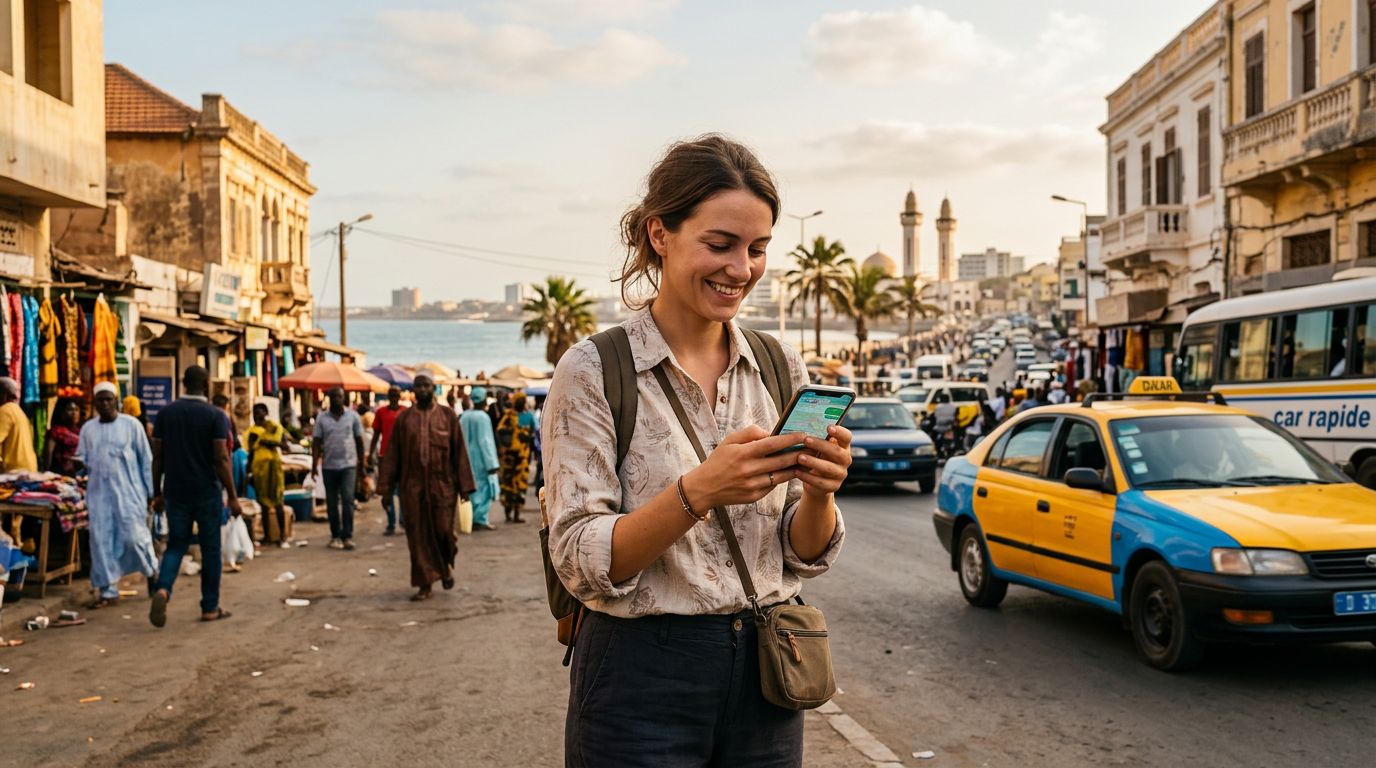
Why You Need an eSIM for Your Senegal Adventure
Senegal is a country of vibrant culture, breathtaking landscapes, and bustling markets. From the pink hues of Lake Retba to the colonial architecture of Saint-Louis and the lively streets of Dakar, there is no shortage of experiences to capture and share. However, maintaining connectivity while traveling can often be a source of stress. Traditional roaming options are frequently unreliable or come with unexpected complications. This is where an eSIM becomes an essential tool for any modern traveler.
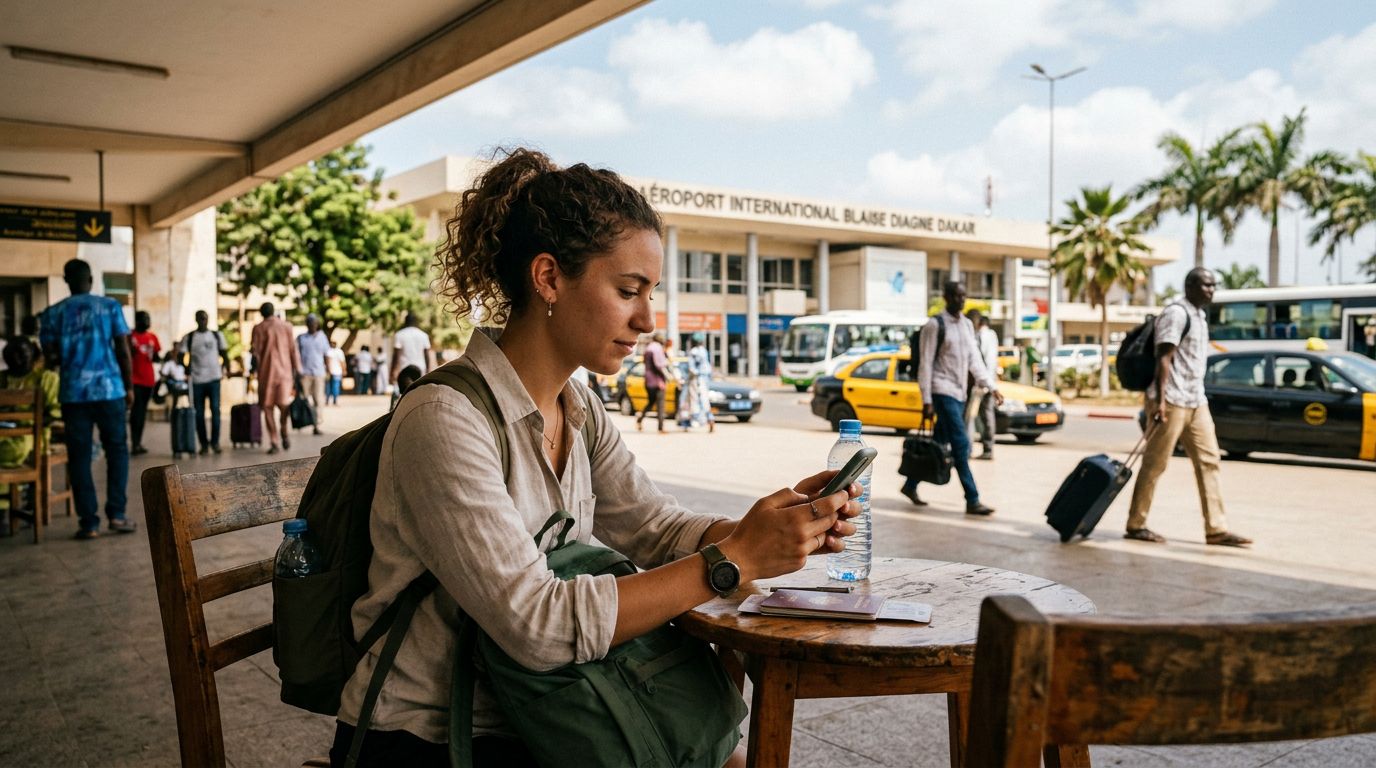
An eSIM, or embedded SIM, is a digital version of a physical SIM card. It is built directly into your smartphone’s hardware, allowing you to activate a cellular plan without needing to visit a local shop or swap out tiny, fragile plastic cards. For those visiting Senegal, using an eSIM means you can arrive at Blaise Diagne International Airport and have a data connection ready to go the moment you step off the plane.
By choosing an eSIM for your Senegal travel guide, you bypass the need to hunt for local kiosks or navigate language barriers to purchase a physical card. You retain your primary phone number for essential calls or texts from home while dedicating your eSIM to high-speed data for maps, ride-sharing apps, and social media updates. This setup provides the perfect balance of convenience and reliability, ensuring that you remain connected throughout your journey across the West African nation.
How to Set Up Your OneTapSIM for Senegal
The beauty of modern travel technology lies in its simplicity. Setting up a OneTapSIM for your trip to Senegal is a straightforward process that can be completed before you even leave your home. Once you have confirmed that your device is compatible with eSIM technology—a quick check on the official support pages for Apple or Google can verify this—you are ready to proceed.
To begin, visit the OneTapSIM website and select the plan that best fits your data needs for the duration of your stay. After completing the selection process, you will receive a QR code or a set of activation instructions via email. On your smartphone, you will navigate to your cellular settings menu. Look for an option labeled "Add Cellular Plan" or "Add eSIM." From there, you can scan the QR code provided. Your phone will automatically configure the necessary settings to connect to the local networks in Senegal.
Once the eSIM is installed, it remains dormant until you arrive at your destination. When you land in Senegal, simply toggle the eSIM to the "on" position in your phone’s settings. Ensure that "Data Roaming" is enabled for your eSIM profile, and your device will automatically search for and connect to the local partner network. This seamless transition allows you to start using your GPS to find your hotel or look up local restaurant recommendations immediately. If you encounter any issues, the digital nature of the eSIM allows for quick troubleshooting, as you are not dealing with physical hardware that could be damaged or lost.
Tips for Staying Connected Across Senegal
Senegal offers a diverse range of environments, from the dense urban sprawl of Dakar to the serene coastal regions and the arid landscapes further inland. While coverage is generally excellent in major cities and tourist hubs, it is helpful to keep a few tips in mind to maximize your connectivity experience.
First, manage your data usage effectively. Even with a generous data plan, background app refreshes and automatic cloud backups can consume your allowance quickly. Before you start your trip, go into your phone settings and restrict background data usage for apps that are not essential. You can also download offline maps for the specific regions you plan to visit. This ensures that even if you find yourself in a remote area with a weaker signal, your navigation tools remain functional.
Second, prioritize battery health. Searching for a cellular signal in areas with limited coverage can drain your battery faster than usual. If you are heading out on an excursion to a national park or a remote village, consider carrying a portable power bank. Keeping your phone charged ensures that your eSIM stays active and you remain reachable in case of an emergency.
Third, use your connectivity to enhance your local experience. Having constant access to the internet allows you to use translation apps to bridge communication gaps, look up historical facts about the sites you are visiting, and stay updated on local transport schedules. Whether you are coordinating a trip to Gorée Island or checking the status of your next flight, having a reliable data connection through OneTapSIM acts as a digital safety net.
Finally, remember that your eSIM is dedicated to data. If you need to make traditional phone calls, consider using Voice over IP (VoIP) services such as messaging apps that offer calling features. These apps rely on your data connection and are often the most cost-effective and clear way to communicate with family back home or coordinate with local hosts. By planning ahead and utilizing the flexibility of an eSIM, you can focus on the sights, sounds, and flavors of Senegal, knowing that your digital connection is handled with ease. Whether you are a solo traveler, a digital nomad, or visiting with family, the reliability of a dedicated travel eSIM ensures that your focus remains on the adventure rather than the logistics of staying online.
Get an eSIM for
Plans for the destinations covered in this guide, with instant QR delivery.