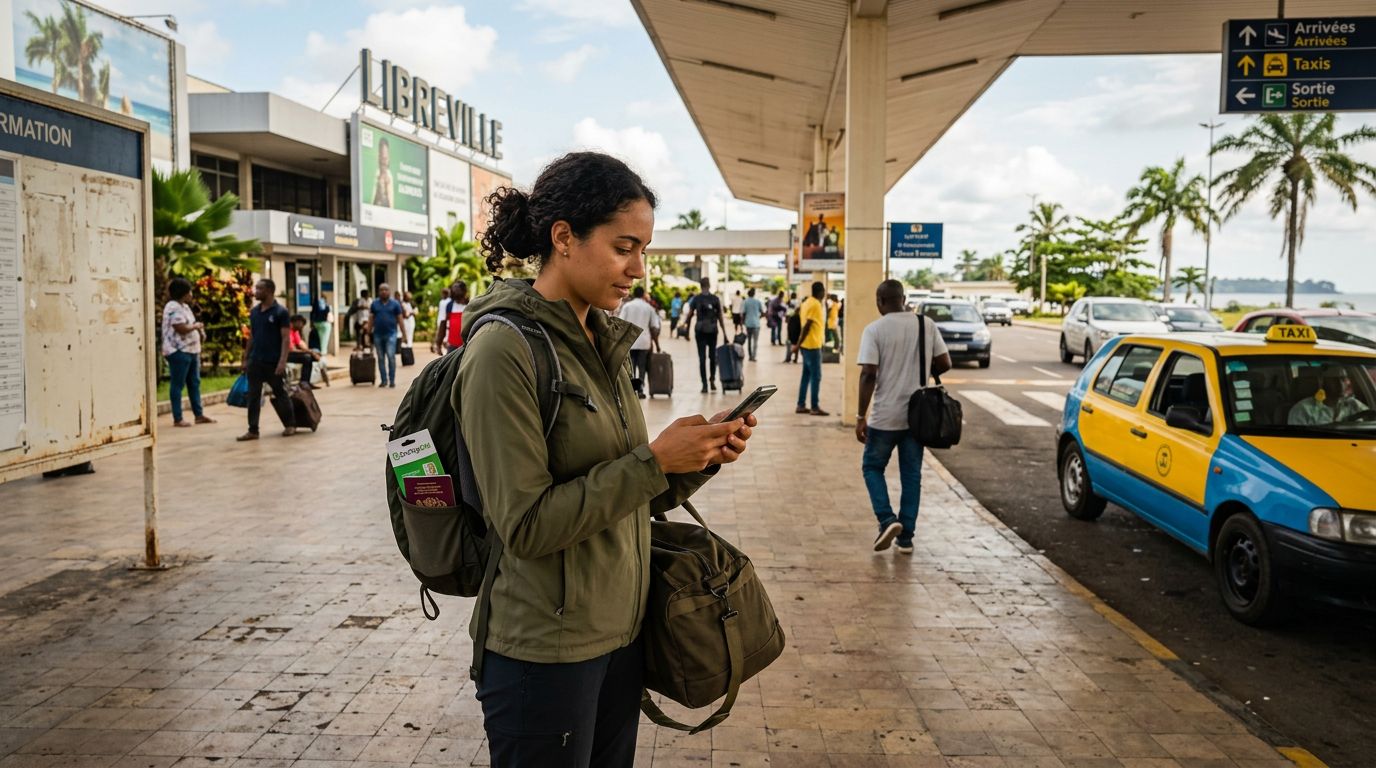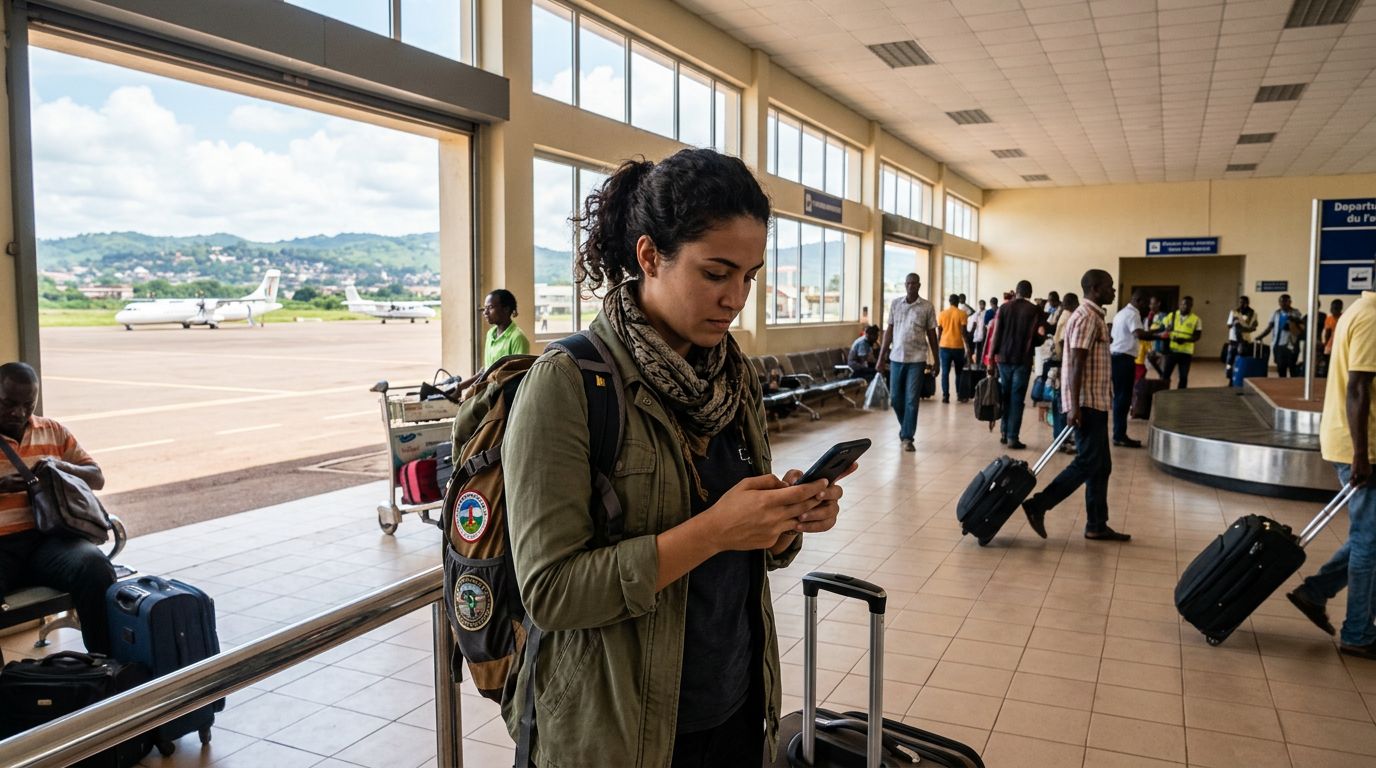
Traveling to the Central African Republic (CAR) is an adventure into one of the most untouched and culturally rich regions of the African continent. From the dense rainforests of Dzanga-Sangha to the bustling markets of Bangui, the country offers a unique experience for the intrepid traveler. However, staying connected in a region with challenging infrastructure requires careful planning. Relying on traditional roaming or hunting for local SIM cards upon arrival can be time-consuming and unreliable. Using an eSIM for Central African Republic travel has become the most efficient way to maintain connectivity without the hassle of physical hardware swaps.
Why Choose an eSIM for Your Journey
The primary advantage of an eSIM, or embedded SIM, is its digital nature. Unlike a physical plastic card that you must insert into your phone's SIM tray, an eSIM is a small chip built directly into your device's motherboard. By downloading a data profile, you can activate a local network connection without needing to visit a kiosk at the airport or deal with language barriers when setting up a local account.
For travelers heading to the Central African Republic, the convenience factor cannot be overstated. When you land in Bangui, you want to be able to access maps, check your transport arrangements, and contact your hosts immediately. With an eSIM pre-installed, your phone connects to the local network as soon as you land. This eliminates the need to carry a paperclip for your SIM tray, worry about losing your home SIM card, or navigate complex registration procedures at a local storefront.
Furthermore, digital connectivity is vital for safety when traveling in remote areas. Having a reliable data connection allows you to use GPS services, check weather updates, and maintain contact with family or emergency services. OneTapSIM provides a streamlined way to manage these profiles, ensuring that your device is ready to go before you even leave your home country. By choosing a digital solution, you reduce the risk of hardware damage and keep your original SIM card safely stored inside your phone throughout the duration of your trip.
Compatibility and Device Readiness
Before you commit to using an eSIM for your trip, it is essential to ensure that your smartphone is compatible. Most modern flagship devices manufactured within the last several years support eSIM technology. This includes a wide range of devices from major manufacturers like Apple and Google. You can verify your device's capabilities by checking your phone's cellular settings menu to see if there is an option to "Add eSIM" or "Add Cellular Plan."
If you are using an iPhone, you can refer to official support documentation from Apple to confirm if your specific model supports dual SIM functionality with an eSIM. Similarly, Android users can check device specifications through Google support resources to ensure their model is eSIM-ready. It is also important to note that your phone must be carrier-unlocked. If your device is locked to a specific network provider from your home country, it will not be able to accept an eSIM profile from a different provider. If you are unsure about your device's status, contact your home network provider well in advance of your departure to request a formal unlock.
Once you have confirmed compatibility, the process of setting up your connection is straightforward. You will receive a QR code or a manual activation code after selecting your plan. Scanning this code triggers the download of the necessary network configurations. This process is best completed while you still have a stable Wi-Fi connection, such as at home or in your hotel before heading to the airport. By preparing your device ahead of time, you ensure that your transition to the local network in the Central African Republic is seamless.
Tips for Managing Connectivity in the Central African Republic
Connectivity in the Central African Republic can be intermittent, especially as you move away from major urban centers like Bangui. While an eSIM provides the best possible access to available networks, it is wise to manage your data usage strategically. To maximize your connection, consider adjusting your phone settings to prioritize data-saving modes. Disable automatic background app refreshes and cloud synchronization for photos and videos until you are back on a stable Wi-Fi connection.
Offline functionality is your best friend when traveling in regions where network coverage might fluctuate. Before you depart, download offline maps of the areas you plan to visit. Many navigation apps allow you to save large regions for offline use, ensuring that you can find your way even if you lose your signal. Similarly, download any essential documents, travel itineraries, or language translation files so they are accessible without an active data connection.
When you arrive, your phone will typically handle the network switching automatically if you have set your eSIM as your primary data line. If you encounter any issues, you can manually select the network provider through your phone’s cellular settings. OneTapSIM is designed to simplify this experience, providing clear instructions on how to manage your data profiles effectively. Should you need to reach out for support, having a secondary way to communicate—such as a messaging app that works on low bandwidth—is a good backup strategy.
Finally, keep a portable power bank in your carry-on luggage. Searching for a signal in areas with limited coverage can drain your battery faster than usual. By keeping your device charged and using your data judiciously, you can enjoy the peace of mind that comes with having a reliable connection throughout your journey. Whether you are documenting your travels or simply keeping in touch with loved ones, staying connected with an eSIM allows you to focus on the experience of exploring the Central African Republic rather than worrying about the logistics of your phone service.
Get an eSIM for
Plans for the destinations covered in this guide, with instant QR delivery.