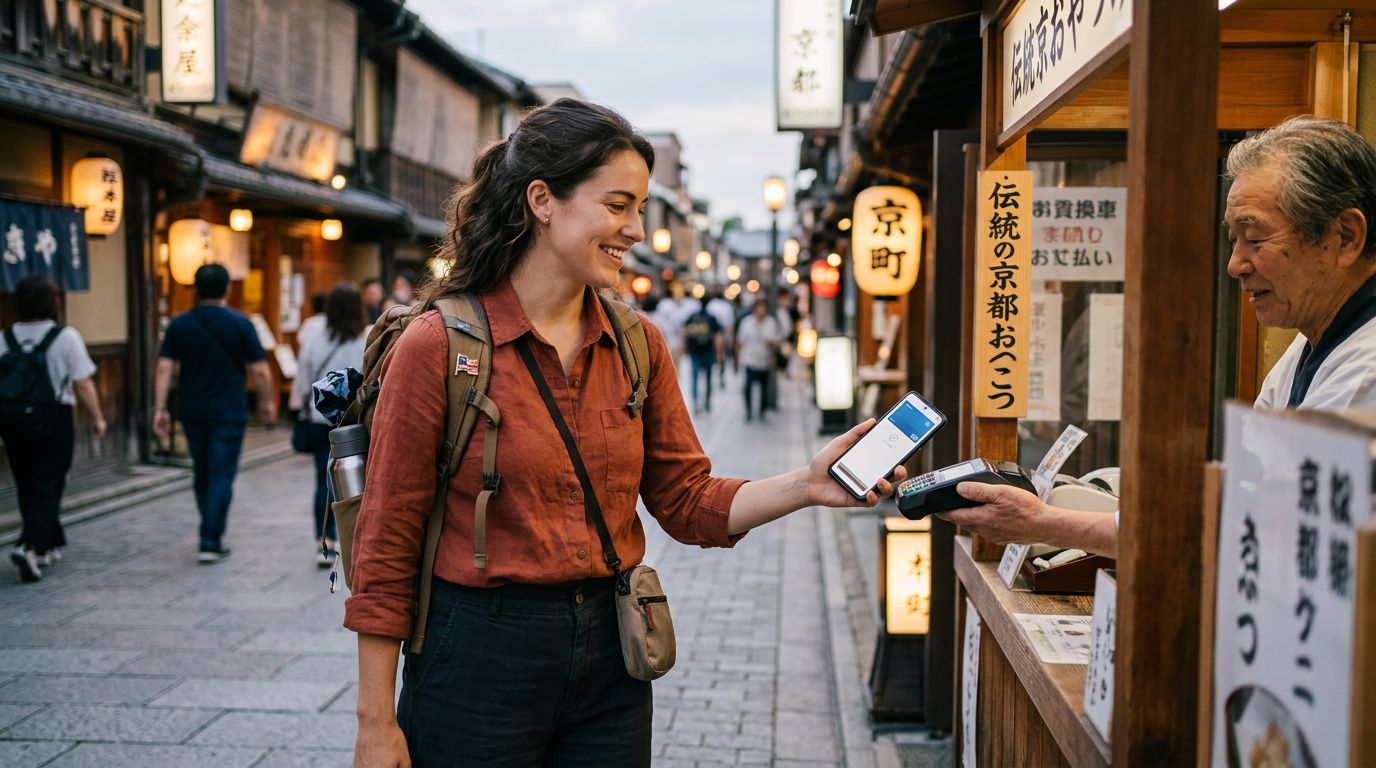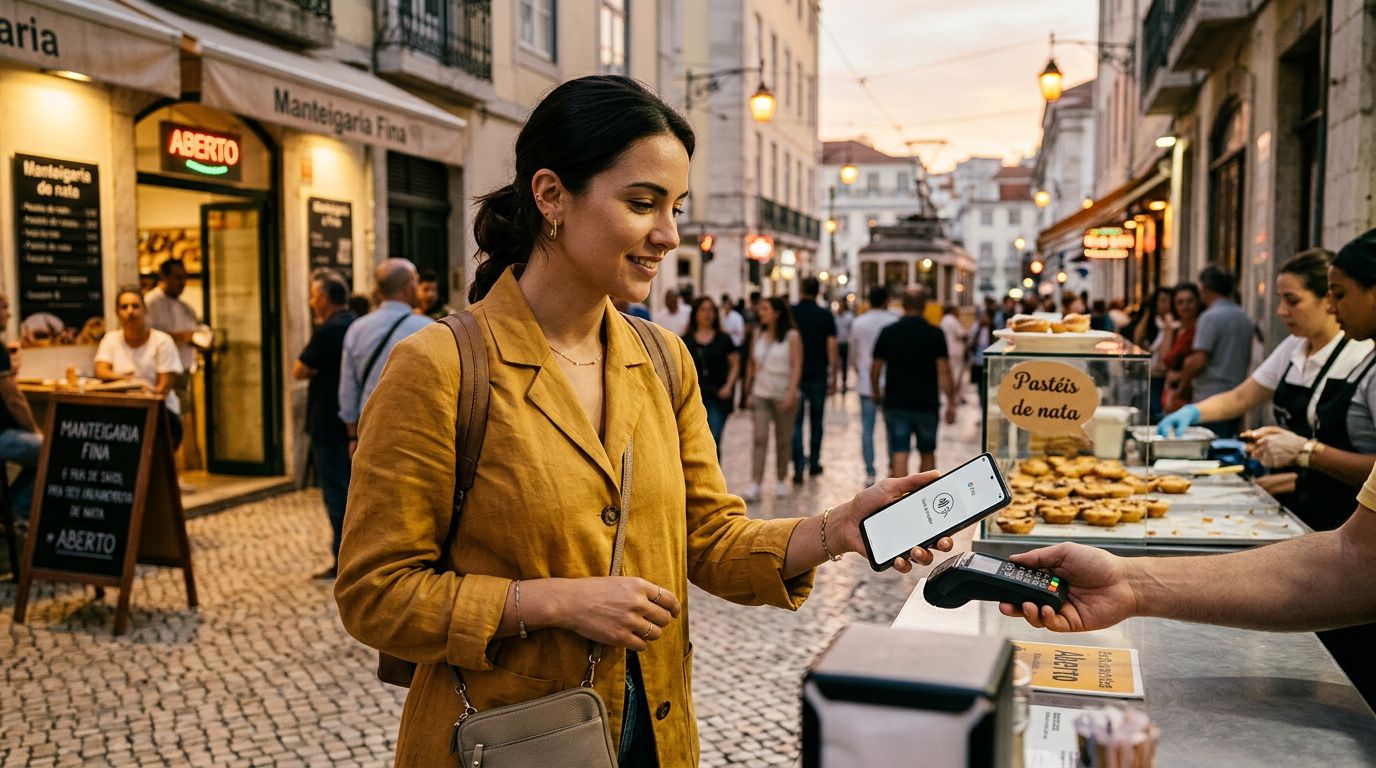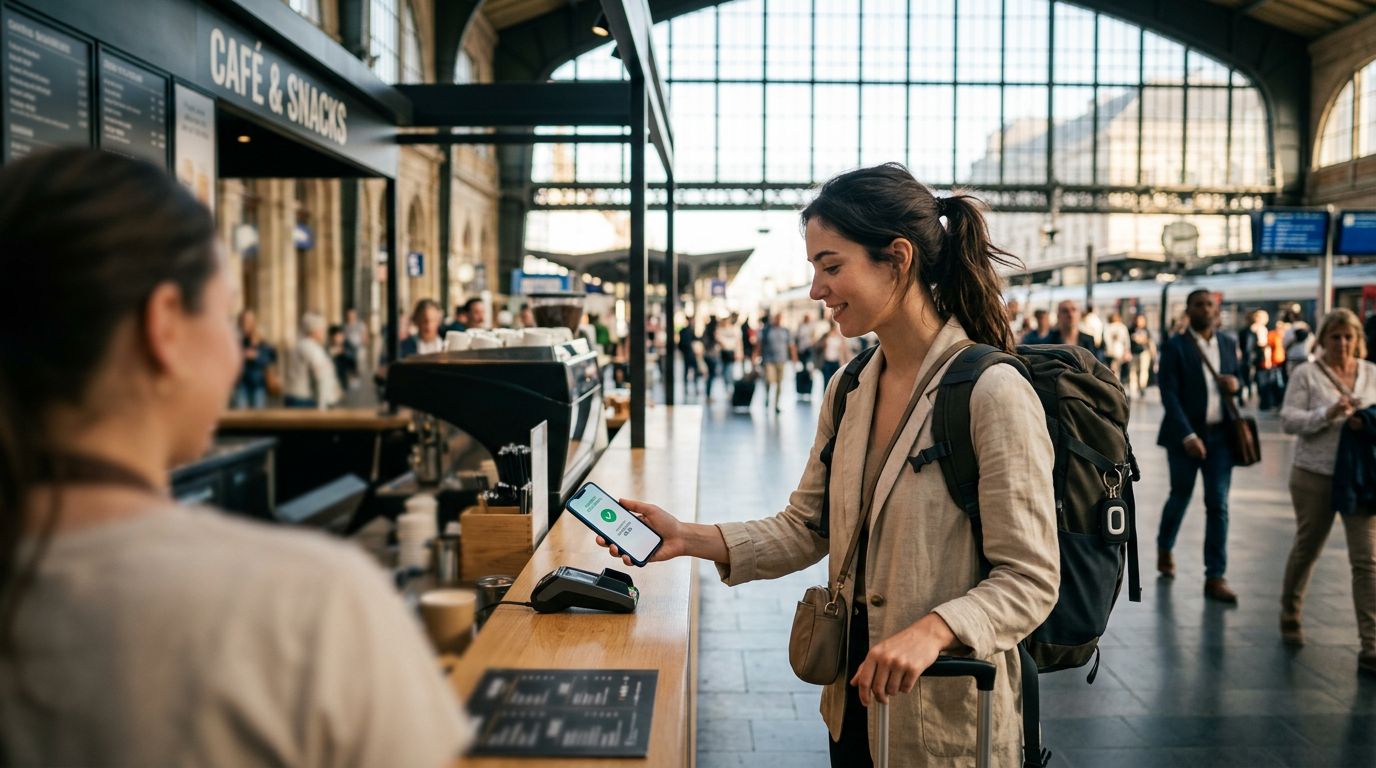
Traveling to a new country brings a unique set of logistical challenges, but few are as critical as maintaining access to your finances. Whether you are splitting a dinner bill, paying for a subway ride, or booking a last-minute tour, your smartphone has likely become your primary wallet. When you switch to a travel eSIM for data, you might worry about whether your banking and payment apps will continue to function correctly. The good news is that with proper preparation, using payment apps with travel eSIM is seamless and secure.
Understanding How Payment Apps Connect Abroad
Most modern payment applications, including digital wallets like Apple Pay, Google Pay, and various banking apps, rely on a stable internet connection to verify transactions. When you arrive at your destination and activate a OneTapSIM travel eSIM, your phone switches its data source from your home carrier to the local network provided by the eSIM.
Many travelers mistakenly believe that their payment apps are tied to their physical SIM card or their home phone number. In reality, these apps are linked to your device’s secure element—a dedicated chip inside your phone—and your user account. As long as your device has an active data connection, your payment apps will recognize your identity and allow you to proceed with transactions.
The primary concern is not the app itself, but the verification process. Many banking apps require two-factor authentication (2FA) via SMS. If you remove your home SIM card or keep it disabled to avoid roaming charges, you might not receive these text messages. To avoid this, ensure your primary SIM is set to "Voice/SMS only" or "Wi-Fi Calling" mode before you leave. By keeping your home number active for incoming texts while using your OneTapSIM eSIM for data, you ensure that you can receive the security codes necessary to authorize large purchases or log into your banking portals.
Optimizing Your Device Settings for Seamless Payments
To ensure that your payment apps function without interruption, you must configure your device settings correctly before and during your trip. Most smartphones allow you to use two SIMs simultaneously: one for data and one for calls and texts.
When you install your OneTapSIM profile, navigate to your phone’s cellular settings. You should designate your travel eSIM as the primary source for "Cellular Data." It is vital to turn off "Data Roaming" for your home carrier’s SIM card to prevent accidental charges, but keep the line itself toggled "On" if you need to receive banking SMS codes.
Another factor to consider is the region settings on your device. Some payment apps are geo-fenced, meaning they check your IP address to verify your location. If you are using a travel eSIM that routes your data through a server in a different country, your bank might flag a transaction as suspicious. If you find that your payment app is blocked, check if the app has a "Travel Mode" or a notification setting where you can inform your bank of your itinerary. Most major financial institutions have a travel notice feature in their mobile apps that allows you to specify the countries you will be visiting, which significantly reduces the likelihood of a declined transaction.
Furthermore, ensure that your device’s time and date settings are set to "Automatic." Payment apps use time-stamped tokens to secure transactions. If your phone’s clock is out of sync with the local network or the bank’s servers, the transaction will likely fail for security reasons. By allowing your phone to sync with the local network time provided by your eSIM, you keep your digital wallet in perfect harmony with global financial systems.
Security Best Practices While Using Public Networks
While using a travel eSIM provides a private and reliable data connection, there are times when you might be tempted to use public Wi-Fi at cafes or airports to save data. When it comes to financial transactions, however, you should always prioritize your eSIM data connection over public networks.
Public Wi-Fi networks are often unencrypted, making it easier for malicious actors to intercept data. When you use your OneTapSIM data, you are utilizing a dedicated mobile network connection that is significantly more secure. If you must use public Wi-Fi for general browsing, avoid opening your banking apps or making payments while connected to those networks. Instead, switch your data back to your eSIM, perform the transaction, and then revert to Wi-Fi if necessary.
Another layer of security involves using a Virtual Private Network (VPN) if you are accessing banking services from a public location. However, be aware that some banking apps are sensitive to VPNs and may block access if they detect an unusual server location. If you encounter issues while using a VPN, try disabling it temporarily while you are connected to your secure eSIM data.
Finally, keep your payment apps updated. Developers frequently release security patches that address vulnerabilities related to international network roaming. Before you depart, ensure that your banking apps, digital wallet apps, and your phone’s operating system are all updated to the latest versions. This ensures that the encryption protocols used by these apps are compatible with the global roaming standards used by your eSIM provider.
By treating your travel eSIM as the foundation of your digital connectivity, you can manage your finances with the same ease you enjoy at home. The goal is to create a reliable bridge between your device and your accounts, ensuring that your travel experience is focused on the journey rather than the logistics of your wallet. With the right setup, your phone remains the most powerful tool in your travel kit, keeping you connected and capable of handling any transaction, anywhere in the world.