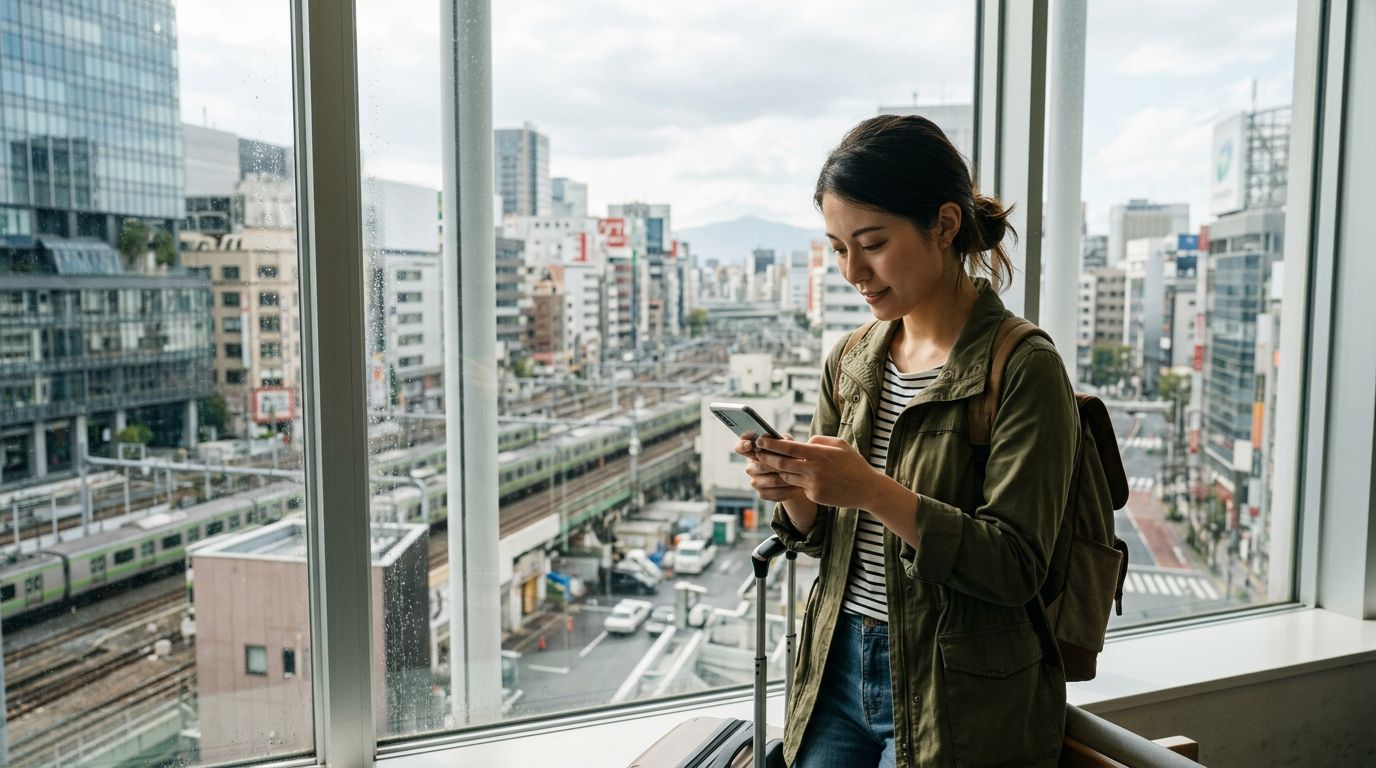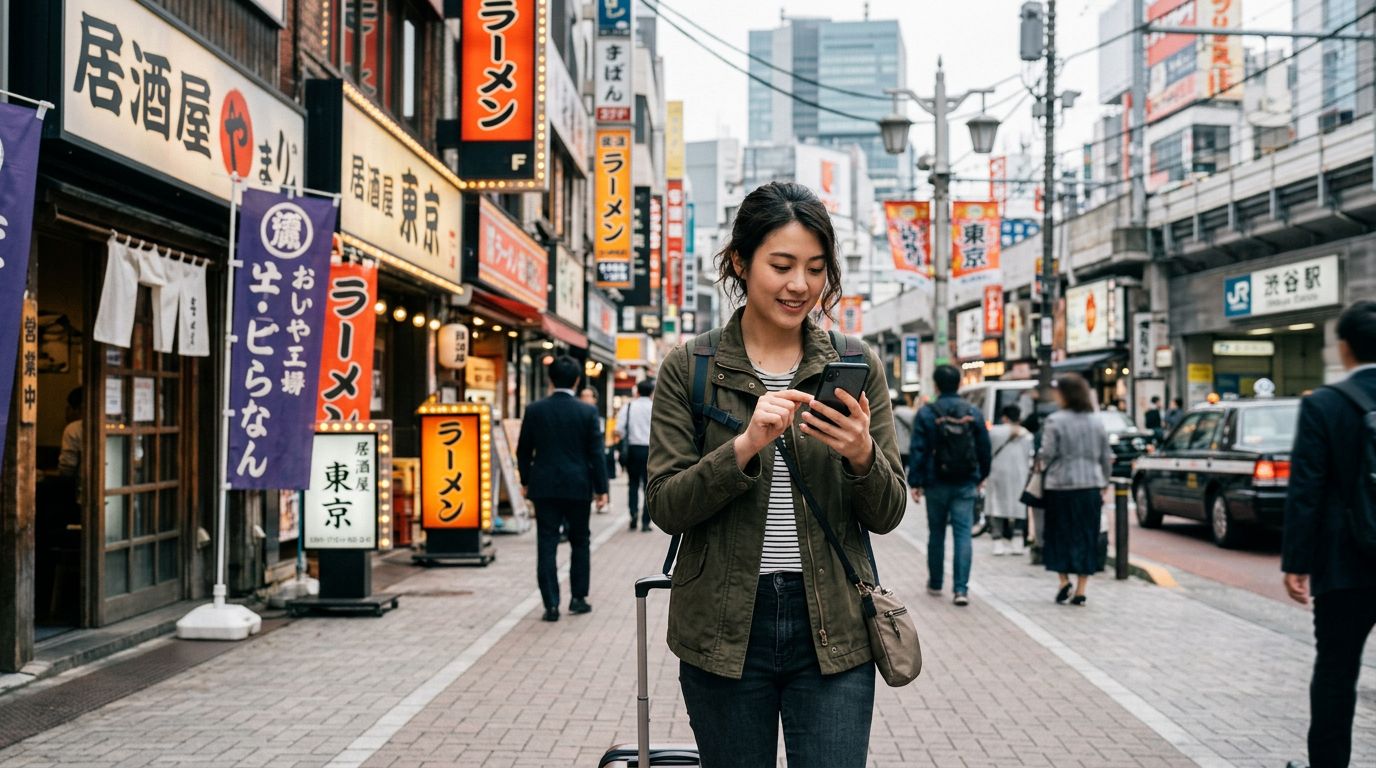
Traveling to Japan is a dream for many, offering a unique blend of ancient tradition and futuristic technology. As you prepare for your journey, you likely have a checklist of essentials: rail passes, accommodation bookings, and a reliable way to stay connected. One of the most common concerns for international travelers is maintaining their digital identity, specifically keeping their WhatsApp number during Japan travel.
Many people mistakenly believe that changing their physical SIM card will disrupt their WhatsApp account or force them to use a new number. Fortunately, the way WhatsApp functions makes it incredibly easy to stay connected while abroad. Because WhatsApp is linked to your account rather than the specific SIM card inside your phone, you can swap network providers without losing your chat history, contacts, or existing number.
Understanding How WhatsApp Works While Traveling
WhatsApp is tied to your account profile, not your hardware. When you first set up the app, you verified your phone number via SMS. Once that verification is complete, the app is bound to your account identity. When you travel to Japan and insert a new travel eSIM, such as one from OneTapSIM, your phone recognizes the new network, but WhatsApp remains completely oblivious to the change.
As long as you do not select the "Change Number" option within the WhatsApp settings menu, your account will continue to function exactly as it did at home. You can send messages, make voice calls, and share media without any interruption. The primary requirement is that your phone must have an active data connection. By using a travel eSIM, you ensure your device has the necessary data to route your WhatsApp traffic, effectively keeping your home number active for all your messaging needs.
This setup is ideal for travelers who want to coordinate with local tour guides, keep in touch with family back home, or manage work communications without the hassle of juggling multiple messaging accounts. You do not need to update your contacts or notify your friends of a "temporary" number because your original number remains the primary identifier for your account.
Setting Up Your Device for Seamless Connectivity
To ensure you are keeping your WhatsApp number during Japan travel without any technical hiccups, it is important to configure your phone settings correctly before you arrive. The most efficient method is to use a dual-SIM setup. Most modern smartphones allow you to keep your primary physical SIM card inside the device while simultaneously activating an eSIM for local data.
Before you land in Japan, install your OneTapSIM eSIM. Once installed, you can keep your home SIM card active in your settings. If you are worried about roaming charges from your home carrier, you can simply turn off "Data Roaming" for your primary SIM card while leaving it enabled for your eSIM. This allows your phone to receive SMS verification codes or essential calls on your home number if necessary, while all your internet traffic—including WhatsApp—is routed through the cost-effective data plan provided by your eSIM.
If you choose to remove your physical SIM card entirely, your WhatsApp will still work perfectly fine. The app does not perform a check to see if the original SIM card is present. The only time you might encounter an issue is if you delete the app and try to reinstall it on a new device while abroad. In that specific scenario, you would need to receive an SMS verification code to your original number. If you have your home SIM card tucked away in your wallet, you can briefly swap it back in to receive the code, verify your account, and then switch back to your travel eSIM.
Best Practices for a Smooth Experience in Japan
While the technology is straightforward, there are a few practical tips to ensure your communication remains consistent throughout your trip. First, verify that your WhatsApp settings are configured to back up your chat history to the cloud. This ensures that even if you encounter a hardware issue, your data is safe.
When you arrive in Japan, your phone will automatically detect the local network through your eSIM. You might see a notification from WhatsApp asking if you would like to change your number because a new SIM has been detected. It is crucial that you select "Keep" or "No" to this prompt. If you accidentally select "Change Number," you will be prompted to enter a new phone number, which could lead to unnecessary complications. Simply ignore or dismiss these prompts, and your existing number will remain linked to your account.
Using a dedicated travel eSIM like OneTapSIM provides a stable, high-speed data connection that is essential for the voice and video call features within WhatsApp. Public Wi-Fi in Japan can be hit or miss, and relying on it for important communications can be frustrating. By maintaining your own data connection, you have the freedom to navigate the streets of Tokyo, Kyoto, or Osaka while staying in constant contact with your travel group.
Furthermore, consider the battery impact of constant connectivity. WhatsApp is generally efficient, but if you are using it for frequent video calls, your battery may drain faster. Carrying a portable power bank is a standard practice for Japan travel, ensuring that your device stays powered throughout the day so you never lose access to your messaging apps.
By following these simple steps, you can focus on the sights, sounds, and flavors of Japan rather than worrying about your digital connectivity. Keeping your WhatsApp number during Japan travel is not just possible; it is the standard way to travel in the modern era. With your eSIM providing the data and your WhatsApp account providing the communication, you are set for a stress-free experience. Whether you are sending photos of your latest meal or coordinating a meeting time at a busy train station, your connection will remain as reliable as if you were still at home.