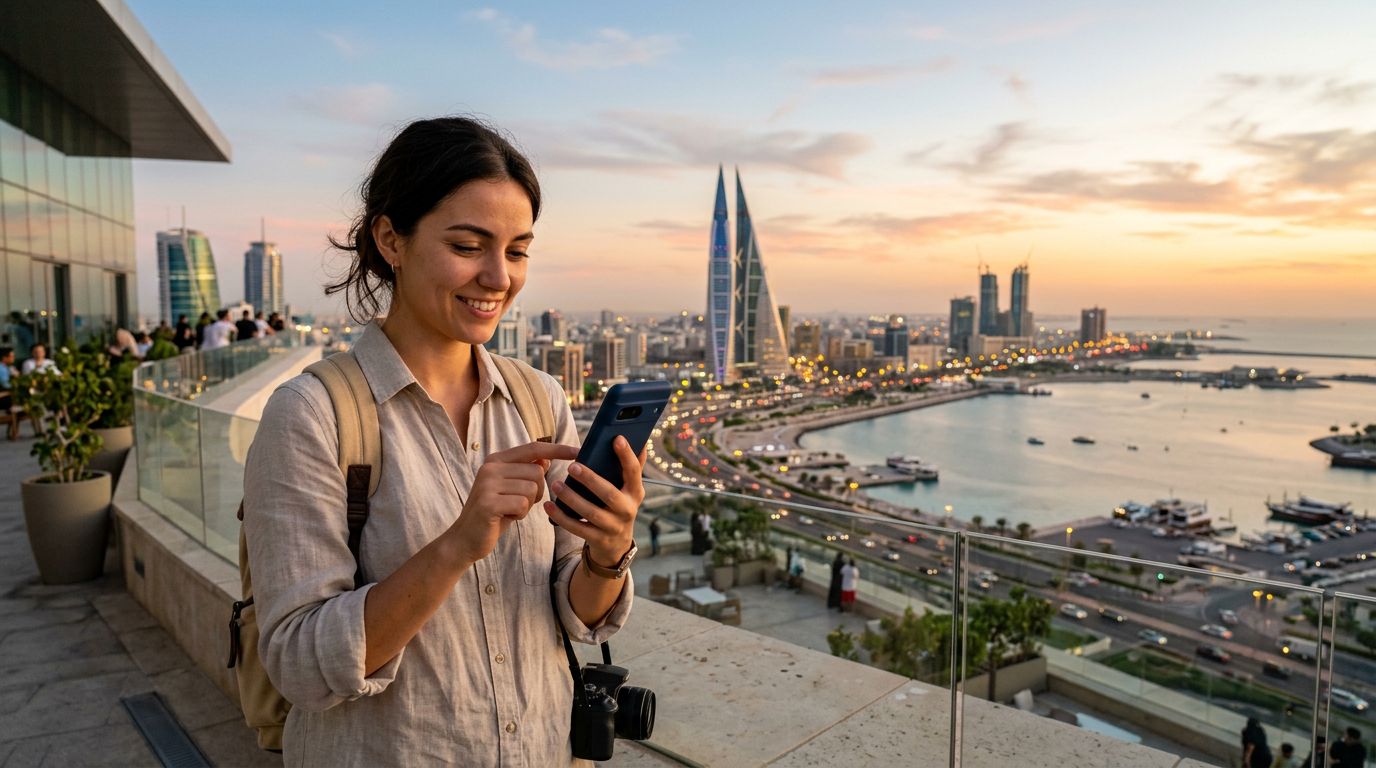
Preparing Your Device for Seamless Connectivity
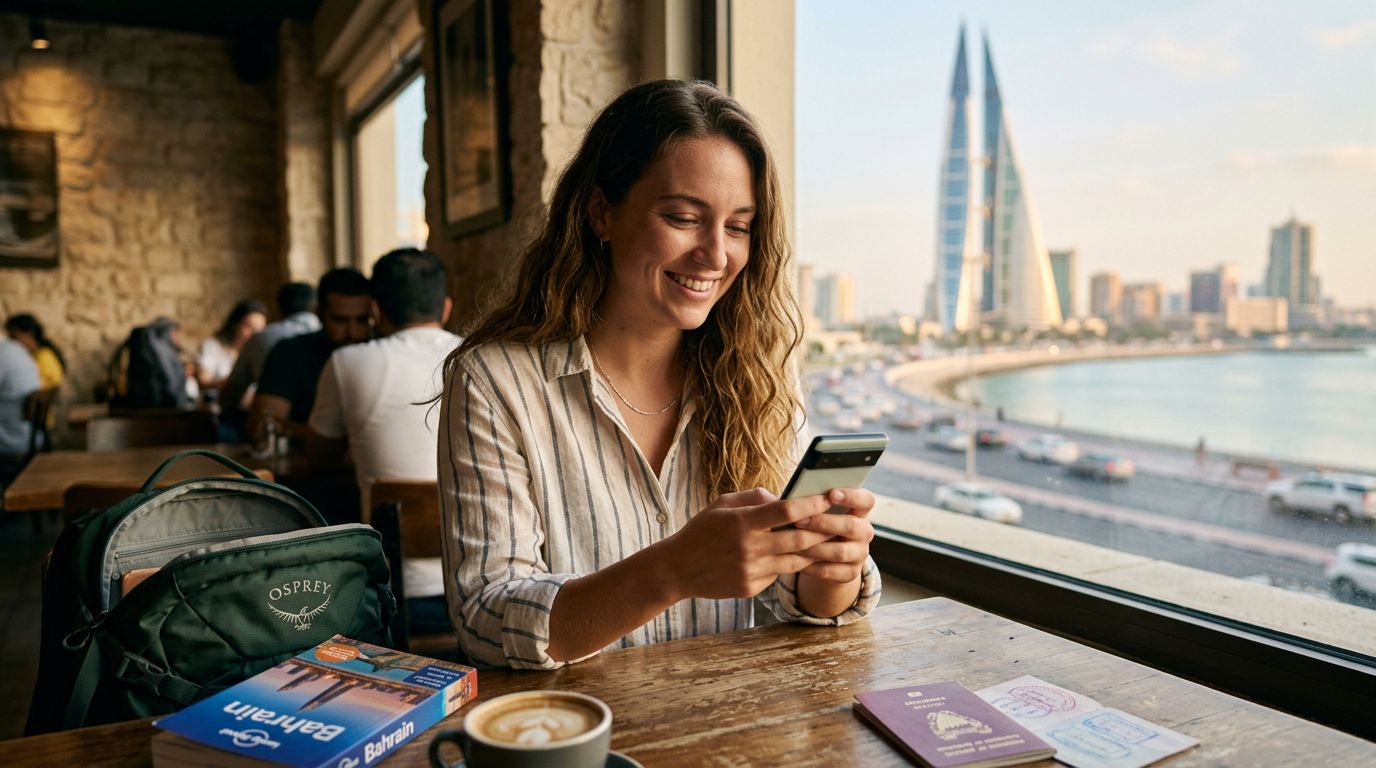
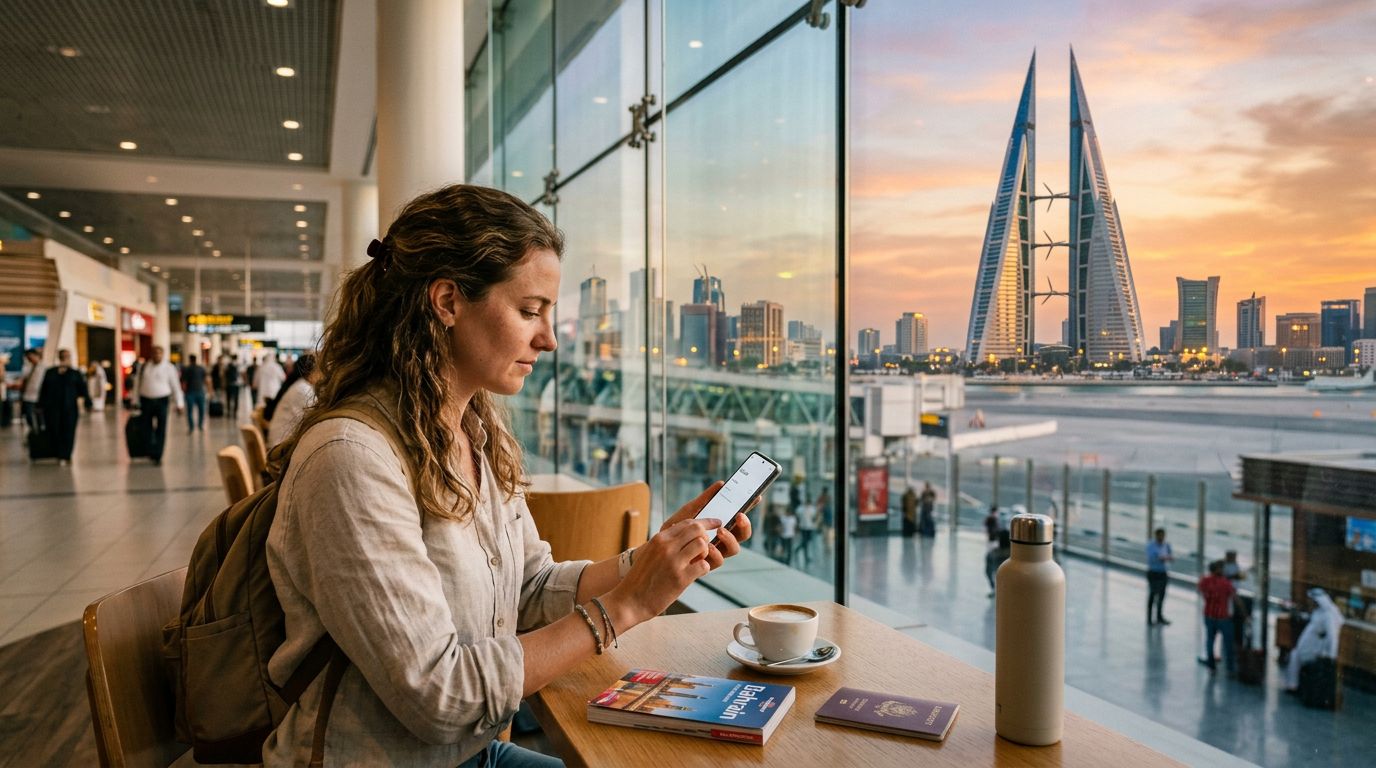
Traveling to Bahrain offers a blend of ancient history, modern skyscrapers, and vibrant cultural experiences. Whether you are visiting the bustling souks of Manama, exploring the historic Qal'at al-Bahrain, or enjoying the scenic coastline, staying connected is essential for navigation, translation, and sharing your journey. The most efficient way to ensure you have reliable internet access the moment you land is by activating an eSIM.
Before you begin the process of activating an eSIM for a Bahrain trip, you must ensure your smartphone is compatible. Most modern devices released in the last few years support eSIM technology. To check if your phone is ready, you can consult the official support pages provided by Apple or Google. Furthermore, your device must be carrier-unlocked. If your phone is locked to a specific network provider, it will not accept an eSIM from a different service, regardless of the brand you choose. You can verify your device's lock status by checking your settings or contacting your home mobile provider.
Once you have confirmed compatibility, the transition to an eSIM is straightforward. Unlike physical SIM cards that require a small tool to open a tray and the risk of losing a tiny piece of plastic, an eSIM is entirely digital. It lives within your phone’s hardware, allowing you to switch between plans or providers without needing to visit a physical store. This convenience is particularly valuable when traveling internationally, as it allows you to maintain your home number for critical calls while using a dedicated data plan for your local needs in Bahrain.
Step-by-Step Activation Process
The process of setting up your digital connection is designed to be user-friendly. When you choose OneTapSIM for your travels, you receive clear instructions tailored to your specific device. Generally, the activation involves scanning a QR code or entering details manually into your phone's cellular settings.
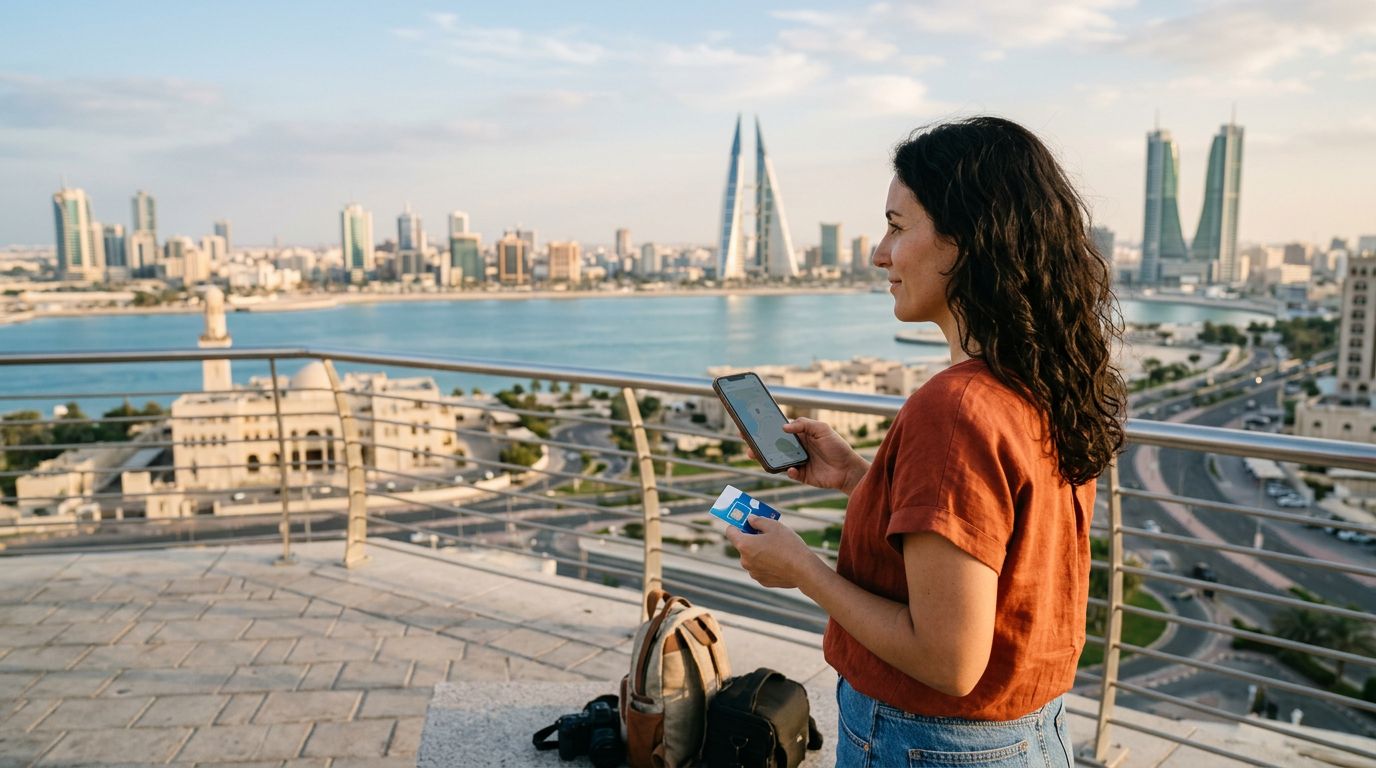
To start, navigate to the cellular or mobile data section in your phone's settings menu. You will see an option to "Add eSIM" or "Add Cellular Plan." Selecting this will prompt your camera to open, allowing you to scan the QR code provided by your service provider. If you are unable to scan the code, you can opt to enter the activation details manually. These details are typically sent to your email immediately after your purchase.
Once the eSIM profile is added, you will need to label it so you can easily distinguish it from your primary line. Most travelers label their travel eSIM as "Bahrain" or "Travel." After labeling, you will be asked to choose your default line for calls and messages. It is usually best to keep your primary line as the default for calls and texts to avoid unexpected roaming charges, while selecting your new eSIM as the default for mobile data.
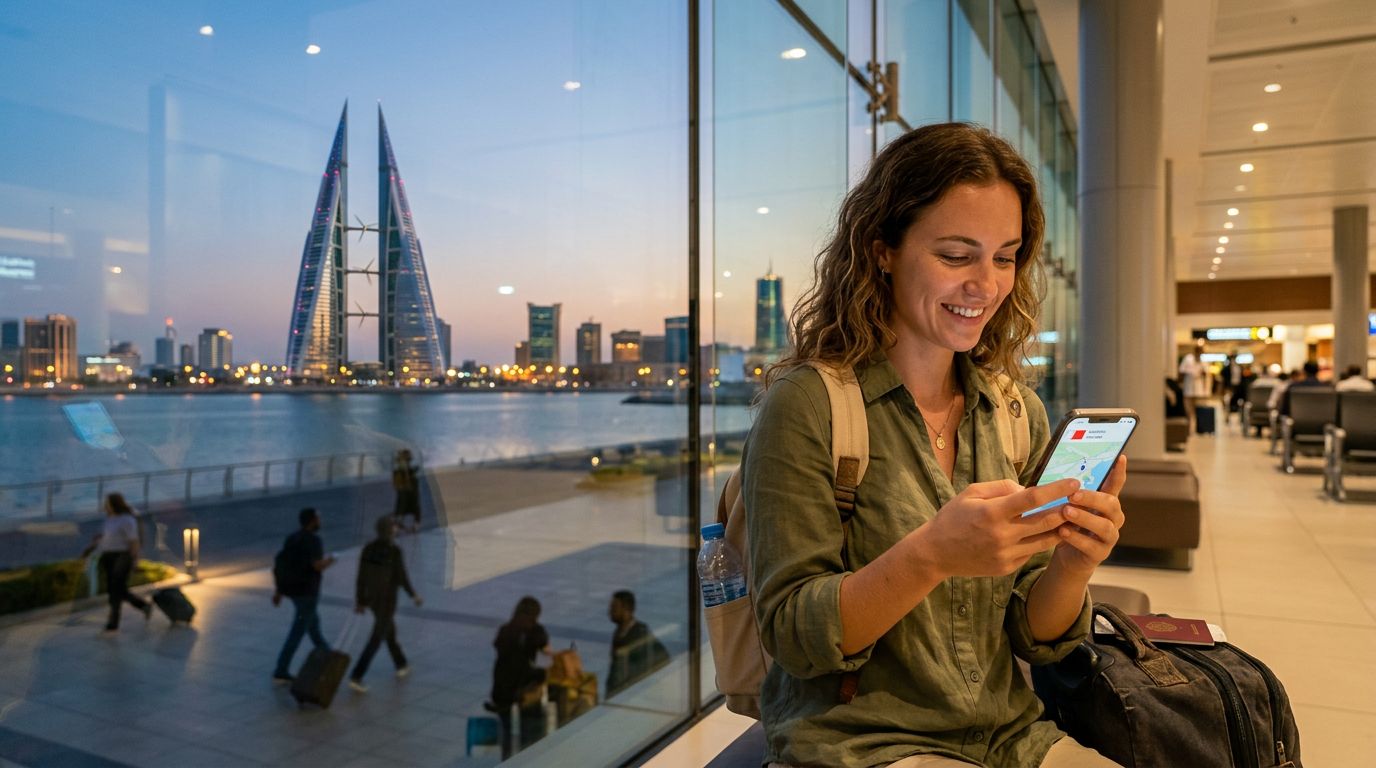
Ensure that "Data Roaming" is toggled on for your travel eSIM. This is a common point of confusion for many travelers; while you want to keep data roaming off for your home SIM to avoid high fees, it must be enabled for your eSIM to function correctly in a foreign country. Once these settings are configured, your phone will automatically search for the local network in Bahrain. This usually happens within a few moments of arrival, providing you with high-speed data as soon as you step off the plane.
Managing Your Connectivity While in Bahrain
Once you have successfully completed the steps for activating an eSIM for a Bahrain trip, you can enjoy the freedom of constant connectivity. One of the primary advantages of using a service like OneTapSIM is the ability to monitor your data usage directly through your phone’s settings. This allows you to keep track of how much data you are consuming, ensuring you stay within your limits throughout your stay.
If you find yourself using more data than expected—perhaps due to frequent video calls or uploading high-resolution photos of the Bahrain International Circuit—you can easily manage your settings to optimize usage. For instance, you can disable background app refresh for non-essential applications or download maps for offline use while connected to hotel Wi-Fi.
Another benefit of using an eSIM is the flexibility it provides. If your travel plans change and you decide to extend your stay in Bahrain, many digital plans allow for quick top-ups or the addition of extra data through the provider's website. You do not need to hunt for a local shop or deal with language barriers to buy a new physical card. Everything is handled digitally, keeping your focus on your itinerary rather than your technical requirements.
Finally, remember that your eSIM is a temporary solution designed for your trip. Once you return home, you can simply turn off the eSIM line in your settings or remove it entirely from your device. This keeps your phone settings clean and organized. By preparing your device before you leave and understanding how to toggle between your home and travel SIMs, you ensure that your trip to Bahrain is supported by reliable, stress-free internet access. Whether you are using a ride-sharing app to get to the Bahrain National Museum or checking reviews for the best local cafes, having a dedicated data connection makes every part of your travel experience smoother and more enjoyable.