Why Your WhatsApp Number Stays Put
Planning a trip to France is an exciting endeavor, but it often brings a wave of technical anxiety regarding connectivity. One of the most common questions travelers ask is whether they will lose access to their WhatsApp chats or contacts when they switch to a local data source. The good news is that your WhatsApp account is tied to your identity, not your physical SIM card.
When you use an eSIM for your travels, you are essentially adding a secondary data connection to your device. Because WhatsApp verifies your account based on the phone number you registered with, it does not matter if you are using a French data plan or your home network. As long as your WhatsApp account is already active, it will continue to function perfectly regardless of which SIM or eSIM is currently providing your internet access.
Many travelers mistakenly believe that they need to update their number within the app settings as soon as they arrive in a new country. This is unnecessary and can actually cause complications. By keeping your original number linked to your WhatsApp account, you ensure that your message history, group chats, and contact list remain exactly as they were before you boarded your flight. You can continue to message friends and family back home or coordinate with local hosts in France without any interruption to your digital identity.
Setting Up Your Device for Seamless Connectivity
To ensure that your experience remains smooth while traveling, it is important to understand how your smartphone handles multiple SIM profiles. Modern smartphones are designed to manage multiple connections simultaneously. When you install a OneTapSIM eSIM for your French adventure, you are simply adding a digital profile to your phone’s internal chip.
The key to maintaining your WhatsApp functionality is to keep your primary SIM card active for cellular calls and SMS, while designating your eSIM as the primary source for mobile data. By configuring your phone settings to use the eSIM for data, you avoid the high roaming fees associated with your home carrier. Meanwhile, your home SIM remains in a "standby" mode, allowing you to receive important verification codes or urgent calls if necessary.
If you are using an iPhone, you can manage these settings through the cellular menu in your device settings. Similarly, Android users can navigate to their network settings to toggle between data sources. Once you have set your eSIM as the data provider, WhatsApp will automatically detect the internet connection and function as if you were still at home. You do not need to change any settings inside the WhatsApp application itself. This setup provides the best of both worlds: reliable, high-speed data for your maps and social media, and the peace of mind that your primary communication line remains untouched.
Managing Data and Communication While Abroad
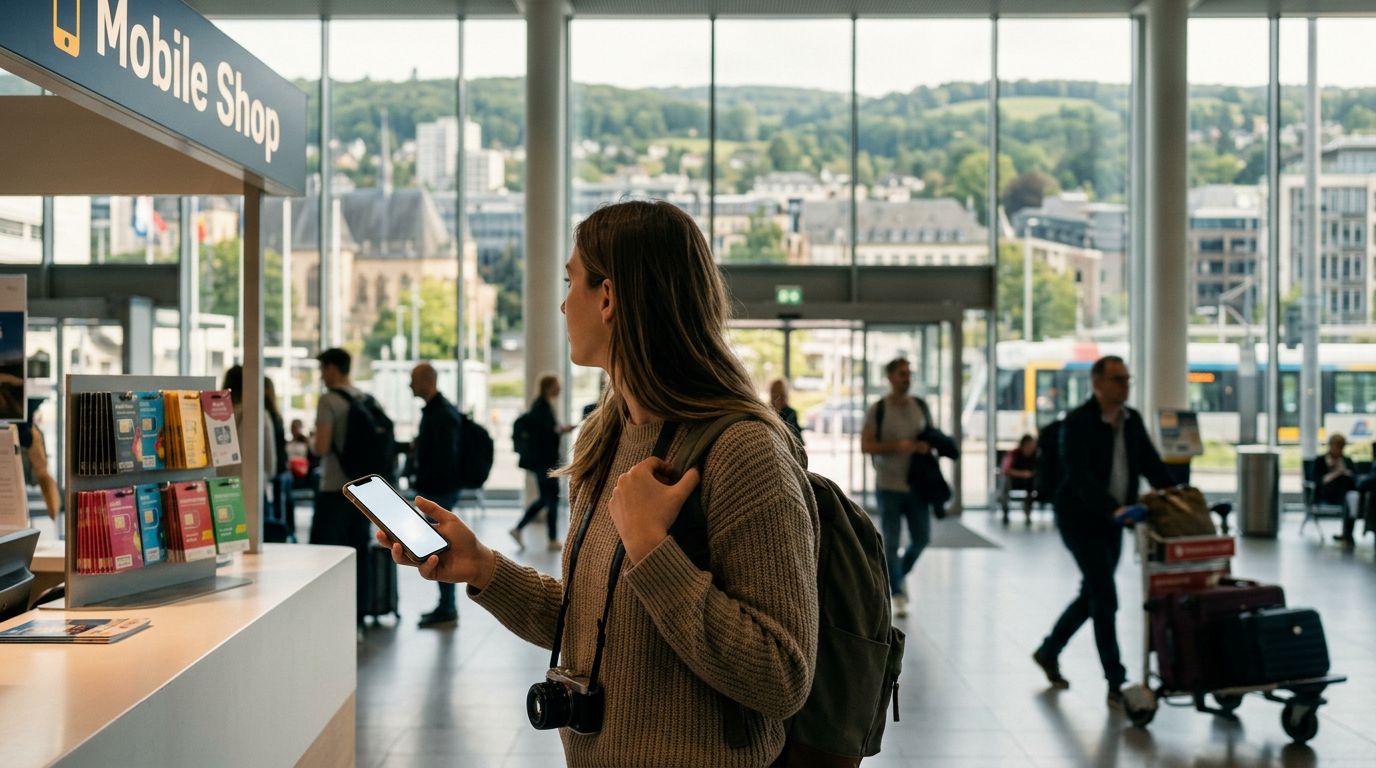
Once you have arrived in France, your primary goal is to enjoy the scenery, the food, and the culture without worrying about connectivity. Using a dedicated travel eSIM like OneTapSIM allows you to bypass the stress of finding local kiosks or dealing with physical SIM cards that are easy to lose. Because the eSIM is digital, it is already integrated into your phone before you even land.
When you are out exploring Paris, the French Riviera, or the countryside, you will rely heavily on data for navigation, translation apps, and searching for the best local bistros. Because WhatsApp relies on data to send messages and make voice or video calls, having a consistent connection is vital. If you find yourself in an area with weak cellular reception, your eSIM will continue to provide the data necessary for your apps to function.
Another advantage of this approach is the ability to manage your data usage effectively. Most modern smartphones allow you to monitor exactly how much data each app is consuming. You can keep an eye on your usage to ensure you have enough connectivity for the duration of your trip. If you ever need to check your settings or confirm that your data is routing correctly, you can always refer to the official support documentation provided by your device manufacturer.
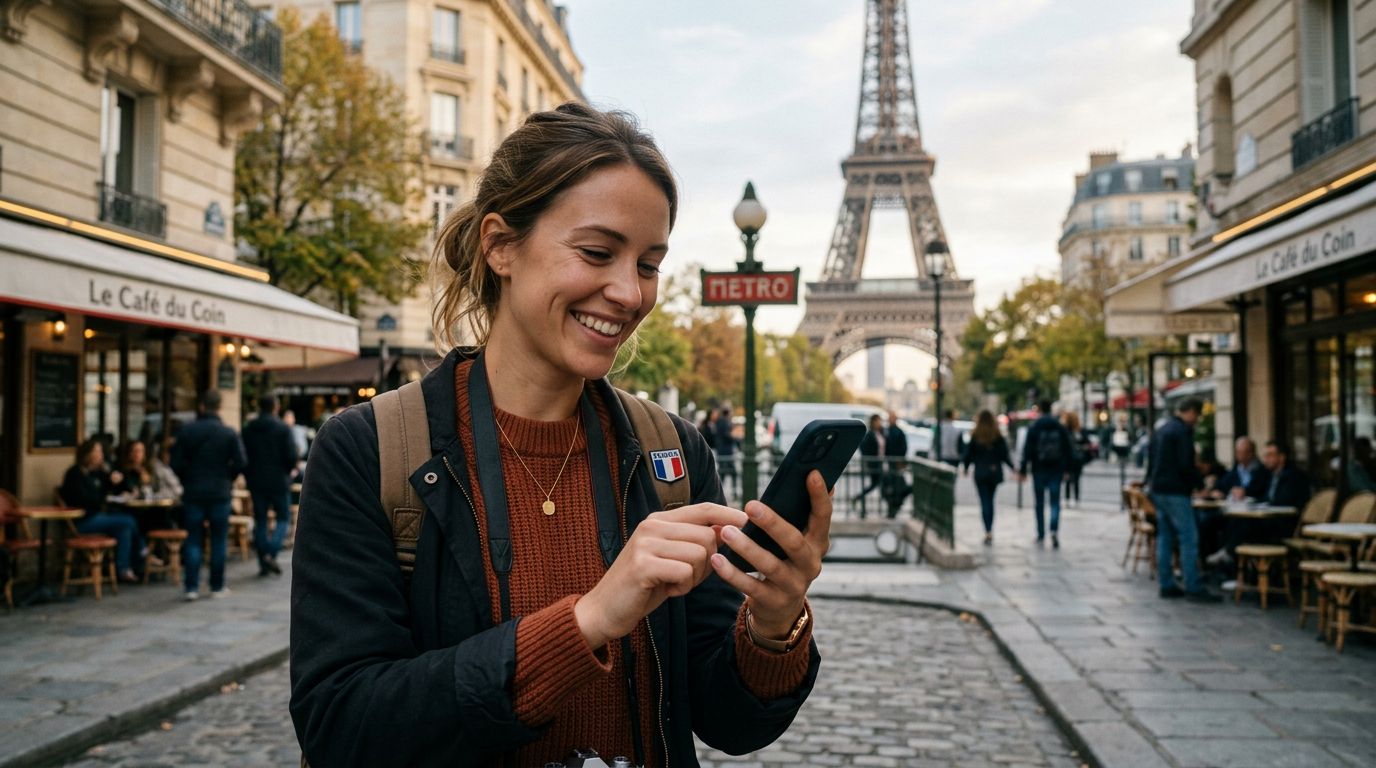
By keeping your WhatsApp number linked to your home SIM, you avoid the hassle of notifying every contact in your address book about a temporary change in your phone number. Your friends, family, and colleagues will still see your familiar profile picture and status, and your message threads will remain organized in their original order. This continuity is essential for a stress-free travel experience. Whether you are sending photos of the Eiffel Tower or coordinating a meeting time at a café, your digital communication remains as reliable as your home connection.
Ultimately, the goal of using a travel eSIM is to simplify your trip. By separating your data needs from your primary phone number, you maintain full control over your communication while enjoying the convenience of local-rate data. You can travel with confidence knowing that your WhatsApp account is secure, your contacts are accessible, and your connection to home is just a tap away. As you move through France, your focus can remain on the experience itself, rather than the technicalities of your phone settings. With the right setup, your smartphone becomes a powerful tool that enhances your journey rather than complicating it.