Understanding eSIM Technology for Your Trip to Cameroon
Traveling to Cameroon offers a rich experience, from the bustling markets of Douala to the scenic peaks of Mount Cameroon. Staying connected while exploring these diverse landscapes is essential for navigation, communication, and sharing your journey. The modern solution for travelers is the eSIM, or embedded SIM. Unlike a physical plastic card that you must insert into your device, an eSIM is a digital version built directly into the hardware of your smartphone.
When you use an eSIM, you do not need to hunt for a local kiosk or swap out your home SIM card. This eliminates the risk of losing your original card and allows you to maintain your home number for essential calls or texts while using a separate data plan for your internet needs. For those wondering how to activate your eSIM in Cameroon, the process is streamlined and efficient, provided your device is compatible and carrier-unlocked.
Before you begin, ensure your smartphone supports eSIM technology. Most flagship phones released in the last few years are compatible. You can verify this by checking your device settings under the mobile or cellular network menu. If you see an option to "Add eSIM" or "Add Cellular Plan," your device is ready. Additionally, ensure your phone is not locked to a specific carrier. If your device is locked, it will not accept a third-party eSIM, regardless of the provider.
Step-by-Step Activation Process
Activating your eSIM is a straightforward task that can be completed before you even board your flight or upon arrival in Cameroon. To get started, you will need a stable internet connection—such as hotel Wi-Fi—to download your eSIM profile.
First, visit the OneTapSIM website to select a data plan that suits your travel duration and usage requirements. Once you complete your selection, you will receive a QR code via email. This code is the key to your connectivity.
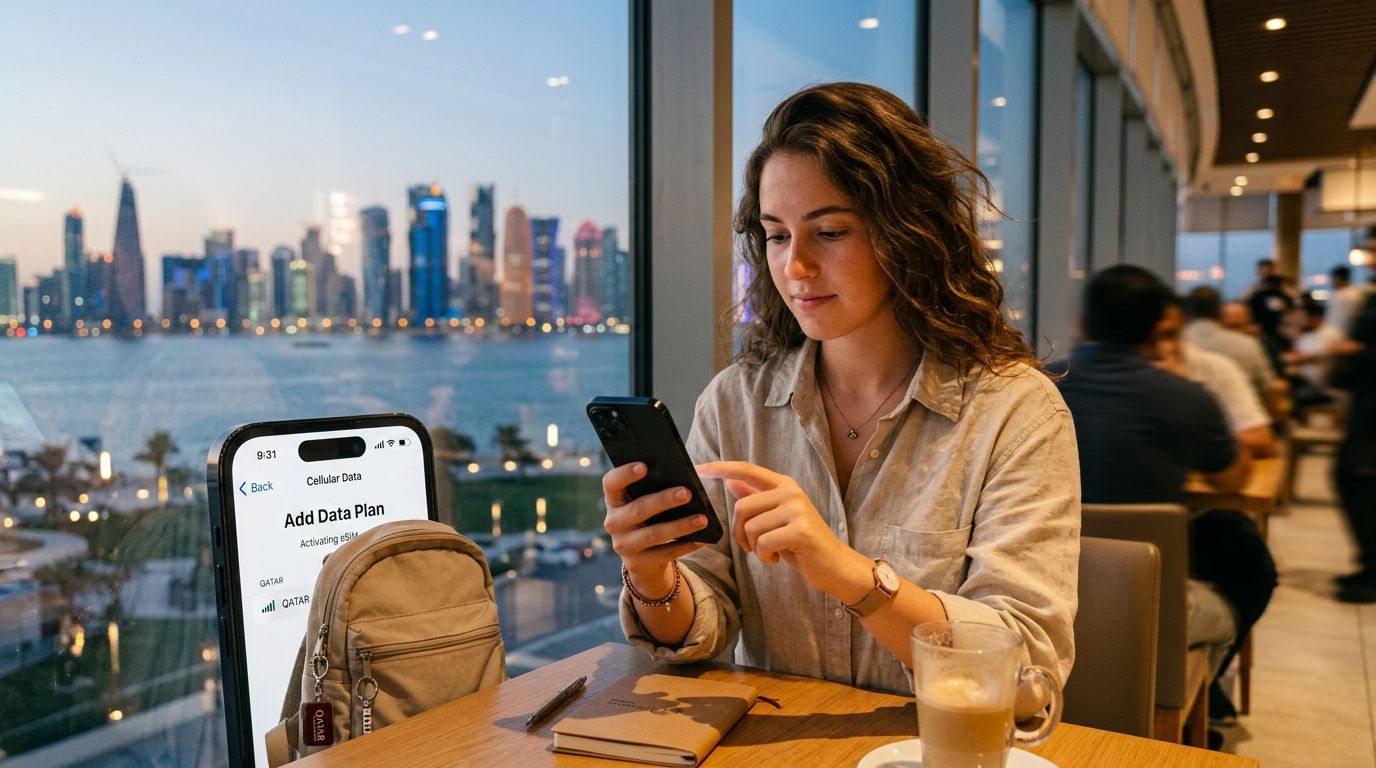
For iPhone users, go to Settings, tap Cellular or Mobile Data, and select Add eSIM. Choose "Use QR Code" and scan the code provided by your service provider. Follow the on-screen prompts to label your new plan, such as "Cameroon Travel," so you can easily distinguish it from your primary line. Once the profile is installed, ensure that "Data Roaming" is toggled on for the eSIM profile. Do not worry about extra roaming fees from your home carrier, as the data is being pulled exclusively from your eSIM plan.
For Android users, the steps are similar. Navigate to Settings, then Network & Internet, and look for the SIMs or Mobile Network section. Tap the plus icon or "Add eSIM." Scan your QR code and follow the instructions to finalize the installation. Again, ensure that the data roaming setting is enabled specifically for your new eSIM profile. Once activated, your phone will search for the local network in Cameroon, and you should see signal bars appear shortly after.
Managing Your Connection and Troubleshooting
Once you have successfully activated your eSIM, you can manage your connectivity directly through your phone’s settings. You can switch between your home SIM and your eSIM at any time. For example, if you want to use your home number for incoming calls but use the eSIM for high-speed data, you can configure your device settings to prioritize the eSIM for "Cellular Data" while keeping your home SIM active for "Voice."
If you encounter issues, the most common solution is to toggle Airplane Mode on and off. This forces your device to re-scan for available local networks in Cameroon. If the connection remains elusive, check your APN (Access Point Name) settings. Sometimes, a manual entry is required, though most modern eSIMs configure this automatically. You can find these details in the instructions provided by your eSIM provider.
Another important tip is to keep your eSIM profile installed on your device even if you are not currently using it. If you plan to return to Cameroon or travel to other regions, having the profile already on your phone makes future activation nearly instantaneous. If you need to remove the profile, you can do so in your cellular settings, but be aware that deleting an eSIM usually means you cannot reuse that same QR code. If you experience persistent issues, consult the official support pages for Apple or Google, depending on your device manufacturer, to ensure your network settings are optimized for roaming.
Traveling with an eSIM provides peace of mind. You arrive in Cameroon with your data access already secured, avoiding the stress of finding a local store or dealing with language barriers at a mobile kiosk. By preparing your device before you leave, you ensure that your trip is focused on the vibrant culture and landscapes of Cameroon rather than the logistics of staying connected. OneTapSIM simplifies this entire workflow, offering a reliable bridge to the internet so you can focus on your itinerary, whether you are visiting the Waza National Park or the coastal beaches of Kribi. Always remember to monitor your data usage through your phone’s built-in data tracking feature to ensure you remain within your plan limits throughout your stay.
Ottieni una eSIM per
Piani per le destinazioni di questa guida, con consegna immediata via QR.