Understanding Dual SIM Functionality for Your Taiwan Trip
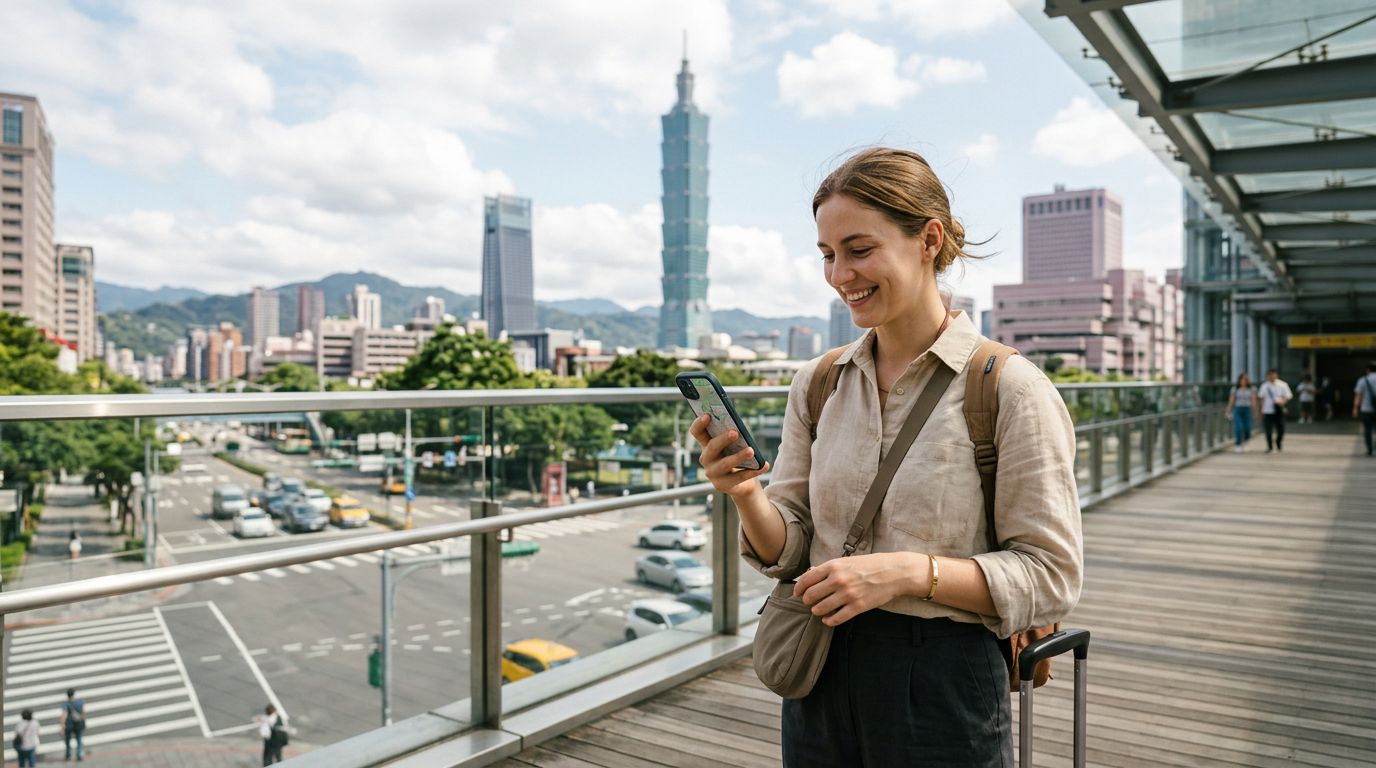
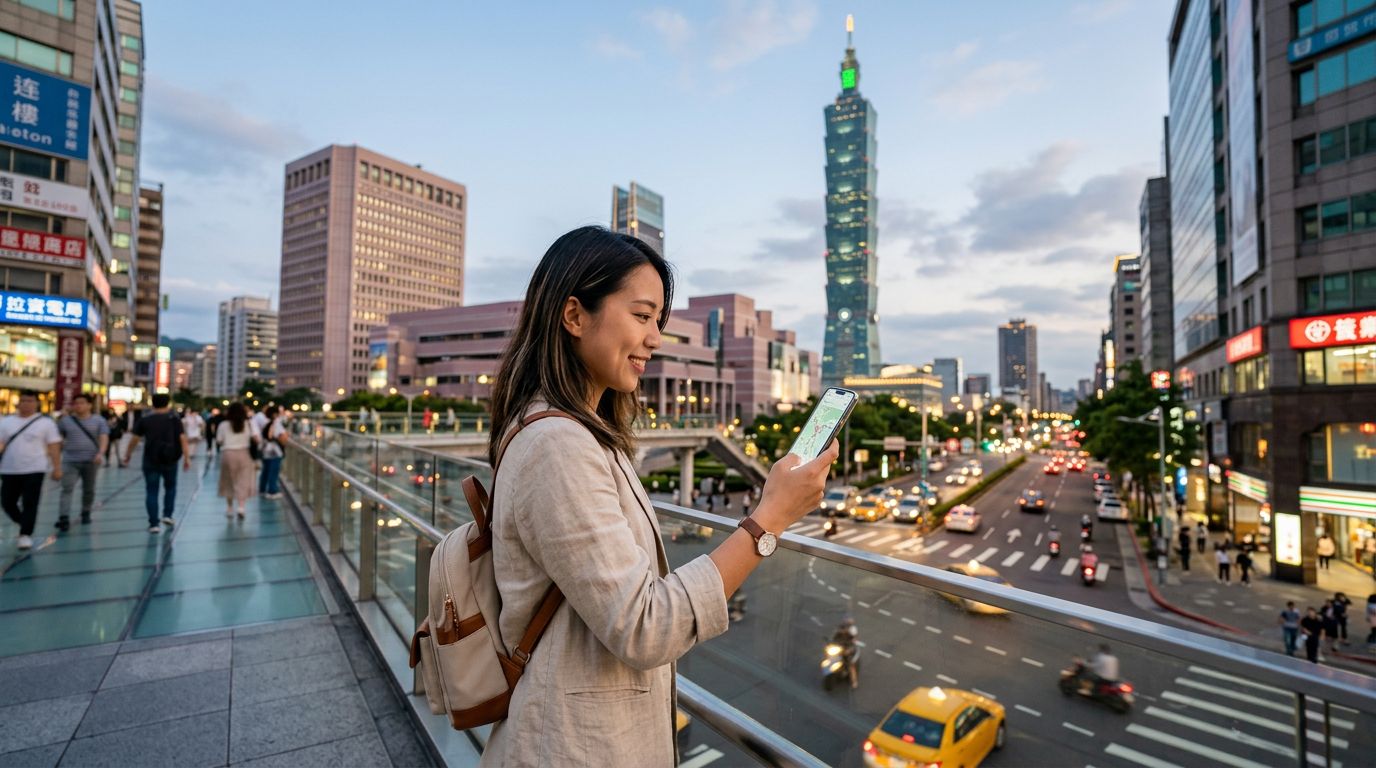
Traveling to Taiwan offers an incredible blend of bustling night markets, serene mountain landscapes, and high-tech urban centers. To enjoy these experiences fully, maintaining a reliable internet connection is essential for navigation, translation, and sharing your journey. For many modern travelers, the most efficient way to manage connectivity is by using dual SIM in Taiwan.
Dual SIM technology allows your smartphone to handle two different mobile plans simultaneously. This means you can keep your primary home number active for important calls or SMS verification codes while utilizing a secondary, local-style data plan for your internet needs. By configuring your device correctly, you avoid the high costs associated with international roaming while ensuring you are never disconnected from your home contacts.
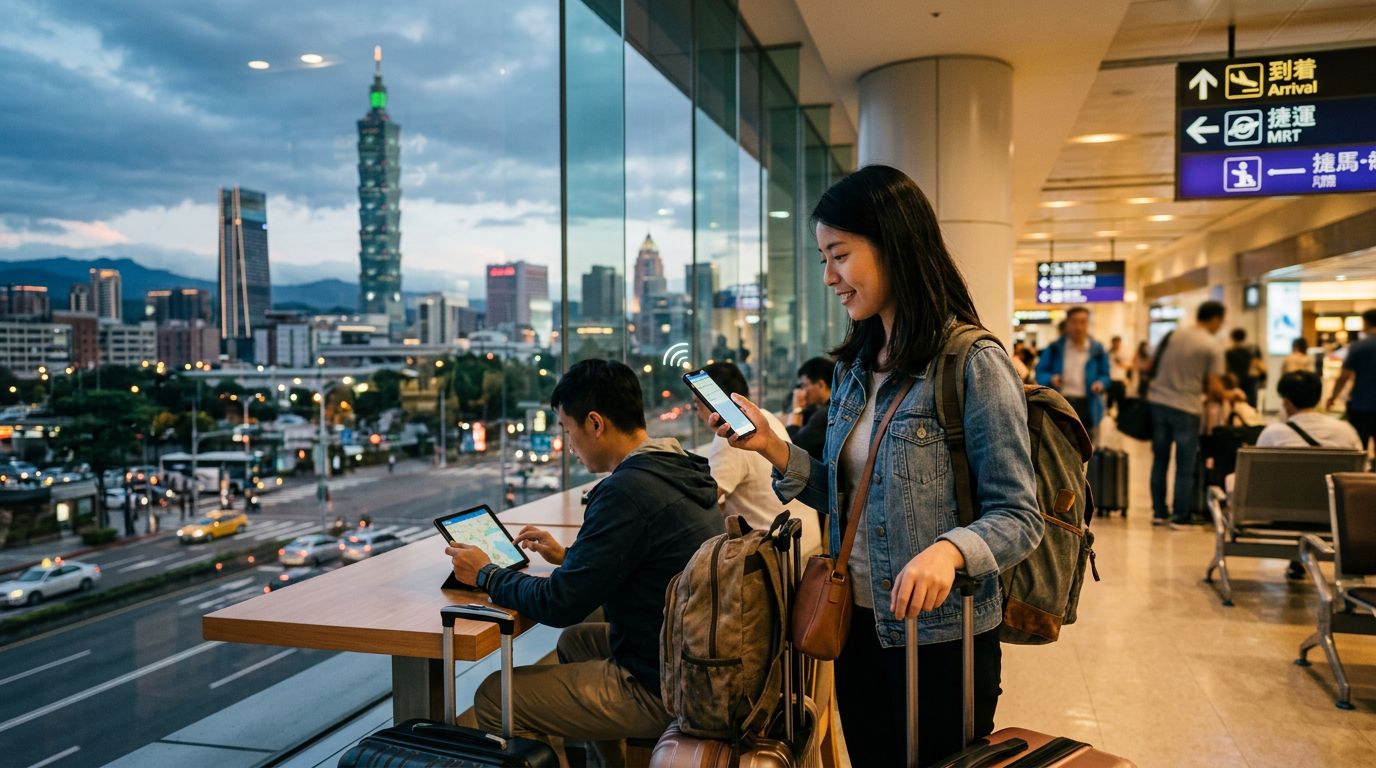
Most modern smartphones support a combination of a physical SIM card and an eSIM, or even two eSIMs. An eSIM is a digital version of a traditional SIM card that is embedded directly into your phone’s hardware. When you use OneTapSIM, you are essentially activating a digital profile that connects you to local Taiwanese networks. This setup is perfect for travelers who want to land at Taoyuan International Airport and have immediate access to maps and ride-sharing apps without the hassle of hunting for a physical kiosk or swapping out their home SIM card.
Setting Up Your Device for Seamless Connectivity
Before you depart, ensuring your device is compatible and properly configured is the most important step. Most smartphones released in the last few years support eSIM technology. You should verify that your phone is unlocked, meaning it is not restricted to a specific carrier from your home country. If your phone is locked, it will not accept a secondary SIM profile, regardless of whether it is physical or digital.
To set up your connection, you will typically receive a QR code or a manual activation code after selecting your plan through OneTapSIM. On an iPhone, you navigate to your cellular settings to add a new plan, where you can scan the provided code. Android devices follow a similar path through the network settings menu. Once the profile is installed, you can label your SIMs to distinguish between your "Home" line and your "Travel" line.
The beauty of using dual SIM in Taiwan is the granular control you have over your data usage. Within your phone’s settings, you can designate which SIM is responsible for cellular data. For a trip to Taiwan, you should set your OneTapSIM profile as the primary source for data. You can then instruct your phone to keep your home SIM active for voice and text only, or turn it off entirely if you wish to avoid any accidental roaming charges. This configuration ensures that your data-heavy activities—like streaming music on the Taipei Metro or uploading photos of your dinner—are handled exclusively by your travel plan.
Tips for Managing Data and Battery Life in Taiwan
Once you arrive in Taiwan, you will find that the country has excellent network coverage, even in remote areas like Taroko Gorge or the mountainous regions of Alishan. However, managing your settings effectively will ensure your battery lasts throughout the day. When you are using dual SIM in Taiwan, your phone is essentially searching for and maintaining two separate network connections. This can lead to slightly faster battery drain than usual.
To optimize your experience, consider turning off background app refresh for applications that do not require constant updates. Additionally, downloading offline maps for the specific cities you plan to visit can save significant amounts of data. While your OneTapSIM plan provides the necessary connectivity, being mindful of how your apps consume data will help you stay online longer without needing to reach for a portable power bank.
If you encounter a situation where you have a weak signal, try toggling your data settings. Sometimes, forcing your phone to switch from 5G to 4G can provide a more stable connection in rural areas. Furthermore, if you are traveling with a companion, remember that most modern smartphones allow you to share your data connection via a personal hotspot. If one person has a stronger signal or a more robust data plan, they can easily share that connection with other devices in your travel group.
Finally, remember that the primary advantage of this setup is flexibility. If you find yourself staying longer than expected, or if you decide to extend your trip to include more regions of the island, you can manage your digital profile without needing to visit a physical store. By keeping your home SIM active in the background, you maintain the ability to receive critical two-factor authentication codes for banking or travel apps, which is a common pain point for international travelers. Using dual SIM in Taiwan provides the perfect balance of home-country accessibility and local-level data performance, allowing you to focus on the sights, sounds, and flavors of your trip.