Staying Connected While Traveling in Sierra Leone
Sierra Leone is a country of breathtaking natural beauty, from the golden shores of Tokeh Beach to the lush, mountainous landscapes of the Loma Mountains. Whether you are visiting for professional commitments in Freetown or exploring the historical significance of Bunce Island, maintaining a reliable internet connection is essential. Many travelers find that relying solely on hotel Wi-Fi is insufficient, especially when moving between regions or needing to work remotely.
Using your smartphone as a mobile hotspot is the most practical solution for keeping your laptop or tablet connected while on the move. By sharing your mobile data, you can ensure that your secondary devices have internet access regardless of your specific location. However, achieving a stable connection requires preparation. When traveling internationally, relying on your home carrier’s roaming plan can often lead to unexpected technical hurdles or restrictive data caps. This is where modern connectivity solutions, such as an eSIM from OneTapSIM, offer a streamlined alternative. By installing a digital SIM card, you can access local network infrastructure directly, providing the stability needed to run a hotspot effectively.
Configuring Your Devices for Hotspot Sharing
Before you can successfully share your internet connection, you must ensure your hardware and software settings are correctly configured. Most modern smartphones are equipped with tethering capabilities, but the steps vary depending on whether you are using an iOS or Android device.
For iPhone users, navigate to the settings menu and locate the Personal Hotspot option. Ensure that "Allow Others to Join" is toggled on. It is advisable to set a strong, unique password to prevent unauthorized devices from consuming your data. You may also need to verify that your APN (Access Point Name) settings are correct for your specific eSIM provider. If you encounter issues, the official support documentation at support.apple.com provides comprehensive troubleshooting steps for connectivity problems.
Android users will find similar options under the Network & Internet or Connections menu, usually labeled as Hotspot & Tethering. Within this sub-menu, you can configure your Wi-Fi hotspot name and security protocols. If you are using a OneTapSIM profile, the installation process usually handles the configuration automatically, but if you need to adjust manual settings, you can find guidance through the resources at support.google.com.
When establishing a hotspot in Sierra Leone, remember that signal strength can fluctuate based on your proximity to major urban centers like Freetown or Bo. If your hotspot speed feels sluggish, try moving your phone to a location with a clearer line of sight to the nearest cell tower, such as near a window or an elevated area. Additionally, keep your phone plugged into a power source if possible; broadcasting a Wi-Fi signal consumes battery life significantly faster than standard data usage.
Best Practices for Data Management
Sharing your mobile data via a hotspot can quickly deplete your data allowance if you are not careful. Because desktop operating systems often perform background updates, cloud synchronization, and high-definition media streaming, your laptop may consume data much faster than your phone would during normal use.
To manage your data consumption effectively, start by adjusting the settings on your connected devices. On Windows or macOS, you can mark your current Wi-Fi connection as a "metered connection." This tells your computer to pause automatic updates and background syncs, which prevents it from downloading large files without your explicit permission. Similarly, avoid streaming high-resolution videos or participating in video conferences unless absolutely necessary, as these activities are the primary drivers of high data usage.
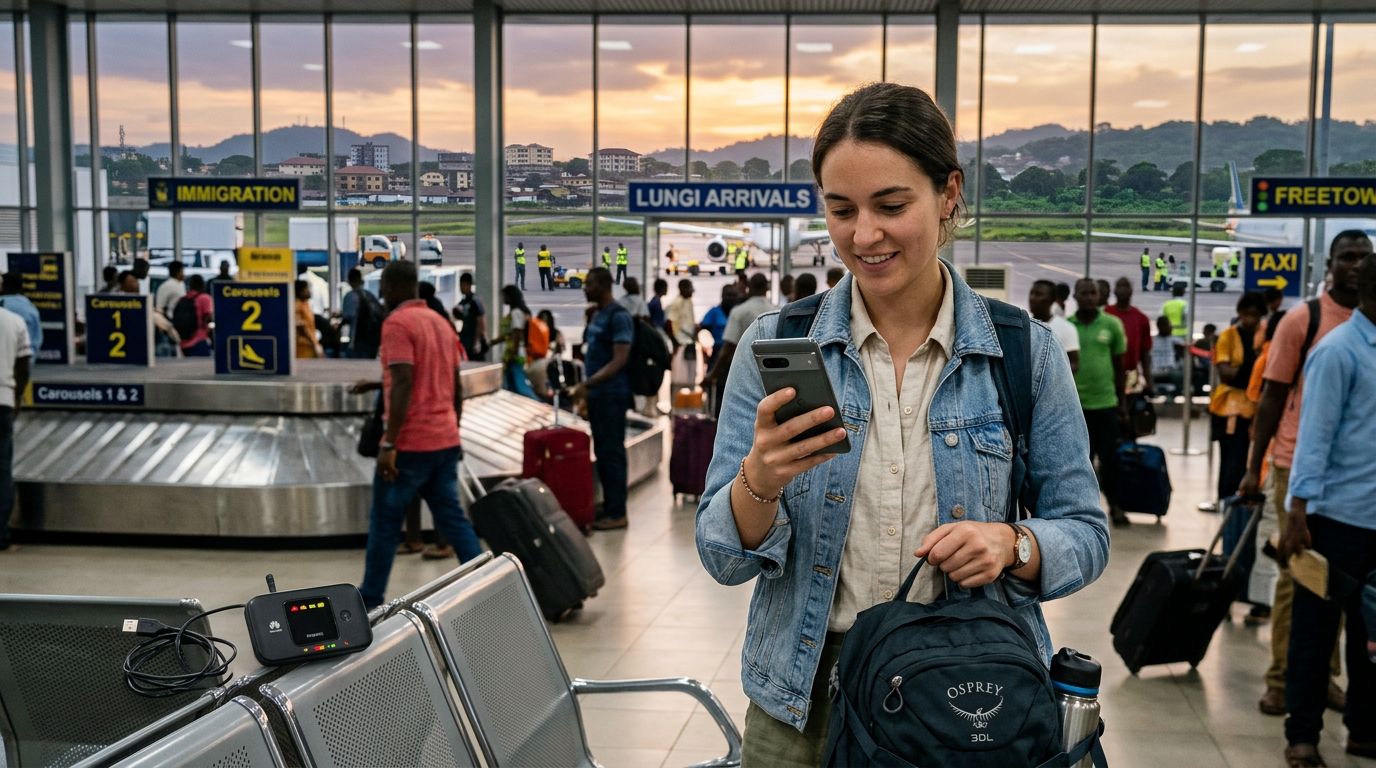
Another important aspect of using a hotspot in Sierra Leone is security. Public Wi-Fi networks in airports or cafes can be risky, but a private hotspot created through your own eSIM provides a secure, encrypted tunnel for your traffic. By using your own dedicated data connection, you minimize the risk of exposing your sensitive information to others on a shared network.
If you find that your data usage is consistently higher than expected, consider using browser extensions that block advertisements or compress images. These small adjustments can significantly extend the longevity of your data package. If you are using OneTapSIM, keep an eye on your usage through the provided portal or your device’s internal data tracking settings. Most smartphones allow you to set a data limit or monitor which applications are consuming the most bandwidth. By keeping these settings in check, you can enjoy a consistent connection throughout your journey without the stress of running out of data mid-trip.
Troubleshooting Common Connectivity Issues
Even with the best preparation, you might occasionally face connectivity challenges. If your devices are connected to your hotspot but cannot access the internet, the first step is to toggle the hotspot off and back on again. This forces the device to re-establish the handshake with the local network.
If the problem persists, check your signal bars. Sierra Leone’s geography, including its dense forests and coastal terrain, can occasionally interfere with cellular signals. If you are in a remote area, you might experience intermittent connectivity. In such cases, switching your phone’s network mode from 4G/LTE to 3G can sometimes provide a more stable, albeit slower, connection.
Furthermore, ensure that your eSIM is the primary data line selected in your phone’s cellular settings. If your phone is attempting to use a primary SIM that has no service in the region, your hotspot will fail to broadcast an internet-ready signal. By prioritizing the OneTapSIM data line, you ensure that your tethered devices are drawing from the correct, active source.
Finally, if you are having trouble connecting a specific device to your phone, try changing the Wi-Fi frequency band. Some older laptops only support the 2.4GHz band, whereas some phones default to 5GHz for faster speeds. Adjusting this in your hotspot settings menu can resolve compatibility issues between your phone and your laptop. By taking a methodical approach to these settings, you can maintain a productive and reliable internet connection throughout your travels in Sierra Leone, allowing you to focus on the experiences that make your trip memorable.