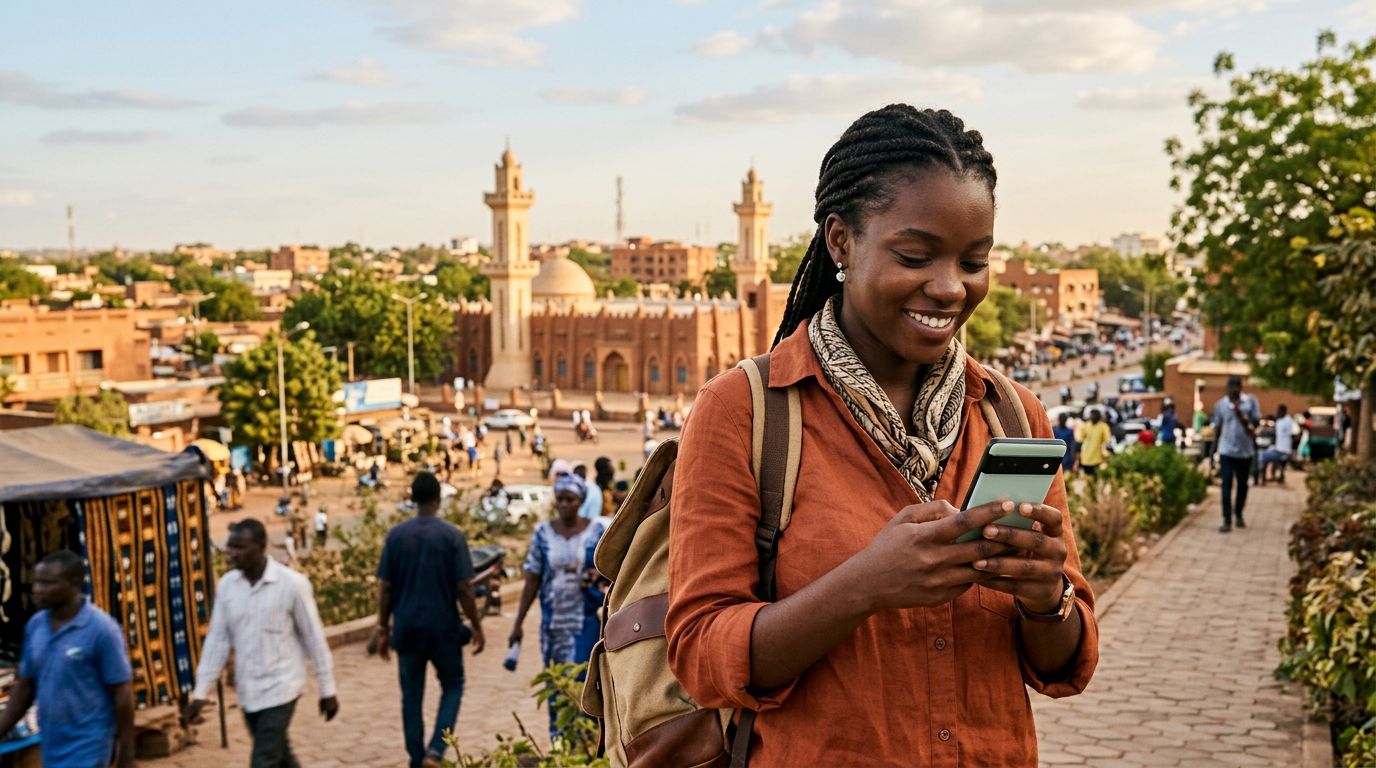
Why Ghana Demands a Reliable Connectivity Strategy
Ghana is a vibrant destination, offering everything from the bustling markets of Accra to the historical significance of the Cape Coast Castle and the serene beauty of Lake Volta. Whether you are visiting for business, exploring the rich cultural heritage, or volunteering, having a dependable internet connection is essential. Without it, you might struggle to use ride-sharing apps, access digital maps, or keep in touch with your family back home.
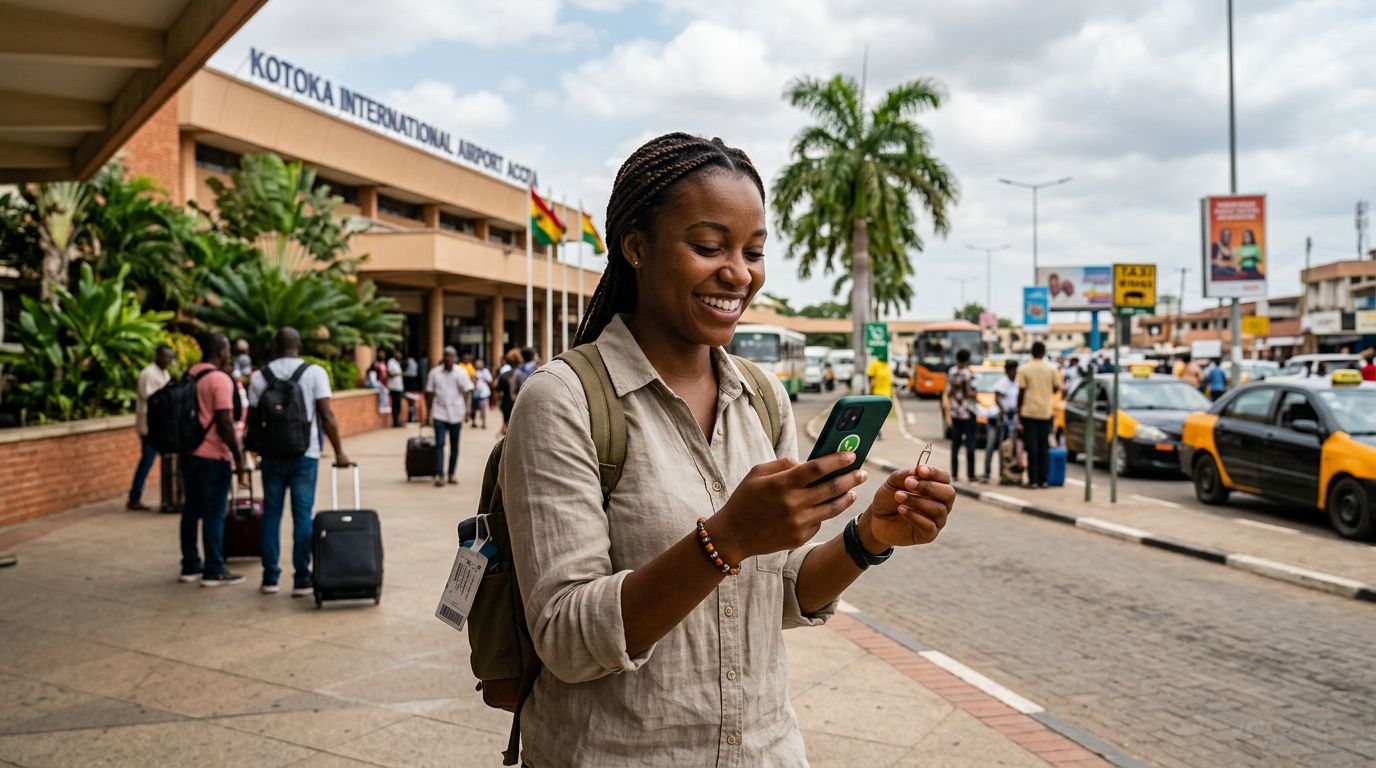
Many travelers traditionally relied on physical SIM cards purchased at the airport or local kiosks. While this method works, it often involves long queues, language barriers, and the risk of misplacing your original home SIM card. This is where an eSIM for travel to Ghana becomes the superior choice. An eSIM, or embedded SIM, is a digital version of a traditional SIM card that lives directly in your phone’s hardware. By choosing a digital solution, you eliminate the need to swap physical plastic cards, allowing you to activate your mobile data plan before you even land at Kotoka International Airport.
OneTapSIM provides a streamlined way to manage your connectivity needs. Because the service is fully digital, you can set up your connection while still at home, ensuring that as soon as your plane touches down, you are ready to navigate your surroundings. This preparation removes the stress of hunting for a local vendor the moment you arrive, letting you focus on your itinerary instead of your mobile settings.
Understanding the Benefits of eSIM Technology
The shift toward eSIM technology has transformed how international travelers handle mobile data. If your smartphone is compatible with eSIM technology, you can store multiple profiles on a single device. This means you can keep your primary number active for essential calls or texts while using a dedicated data plan for your trip to Ghana.
One of the primary advantages of this technology is the convenience of instant activation. With a traditional SIM, you are tethered to the operating hours of local shops. If you arrive on a late-night flight, you might be left without data until the morning. With an eSIM, the process is handled entirely online. Once you select your plan, you receive instructions to add the profile to your device. This process is secure and keeps your personal information protected, as you do not need to hand your phone over to a stranger at a kiosk.
Furthermore, using an eSIM for travel to Ghana helps you avoid unexpected roaming charges from your home carrier. International roaming fees can be astronomical, often accumulating costs that far exceed the price of a dedicated travel data plan. By opting for a local-style data package through a provider like OneTapSIM, you gain transparency and control. You know exactly how much data you have purchased, and you can monitor your usage throughout your stay. This predictability is vital when you are traveling in a foreign country and want to avoid any unpleasant surprises on your monthly statement.
How to Get Started with Your Ghana eSIM
Setting up your digital connection is a straightforward process that requires only a few minutes of your time. Before you begin, ensure that your smartphone is carrier-unlocked. If your phone is locked to a specific network provider, it will not accept an eSIM from another source. You can usually verify this status by checking your device settings or contacting your home service provider.
Once you have confirmed that your device is compatible and unlocked, the installation process is simple. You will receive a QR code or a set of manual instructions after purchasing your plan. On an iPhone, you navigate to your cellular settings and select the option to add an eSIM. On an Android device, the process is similarly found within your network or SIM manager settings. You simply scan the provided code, and your phone will begin the activation process.
It is recommended to install your eSIM profile while you still have a stable Wi-Fi connection, such as at home or in a hotel. Once the profile is installed, it will remain dormant until you arrive in Ghana. Upon arrival, you can toggle the line on, and your device will connect to the local network.
If you encounter any issues, most modern devices provide clear prompts to help you troubleshoot. You can also refer to official support documentation from Apple or Google if you need specific guidance on how to manage multiple SIM profiles on your hardware. By taking these steps before your departure, you ensure that your arrival in Ghana is smooth and stress-free. Whether you are checking your email, uploading photos of your trip, or using GPS to find the best local restaurants, having a reliable data plan ensures you stay connected throughout your journey. OneTapSIM focuses on making this transition as seamless as possible, allowing you to enjoy the sights and sounds of Ghana with the peace of mind that your digital life is fully supported.