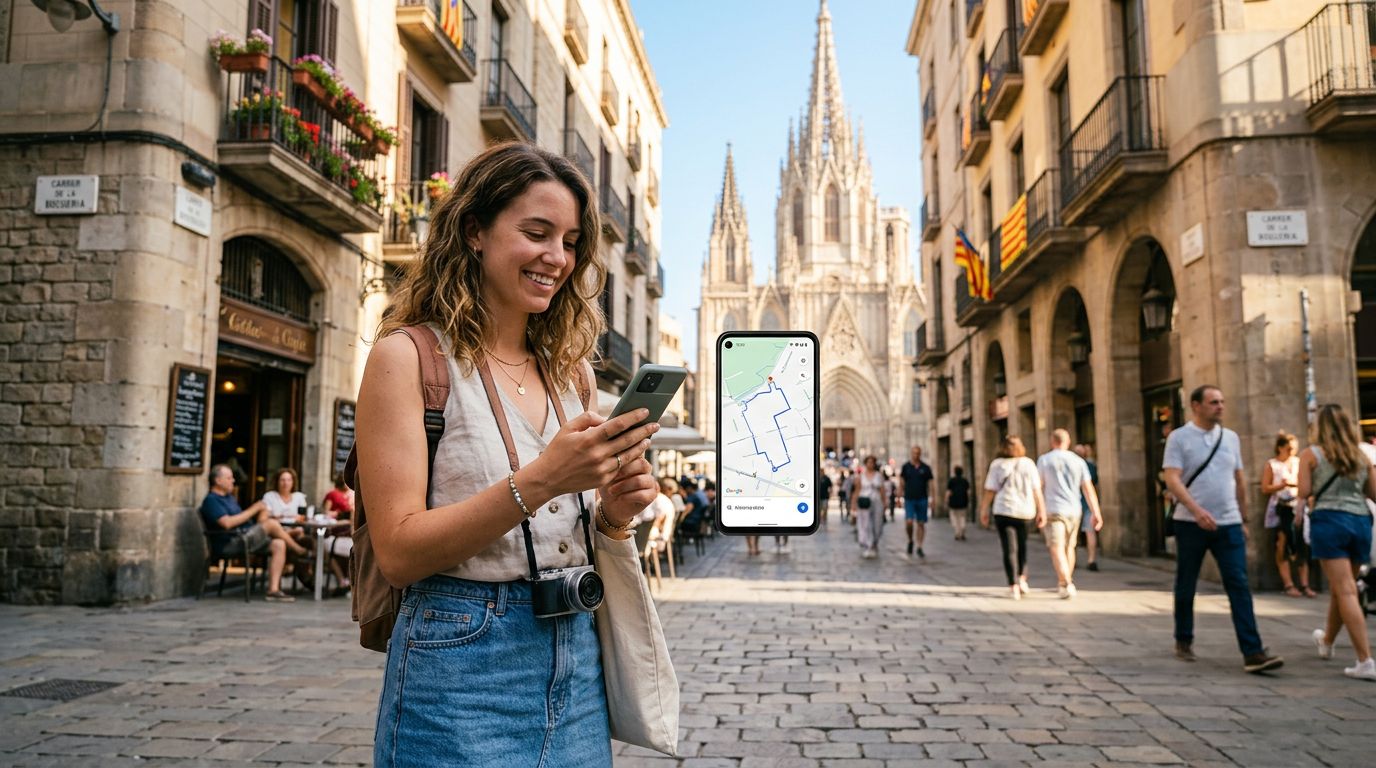
Getting lost in a foreign city is a classic travel trope, but it is one that most modern travelers prefer to avoid. When you arrive at a new destination, your smartphone becomes your most vital tool, acting as a translator, a camera, and, most importantly, a GPS navigator. A common question travelers ask before their trip is: "Can I use maps with an eSIM?" The short answer is yes, and in many cases, it is actually more reliable than relying on physical SIM cards or public Wi-Fi.
How eSIMs Power Your Navigation Apps
An eSIM functions exactly like a traditional physical SIM card, but it is embedded directly into your device's hardware. Because it provides your phone with a direct cellular data connection, you can use any navigation application—such as Google Maps, Apple Maps, or Waze—just as you would at home.
When you use an eSIM, your phone treats the data connection as a standard cellular signal. This means that your GPS apps receive real-time updates regarding traffic, road closures, and public transit schedules. Unlike relying on hotel or cafe Wi-Fi, which forces you to map out your route before leaving the building, an eSIM allows you to adjust your plans on the fly. If you decide to take a detour to see a local landmark or need to find the nearest subway station while walking down a busy street, your map application will update your position instantly.
For travelers using OneTapSIM, the process is seamless. Once the eSIM is activated, your phone maintains a constant data stream. This ensures that the "blue dot" on your map moves smoothly as you walk or drive, providing the precision necessary to navigate complex city layouts or winding rural roads without the lag associated with intermittent public networks.
Why Data Connectivity Beats Offline Maps
Many travelers attempt to rely solely on offline maps to save on roaming costs. While downloading maps for offline use is a smart backup strategy, it comes with significant limitations. Offline maps do not provide live traffic data, meaning you could be directed into a massive traffic jam that a live connection would have helped you avoid. Furthermore, offline maps often lack information about public transportation delays, ride-sharing availability, and business hours for the destinations you are searching for.
By using an eSIM, you gain access to the full functionality of your navigation tools. You can search for "restaurants near me" and get results based on your current location, read reviews, and check if a place is open before you start walking toward it. This level of spontaneity is difficult to achieve when you are tethered to a static, pre-downloaded map.
Reliability is another major factor. When you are in a foreign country, you want to know that your connection is stable. eSIM providers like OneTapSIM work by connecting to local networks, which often provide better coverage than a home carrier roaming on a limited partner network. This stability is crucial when you are relying on your phone to get you back to your accommodation after dark. Instead of worrying about whether your map will load, you can focus on the sights and sounds of your trip.
Tips for Optimizing Navigation While Traveling
To make the most of your eSIM while navigating, there are a few best practices to keep in mind. First, check your phone’s settings to ensure that your navigation apps have permission to use cellular data. Sometimes, users accidentally restrict background data, which can prevent maps from updating in real-time.
Second, consider the battery impact of using GPS. Navigation apps are notoriously power-hungry. Using an eSIM is generally more battery-efficient than constantly scanning for public Wi-Fi networks, as the phone does not have to work as hard to maintain a connection. However, keeping your screen brightness at a reasonable level and carrying a portable power bank are still recommended for long days of exploring.
Third, utilize the "layers" feature in your maps application. You can toggle between satellite view, transit view, and standard map view. If you are in a dense urban environment, satellite view can help you identify specific building entrances or landmarks that are not clearly marked on a standard map. Because your eSIM provides a consistent data flow, you can switch between these views without waiting for high-resolution images to load over a slow connection.
Finally, remember that your eSIM is not just for maps. It provides the connectivity needed to use ride-sharing apps, which often require a phone number or a data connection to coordinate pickup points with drivers. If you find yourself in a situation where you need to call a local taxi or contact a tour guide, having a reliable data plan ensures you are never truly disconnected.
Using an eSIM removes the anxiety of getting lost. By providing a constant, high-speed connection, it allows your smartphone to act as a sophisticated personal guide. Whether you are navigating the narrow alleys of an ancient European city or driving through the sprawling suburbs of a new continent, having an active data plan ensures that your maps are always accurate, up-to-date, and ready to guide you to your next destination. Choosing a service like OneTapSIM helps ensure that this connection is established quickly upon arrival, letting you spend less time configuring settings and more time enjoying your journey.